Field types
Every field type ohne ships, with all of its options.
Every field has a type, named by the first argument of field(). The second argument holds that type's options:
import { defineCollection, field } from 'ohnejs';

export default defineCollection({
  fields: {
    title: field('text', { max: 120 }),
    status: field('select', { choices: ['draft', 'published'] }),
  },
});
This page lists every type ohne ships, with all the options each one takes. Collections and fields shows how the types work together, and custom field types shows how to add your own.
Types and options are sorted alphabetically. The default is what an omitted option resolves to. A - means the option stays unset, and "required" means the field() call does not type-check without it.
Built-in types
These are part of the framework, so every app has them.
blocks
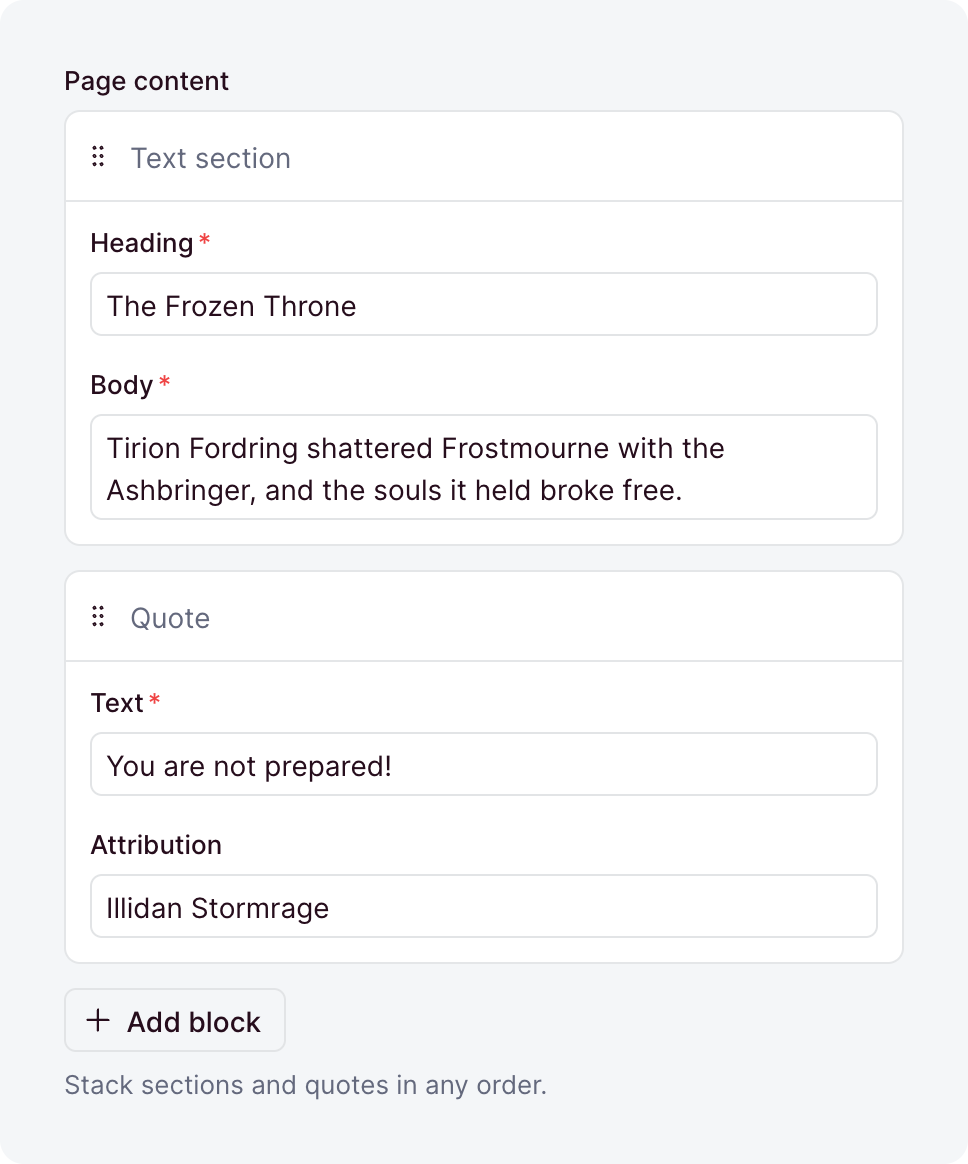
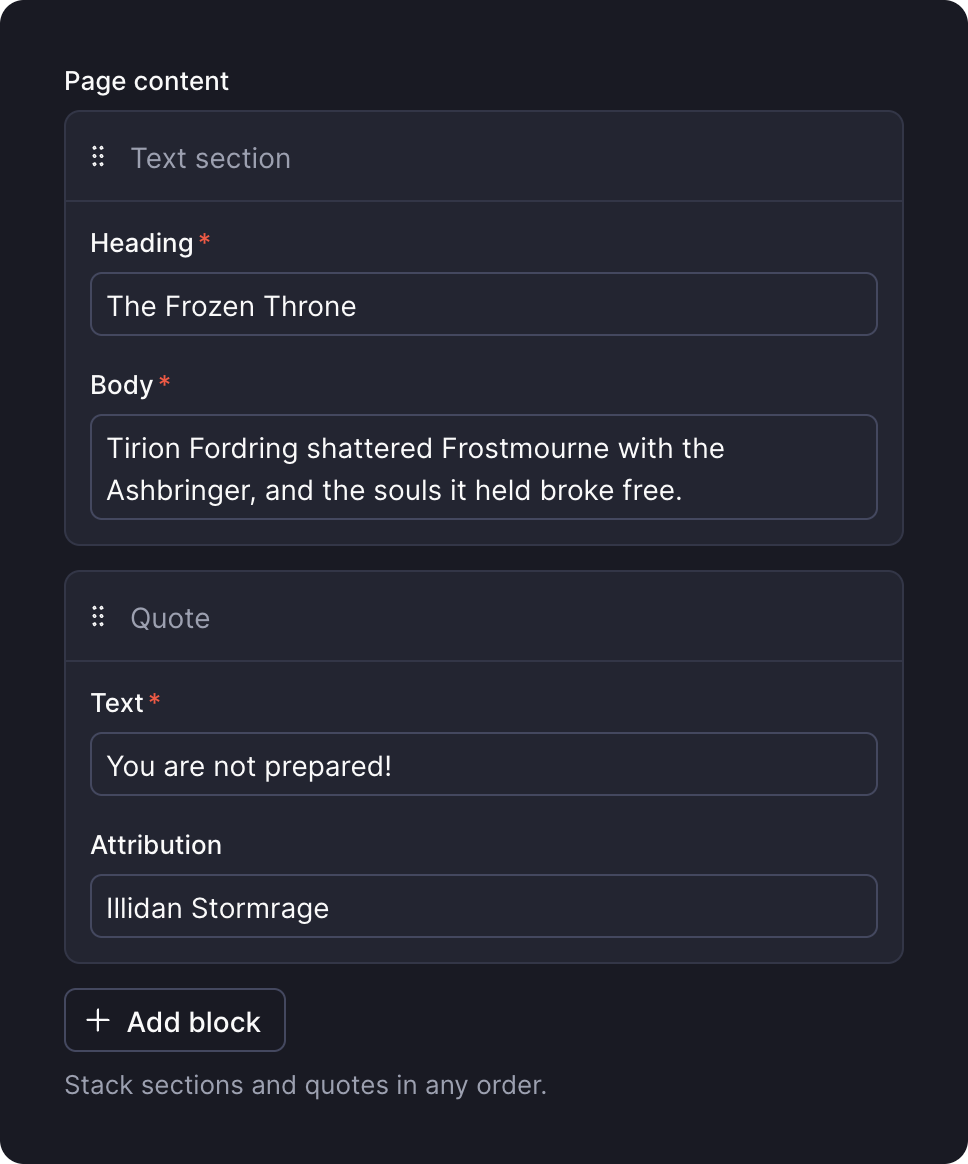
An ordered list of mixed, reusable shapes, each defined once under blocks/. Blocks covers them in depth.
| Option | Default | What it does |
|---|---|---|
allow | - | The block types the field may hold. Omitted, it accepts every block the app defines. |
allowEmpty | true | Accepts an empty list. With false, a written [] is rejected, so the field needs at least one block. |
default | [] | A function that returns the list a create stores when its input leaves the field out. |
description | - | Help text below the label, as markdown. A string, a message key, or an object that starts it collapsed. |
immutable | false | Locks the field after create: creates accept it, updates reject it. Top-level collection fields only. |
label | - | The label the dashboard shows, as a string or a message key. Omitted, the field name is sentence-cased. |
readable | true | false makes the field write-only: no read returns it. |
sanitizers | - | Functions that clean the value before it is validated. |
search | true | false keeps search from looking inside the blocks. |
translatable | false | Keeps one list per locale. Top-level collection fields only. |
validators | - | Functions that reject a value by returning a message. |
when | - | A condition that turns the field on or off per record. |
writable | true | false removes the field from write inputs, so its value comes from default. |
boolean


true or false.
| Option | Default | What it does |
|---|---|---|
default | - | The value a create stores when its input leaves the field out. A value, or a function that computes one. |
description | - | Help text below the label, as markdown. A string, a message key, or an object that starts it collapsed. |
display | 'checkbox' | The editor: 'checkbox', 'switch', or 'buttons'. The stored value is the same either way. |
falseLabel | - | The false button's label under display: 'buttons', as a string or a message key. Omitted, it reads "No". |
immutable | false | Locks the field after create: creates accept it, updates reject it. Top-level collection fields only. |
index | false | Adds an index on the column, for faster lookups. |
label | - | The label the dashboard shows, as a string or a message key. Omitted, the field name is sentence-cased. |
nullable | false | Lets the field hold null. |
readable | true | false makes the field write-only: no read returns it. |
sanitizers | - | Functions that clean the value before it is validated. |
search | false | A boolean has nothing for search to match, so true fails at boot. |
translatable | false | Keeps one value per locale. Top-level collection fields only. |
trueLabel | - | The true button's label under display: 'buttons', as a string or a message key. Omitted, it reads "Yes". |
unique | false | Rejects a value that another row already holds. |
uniquePerLocale | false | Limits unique to one locale. Needs unique and translatable. |
uniquePerParent | false | Limits unique to each record's own list, inside a repeater. Needs unique. |
validators | - | Functions that reject a value by returning a message. |
when | - | A condition that turns the field on or off per record. |
writable | true | false removes the field from write inputs, so its value comes from default. |
code
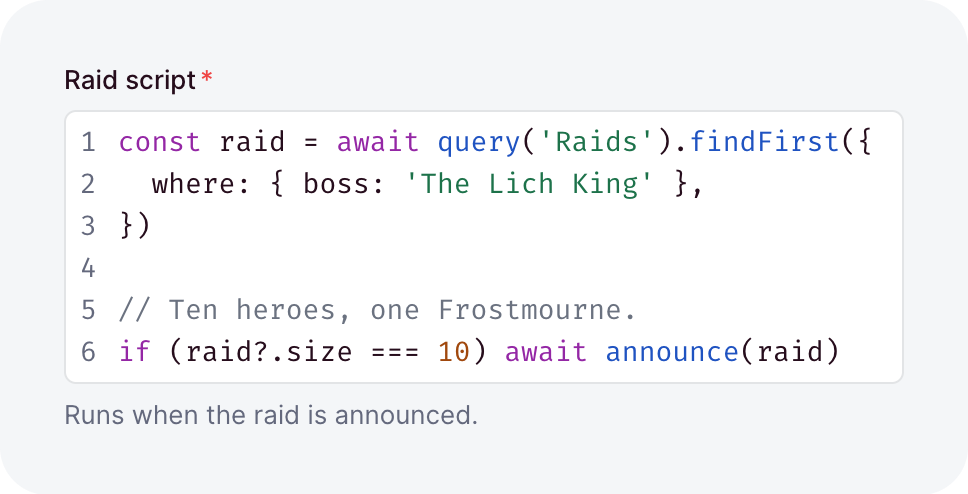
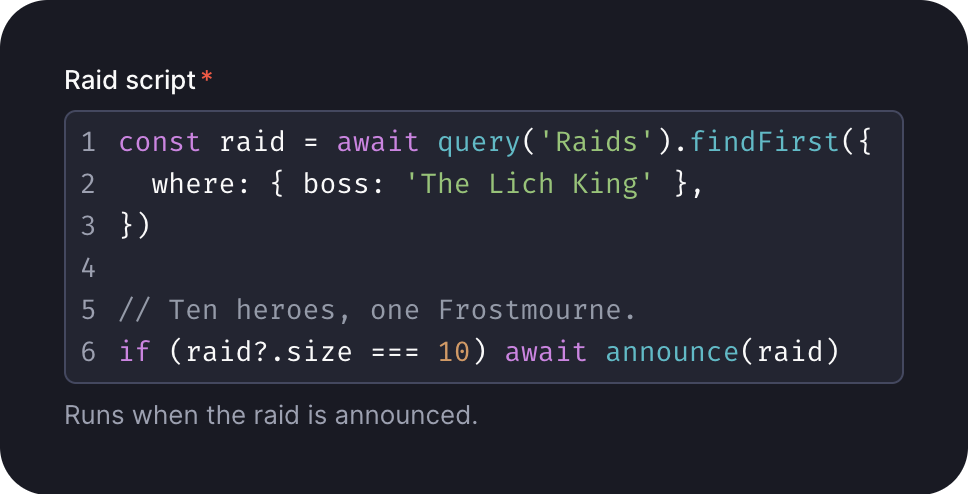
Source code, edited with line numbers and highlighting. Tab indents, and Escape leaves the editor.
| Option | Default | What it does |
|---|---|---|
allowEmpty | false | Accepts the empty string ''. |
default | - | The value a create stores when its input leaves the field out. A value, or a function that computes one. |
description | - | Help text below the label, as markdown. A string, a message key, or an object that starts it collapsed. |
immutable | false | Locks the field after create: creates accept it, updates reject it. Top-level collection fields only. |
indent | 2 | What Tab inserts: that many spaces, or 'tab'. |
index | false | Adds an index on the column, for faster lookups. |
label | - | The label the dashboard shows, as a string or a message key. Omitted, the field name is sentence-cased. |
language | - | The language to highlight: ts, json, css, html, markdown, sql, yaml, xml, sh or gitignore, or a file name like config.json. json also rejects a value that does not parse. |
languageFrom | - | A sibling field whose value names the language, or a file path like app.json. |
max | - | The most characters a value may hold, counted like String#length, so an emoji counts as 2. |
min | - | The fewest characters a value may hold, counted the same way. |
nullable | false | Lets the field hold null. |
placeholder | - | The hint an empty input shows, as a string or a message key. |
readable | true | false makes the field write-only: no read returns it. |
sanitizers | - | Functions that clean the value before it is validated. |
search | false | true lets search match any value that contains the typed word. |
translatable | false | Keeps one value per locale. Top-level collection fields only. |
unique | false | Rejects a value that another row already holds. |
uniquePerLocale | false | Limits unique to one locale. Needs unique and translatable. |
uniquePerParent | false | Limits unique to each record's own list, inside a repeater. Needs unique. |
validators | - | Functions that reject a value by returning a message. |
when | - | A condition that turns the field on or off per record. |
wrap | false | Wraps long lines instead of scrolling sideways. |
writable | true | false removes the field from write inputs, so its value comes from default. |
color
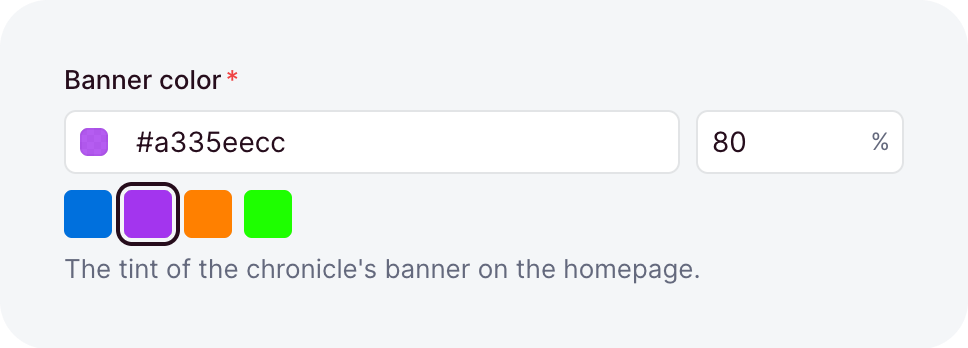
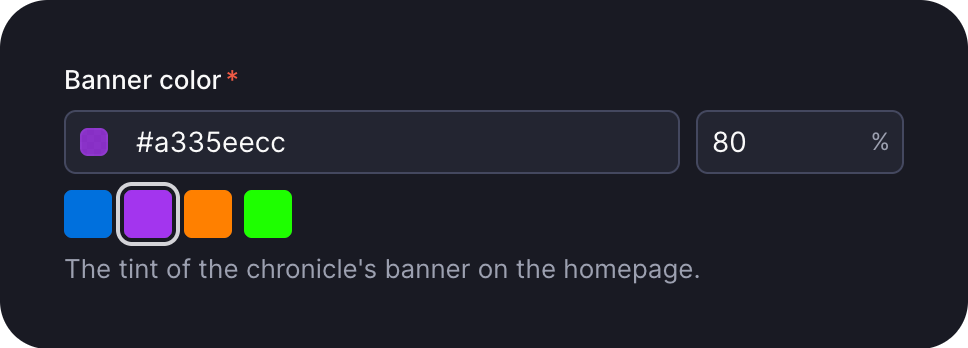
A hex color, stored in one form, so #F80 is stored as #ff8800. A translucent color needs alpha and is stored as #rrggbbaa.
| Option | Default | What it does |
|---|---|---|
alpha | false | Allows a translucent color, stored with its alpha as #rrggbbaa. |
default | - | The value a create stores when its input leaves the field out. A value, or a function that computes one. |
description | - | Help text below the label, as markdown. A string, a message key, or an object that starts it collapsed. |
immutable | false | Locks the field after create: creates accept it, updates reject it. Top-level collection fields only. |
index | false | Adds an index on the column, for faster lookups. |
label | - | The label the dashboard shows, as a string or a message key. Omitted, the field name is sentence-cased. |
nullable | false | Lets the field hold null. |
readable | true | false makes the field write-only: no read returns it. |
sanitizers | - | Functions that clean the value before it is validated. |
search | false | true lets search match any value that contains the typed word. |
swatches | - | Colors the dashboard offers to pick from, in any hex spelling. Any other color stays legal. |
translatable | false | Keeps one value per locale. Top-level collection fields only. |
unique | false | Rejects a value that another row already holds. |
uniquePerLocale | false | Limits unique to one locale. Needs unique and translatable. |
uniquePerParent | false | Limits unique to each record's own list, inside a repeater. Needs unique. |
validators | - | Functions that reject a value by returning a message. |
when | - | A condition that turns the field on or off per record. |
writable | true | false removes the field from write inputs, so its value comes from default. |
date
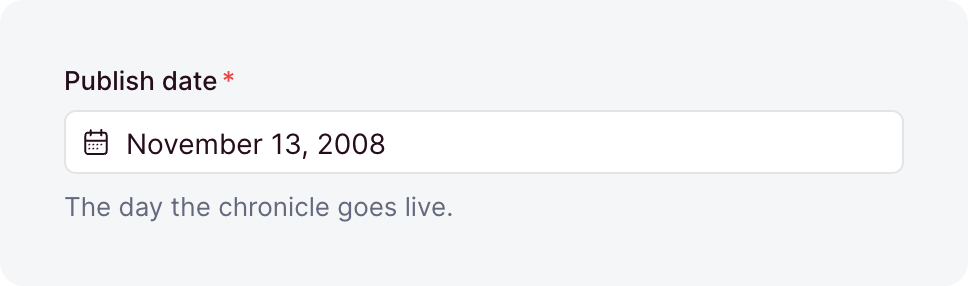
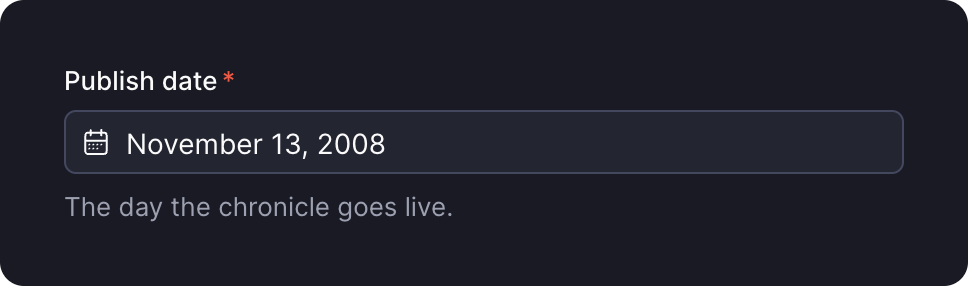
A calendar day, stored as YYYY-MM-DD text. No time zone is involved.
| Option | Default | What it does |
|---|---|---|
default | - | The value a create stores when its input leaves the field out. A value, or a function that computes one. |
description | - | Help text below the label, as markdown. A string, a message key, or an object that starts it collapsed. |
immutable | false | Locks the field after create: creates accept it, updates reject it. Top-level collection fields only. |
index | false | Adds an index on the column, for faster lookups. |
label | - | The label the dashboard shows, as a string or a message key. Omitted, the field name is sentence-cased. |
max | - | The latest day, as YYYY-MM-DD. |
min | - | The earliest day, as YYYY-MM-DD. |
nullable | false | Lets the field hold null. |
placeholder | - | The hint an empty input shows, as a string or a message key. |
readable | true | false makes the field write-only: no read returns it. |
sanitizers | - | Functions that clean the value before it is validated. |
search | true | Lets search match the field. A year, month, or day like 2024-06 finds the days it starts. |
translatable | false | Keeps one value per locale. Top-level collection fields only. |
unique | false | Rejects a value that another row already holds. |
uniquePerLocale | false | Limits unique to one locale. Needs unique and translatable. |
uniquePerParent | false | Limits unique to each record's own list, inside a repeater. Needs unique. |
validators | - | Functions that reject a value by returning a message. |
when | - | A condition that turns the field on or off per record. |
writable | true | false removes the field from write inputs, so its value comes from default. |
dateTime
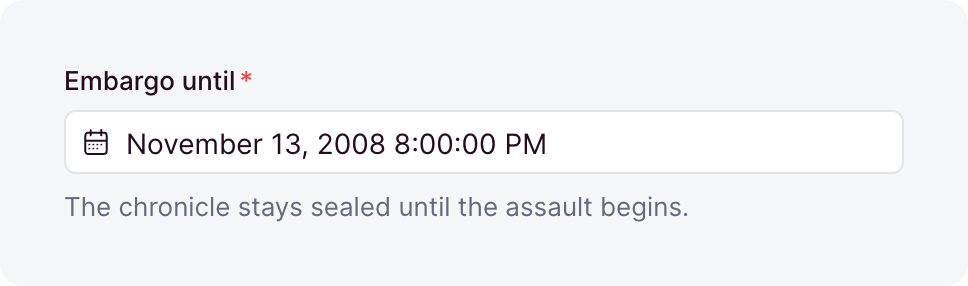
An instant, stored as epoch milliseconds. A write takes that number only, so convert a Date with getTime() first. The dashboard shows it in the viewer's time zone.
| Option | Default | What it does |
|---|---|---|
default | - | The value a create stores when its input leaves the field out. A value, or a function that computes one. |
description | - | Help text below the label, as markdown. A string, a message key, or an object that starts it collapsed. |
immutable | false | Locks the field after create: creates accept it, updates reject it. Top-level collection fields only. |
index | false | Adds an index on the column, for faster lookups. |
label | - | The label the dashboard shows, as a string or a message key. Omitted, the field name is sentence-cased. |
max | - | The latest instant, as epoch milliseconds or an ISO 8601 string. |
min | - | The earliest instant, as epoch milliseconds or an ISO 8601 string. |
nullable | false | Lets the field hold null. |
placeholder | - | The hint an empty input shows, as a string or a message key. |
readable | true | false makes the field write-only: no read returns it. |
relativeTime | false | Shows the instant as elapsed time, like "2 hours ago", with the exact date on hover. |
sanitizers | - | Functions that clean the value before it is validated. |
search | false | An instant has nothing for search to match, so true fails at boot. |
timezone | - | A fixed IANA zone the dashboard shows and edits the instant in. Omitted, the viewer's own zone applies. |
translatable | false | Keeps one value per locale. Top-level collection fields only. |
unique | false | Rejects a value that another row already holds. |
uniquePerLocale | false | Limits unique to one locale. Needs unique and translatable. |
uniquePerParent | false | Limits unique to each record's own list, inside a repeater. Needs unique. |
validators | - | Functions that reject a value by returning a message. |
when | - | A condition that turns the field on or off per record. |
writable | true | false removes the field from write inputs, so its value comes from default. |
duration
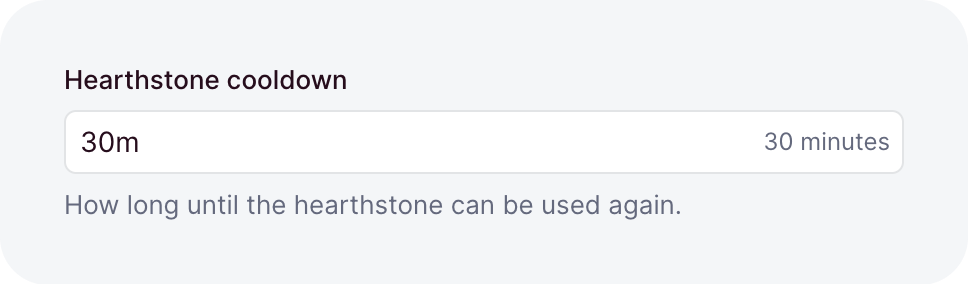
A length of time, stored as whole milliseconds, which writes, reads, and where use. The dashboard takes text like 1h 30m and shows the value in the reader's language. Its units are ms, s, m, h, d, w, mo (30 days) and y (365 days).
| Option | Default | What it does |
|---|---|---|
default | - | The value a create stores when its input leaves the field out. A value, or a function that computes one. |
description | - | Help text below the label, as markdown. A string, a message key, or an object that starts it collapsed. |
immutable | false | Locks the field after create: creates accept it, updates reject it. Top-level collection fields only. |
index | false | Adds an index on the column, for faster lookups. |
label | - | The label the dashboard shows, as a string or a message key. Omitted, the field name is sentence-cased. |
max | - | The longest duration, as milliseconds or text like '2h'. |
min | 0 | The shortest duration, as milliseconds or text like '5m'. |
nullable | false | Lets the field hold null. |
placeholder | - | The hint an empty input shows, as a string or a message key. |
readable | true | false makes the field write-only: no read returns it. |
sanitizers | - | Functions that clean the value before it is validated. |
search | false | true lets search find the exact duration, like 90m. |
translatable | false | Keeps one value per locale. Top-level collection fields only. |
unique | false | Rejects a value that another row already holds. |
uniquePerLocale | false | Limits unique to one locale. Needs unique and translatable. |
uniquePerParent | false | Limits unique to each record's own list, inside a repeater. Needs unique. |
validators | - | Functions that reject a value by returning a message. |
when | - | A condition that turns the field on or off per record. |
writable | true | false removes the field from write inputs, so its value comes from default. |
email
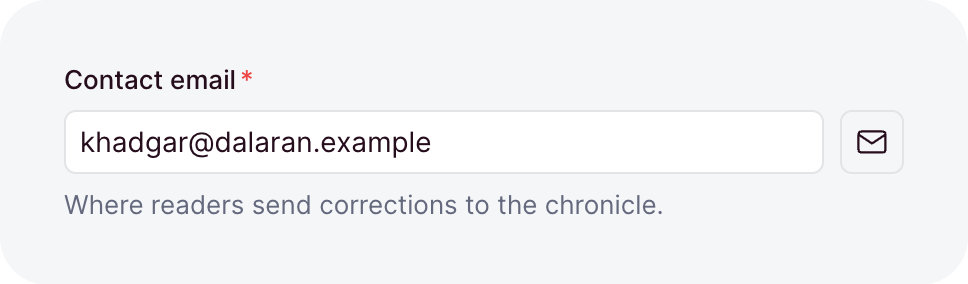
An email address, stored trimmed and lowercased, so Thrall@Orgrimmar.example and thrall@orgrimmar.example are one value for unique. A where compares its value as you pass it, so normalize it first with normalizeEmail from ohnejs/utils.
| Option | Default | What it does |
|---|---|---|
default | - | The value a create stores when its input leaves the field out. A value, or a function that computes one. |
description | - | Help text below the label, as markdown. A string, a message key, or an object that starts it collapsed. |
immutable | false | Locks the field after create: creates accept it, updates reject it. Top-level collection fields only. |
index | false | Adds an index on the column, for faster lookups. |
label | - | The label the dashboard shows, as a string or a message key. Omitted, the field name is sentence-cased. |
nullable | false | Lets the field hold null. |
placeholder | - | The hint an empty input shows, as a string or a message key. |
readable | true | false makes the field write-only: no read returns it. |
sanitizers | - | Functions that clean the value before it is validated. |
search | true | Lets search match any value that contains the typed word. |
translatable | false | Keeps one value per locale. Top-level collection fields only. |
unique | false | Rejects a value that another row already holds. |
uniquePerLocale | false | Limits unique to one locale. Needs unique and translatable. |
uniquePerParent | false | Limits unique to each record's own list, inside a repeater. Needs unique. |
validators | - | Functions that reject a value by returning a message. |
when | - | A condition that turns the field on or off per record. |
writable | true | false removes the field from write inputs, so its value comes from default. |
integer
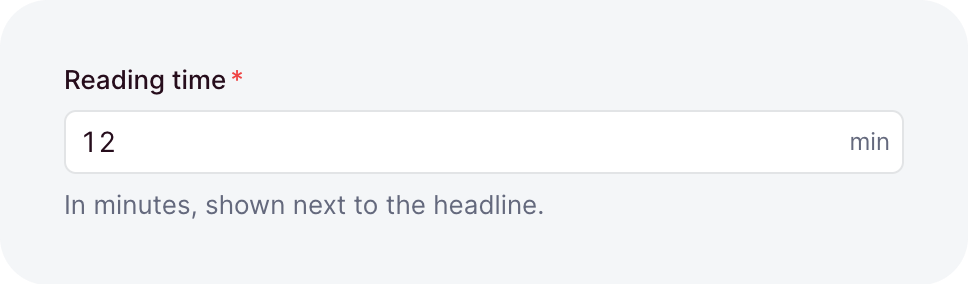
A whole number within JavaScript's safe range. With a currency it is an amount in minor units, so 1999 in EUR is 19.99 €.
| Option | Default | What it does |
|---|---|---|
currency | - | The ISO 4217 currency the value counts in, like 'EUR'. min, max and step count minor units too. |
default | - | The value a create stores when its input leaves the field out. A value, or a function that computes one. |
description | - | Help text below the label, as markdown. A string, a message key, or an object that starts it collapsed. |
display | 'input' | The editor: 'input', or 'slider' for an input beside a range track. A slider needs min and max. The stored value is the same either way. |
immutable | false | Locks the field after create: creates accept it, updates reject it. Top-level collection fields only. |
index | false | Adds an index on the column, for faster lookups. |
label | - | The label the dashboard shows, as a string or a message key. Omitted, the field name is sentence-cased. |
max | - | The largest value. |
min | - | The smallest value. |
nullable | false | Lets the field hold null. |
placeholder | - | The hint an empty input shows, as a string or a message key. |
readable | true | false makes the field write-only: no read returns it. |
sanitizers | - | Functions that clean the value before it is validated. |
search | false | true lets search find the exact number, like 1042. |
step | - | The grid every value must lie on: min plus a multiple of step, or a multiple of step without min. |
suffix | - | A unit shown after the value, like 'kg', as a string or a message key. |
translatable | false | Keeps one value per locale. Top-level collection fields only. |
unique | false | Rejects a value that another row already holds. |
uniquePerLocale | false | Limits unique to one locale. Needs unique and translatable. |
uniquePerParent | false | Limits unique to each record's own list, inside a repeater. Needs unique. |
validators | - | Functions that reject a value by returning a message. |
when | - | A condition that turns the field on or off per record. |
writable | true | false removes the field from write inputs, so its value comes from default. |
json
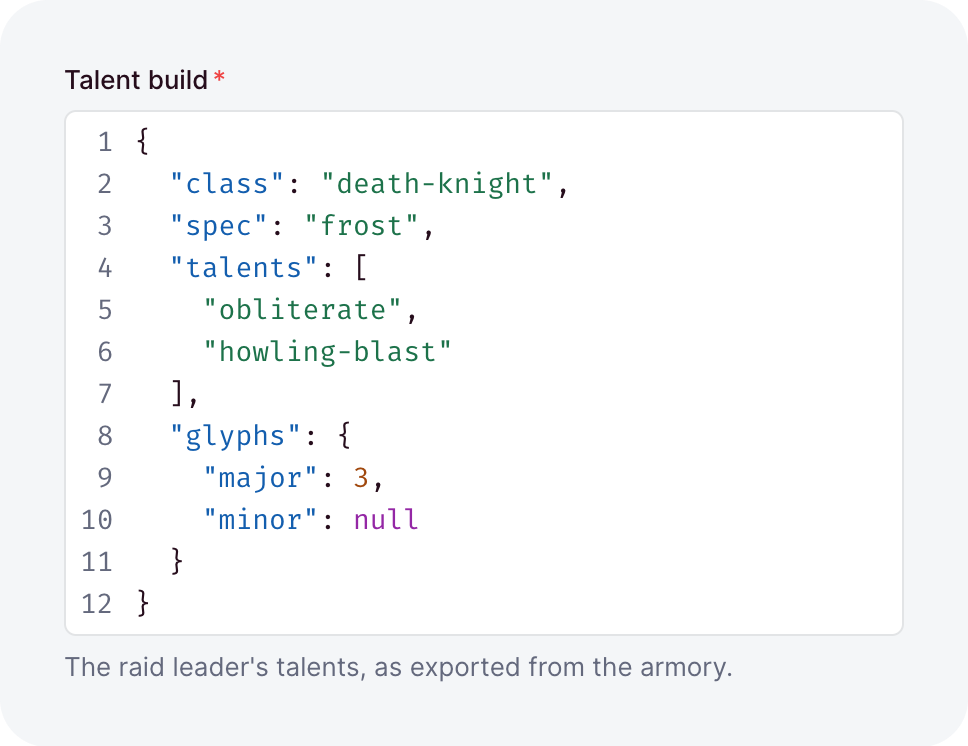
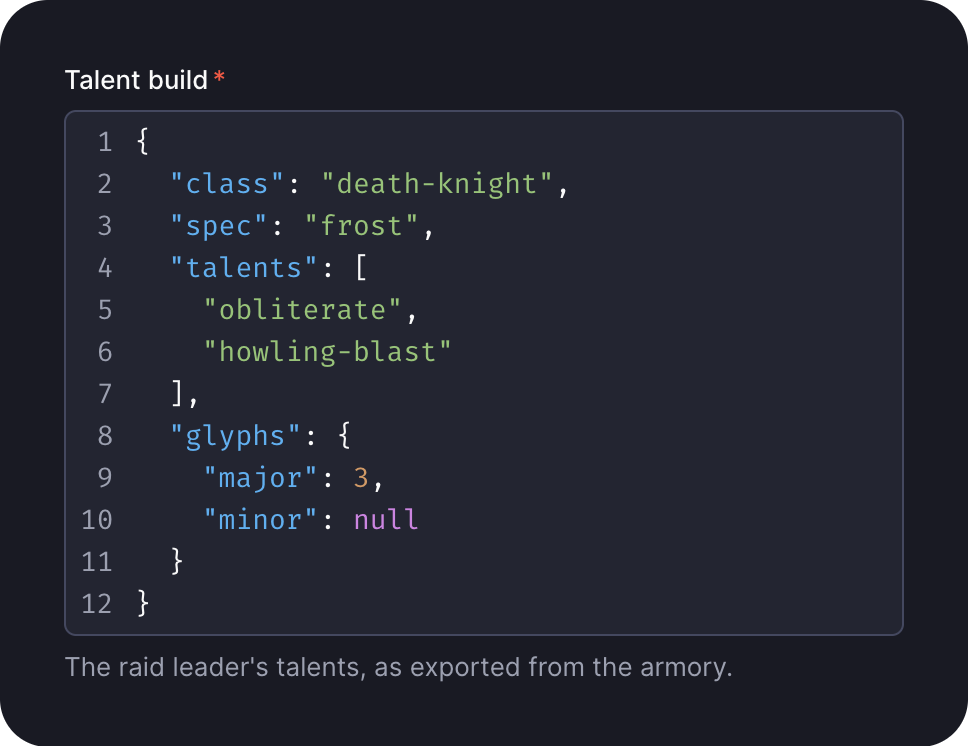
Any plain JSON value, stored as JSON. Its value has the type unknown. For a checked shape, write a custom type. A top-level null needs nullable. A write rejects what JSON would drop or distort, like NaN, a Date, or a key set to undefined.
| Option | Default | What it does |
|---|---|---|
default | - | The value a create stores when its input leaves the field out. A value, or a function that computes one. |
description | - | Help text below the label, as markdown. A string, a message key, or an object that starts it collapsed. |
immutable | false | Locks the field after create: creates accept it, updates reject it. Top-level collection fields only. |
index | false | Adds an index on the column, for faster null lookups. |
label | - | The label the dashboard shows, as a string or a message key. Omitted, the field name is sentence-cased. |
maxDepth | 32 | How deeply arrays and objects may nest. A scalar is depth 0. |
nullable | false | Lets the field hold null. |
placeholder | - | The hint an empty input shows, as a string or a message key. |
readable | true | false makes the field write-only: no read returns it. |
sanitizers | - | Functions that clean the value before it is validated. |
search | false | Locked: search never matches a JSON value, and true fails at boot. |
translatable | false | Keeps one value per locale. Top-level collection fields only. |
unique | false | Locked: one value can be stored with its keys in another order, so true fails at boot. |
validators | - | Functions that reject a value by returning a message. |
when | - | A condition that turns the field on or off per record. |
writable | true | false removes the field from write inputs, so its value comes from default. |
link
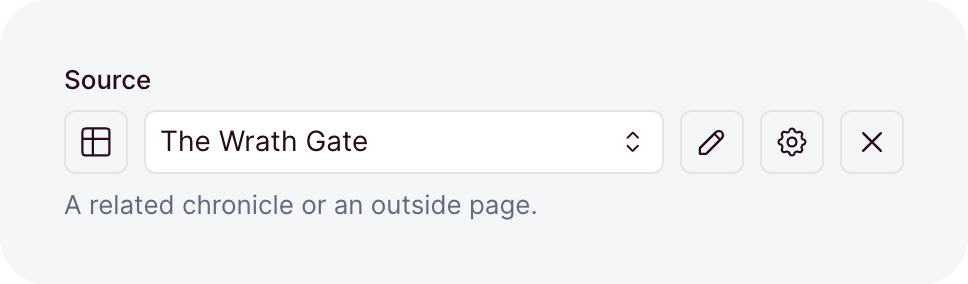
One link to an address or to a record, stored as JSON. Rich text covers its value and how a record link is checked.
| Option | Default | What it does |
|---|---|---|
collections | - | The collections whose records the field may link to. Omitted, only addresses are allowed. |
default | - | The value a create stores when its input leaves the field out. A value, or a function that computes one. |
description | - | Help text below the label, as markdown. A string, a message key, or an object that starts it collapsed. |
immutable | false | Locks the field after create: creates accept it, updates reject it. Top-level collection fields only. |
index | false | Adds an index on the column, for faster lookups. |
label | - | The label the dashboard shows, as a string or a message key. Omitted, the field name is sentence-cased. |
nullable | false | Lets the field hold null. |
placeholder | - | The hint an empty input shows, as a string or a message key. |
readable | true | false makes the field write-only: no read returns it. |
sanitizers | - | Functions that clean the value before it is validated. |
search | false | Locked: search never matches a link, and true fails at boot. |
translatable | false | Keeps one value per locale. Top-level collection fields only. |
unique | false | Rejects a value that another row already holds. |
uniquePerLocale | false | Limits unique to one locale. Needs unique and translatable. |
uniquePerParent | false | Limits unique to each record's own list, inside a repeater. Needs unique. |
validators | - | Functions that reject a value by returning a message. |
when | - | A condition that turns the field on or off per record. |
writable | true | false removes the field from write inputs, so its value comes from default. |
multiSelect
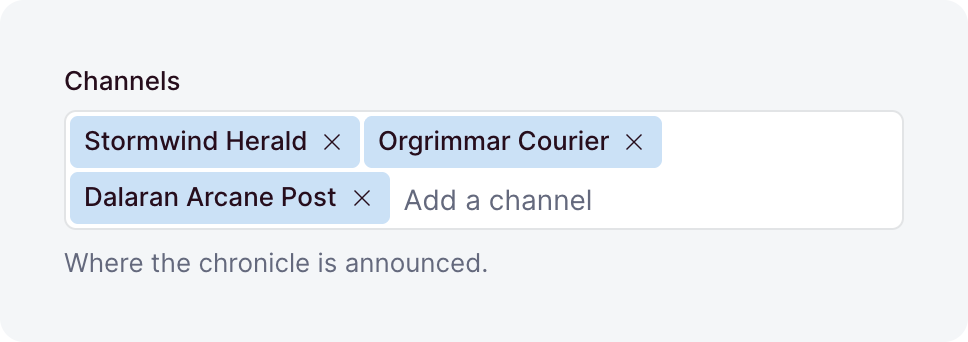
An ordered list of distinct strings, stored as a JSON list. Duplicates are removed on write.
| Option | Default | What it does |
|---|---|---|
choices | - | The values each entry must come from, each value once. Each is a string, or { value, label }. Omitted, any strings are accepted. |
default | [] | The list a create stores when its input leaves the field out. A value, or a function that computes one. |
description | - | Help text below the label, as markdown. A string, a message key, or an object that starts it collapsed. |
immutable | false | Locks the field after create: creates accept it, updates reject it. Top-level collection fields only. |
index | false | Adds an index on the column, for faster lookups. |
label | - | The label the dashboard shows, as a string or a message key. Omitted, the field name is sentence-cased. |
max | - | The most entries the list may hold. |
min | - | The fewest entries the list may hold. |
nullable | false | Lets the field hold null. |
placeholder | - | The hint an empty input shows, as a string or a message key. |
readable | true | false makes the field write-only: no read returns it. |
sanitizers | - | Functions that clean the value before it is validated. |
search | true | Lets search match the field: a word of a choice's value or label, or the exact entry without choices. |
translatable | false | Keeps one value per locale. Top-level collection fields only. |
unique | false | Rejects a value that another row already holds. |
uniquePerLocale | false | Limits unique to one locale. Needs unique and translatable. |
uniquePerParent | false | Limits unique to each record's own list, inside a repeater. Needs unique. |
validators | - | Functions that reject a value by returning a message. |
when | - | A condition that turns the field on or off per record. |
writable | true | false removes the field from write inputs, so its value comes from default. |
number
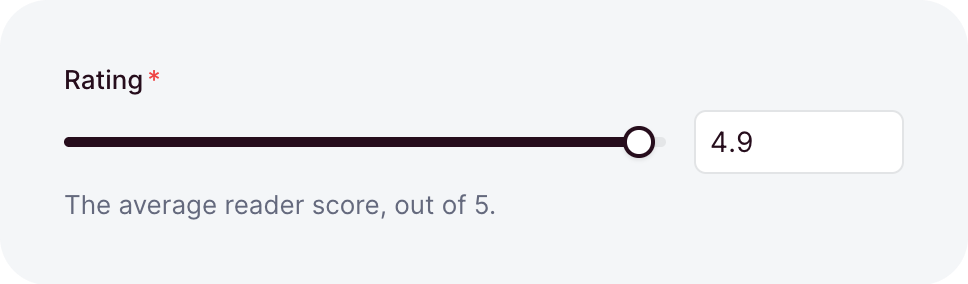
A finite decimal, exactly like a JavaScript number. NaN and the infinities are rejected.
| Option | Default | What it does |
|---|---|---|
default | - | The value a create stores when its input leaves the field out. A value, or a function that computes one. |
description | - | Help text below the label, as markdown. A string, a message key, or an object that starts it collapsed. |
display | 'input' | The editor: 'input', or 'slider' for an input beside a range track. A slider needs min, max and step. The stored value is the same either way. |
immutable | false | Locks the field after create: creates accept it, updates reject it. Top-level collection fields only. |
index | false | Adds an index on the column, for faster lookups. |
label | - | The label the dashboard shows, as a string or a message key. Omitted, the field name is sentence-cased. |
max | - | The largest value. |
min | - | The smallest value. |
nullable | false | Lets the field hold null. |
placeholder | - | The hint an empty input shows, as a string or a message key. |
readable | true | false makes the field write-only: no read returns it. |
sanitizers | - | Functions that clean the value before it is validated. |
search | false | true lets search find the exact number, like 1.5. |
step | - | The grid every value must lie on: min plus a multiple of step, or a multiple of step without min. |
suffix | - | A unit shown after the value, like 'kg', as a string or a message key. |
translatable | false | Keeps one value per locale. Top-level collection fields only. |
unique | false | Rejects a value that another row already holds. |
uniquePerLocale | false | Limits unique to one locale. Needs unique and translatable. |
uniquePerParent | false | Limits unique to each record's own list, inside a repeater. Needs unique. |
validators | - | Functions that reject a value by returning a message. |
when | - | A condition that turns the field on or off per record. |
writable | true | false removes the field from write inputs, so its value comes from default. |
object
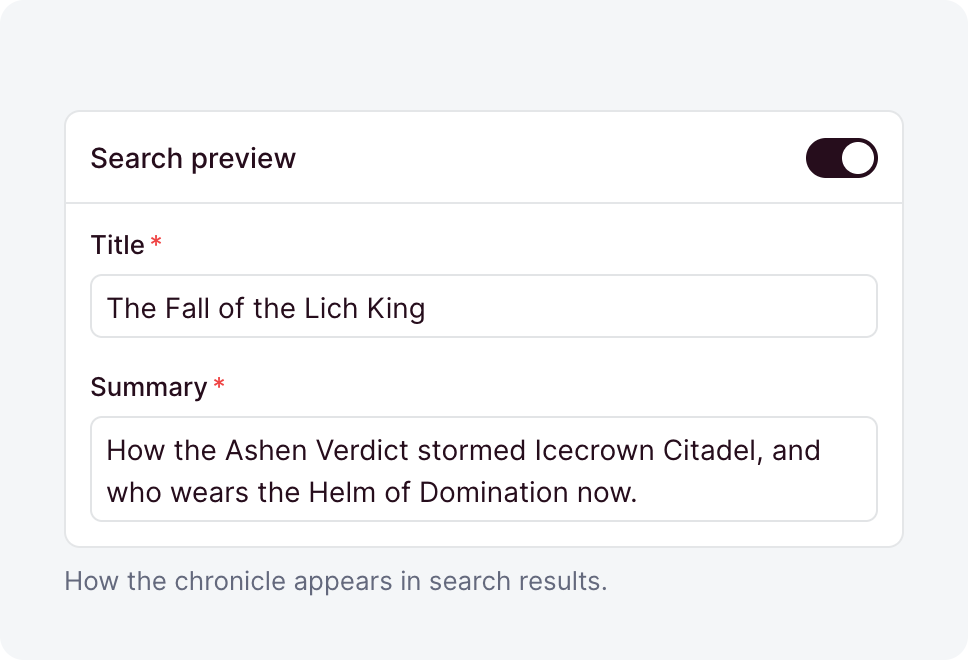
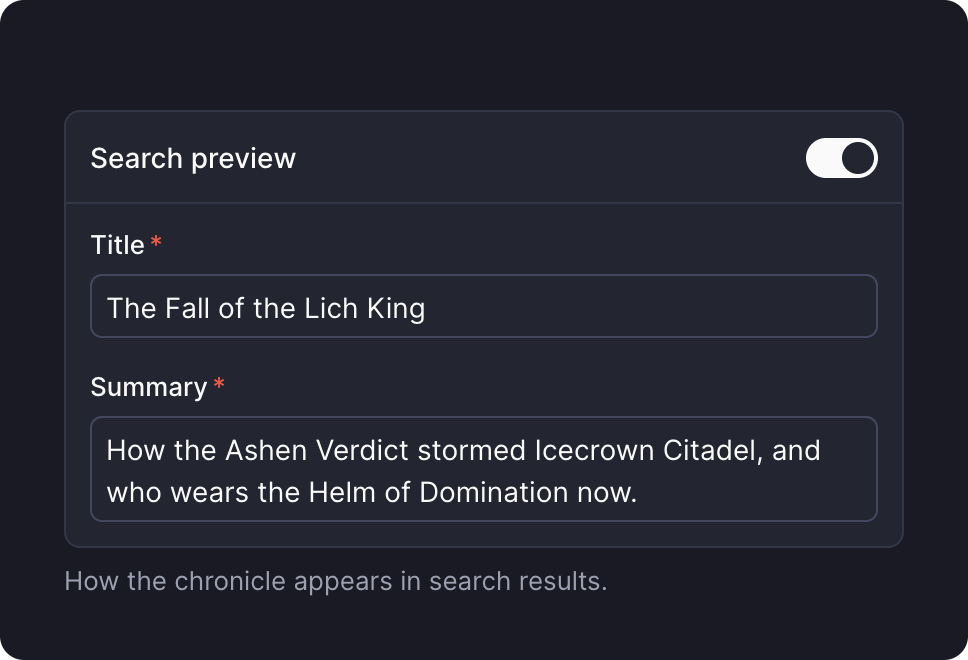
One nested group of fields, stored in its own table. A record holds one group, or none when the field is nullable.
| Option | Default | What it does |
|---|---|---|
default | - | A function that returns the group a create stores when its input leaves the field out. |
description | - | Help text below the label, as markdown. A string, a message key, or an object that starts it collapsed. |
fields | required | The subfields, each a field(...). |
immutable | false | Locks the field after create: creates accept it, updates reject it. Top-level collection fields only. |
label | - | The label the dashboard shows, as a string or a message key. Omitted, the field name is sentence-cased. |
layout | - | How the editor arranges the subfields. Omitted, they stack in order. |
nullable | false | Lets the record hold no group, read as null. |
readable | true | false makes the field write-only: no read returns it. |
sanitizers | - | Functions that clean the value before it is validated. |
search | true | false keeps search from looking inside the object. |
translatable | false | Keeps one group per locale. Top-level collection fields only. |
validators | - | Functions that reject a value by returning a message. |
when | - | A condition that turns the field on or off per record. |
writable | true | false removes the field from write inputs, so its value comes from default. |
range
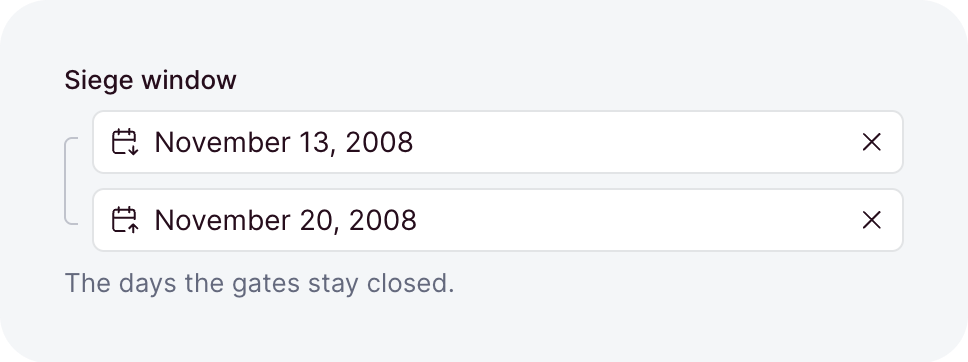
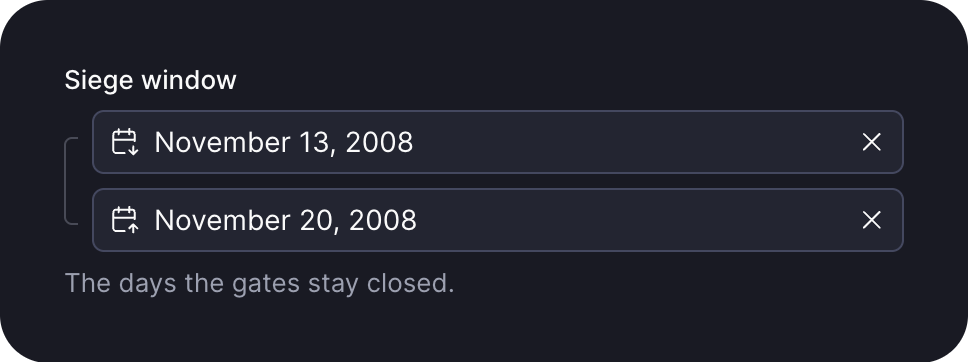
A start and an end of one kind, picked by of: two days, two instants, two times of day, or two numbers. A record reads it as { UUID, start, end }, each end stored as a field of its of type stores it. The start must not exceed the end, and ordering by the field sorts by its start.
| Option | Default | What it does |
|---|---|---|
currency | - | An integer range only: the ISO 4217 currency both ends count in, like 'EUR'. min, max, step and the spans count minor units too. |
default | - | A function that returns the range a create stores when its input leaves the field out. |
description | - | Help text below the label, as markdown. A string, a message key, or an object that starts it collapsed. |
display | 'input' | A numeric range only: 'slider' adds a two-thumb track above the inputs. A slider needs min and max, and each span must be a multiple of step. |
immutable | false | Locks the field after create: creates accept it, updates reject it. Top-level collection fields only. |
label | - | The label the dashboard shows, as a string or a message key. Omitted, the field name is sentence-cased. |
max | - | The latest end, in the form the of type takes for its own max. |
maxSpan | - | The longest end - start. A number for a numeric range, else milliseconds or text like '2 weeks'. Not with open. |
min | - | The earliest start, in the form the of type takes for its own min. |
minSpan | - | The shortest end - start. A number for a numeric range, else milliseconds or text like '1 day'. Whole days for a date range. |
nullable | false | Lets the record hold no range, read as null. |
of | required | The kind of both ends: date, dateTime, time, integer, or number. |
open | false | Lets the end stay null. Not for a time range. |
readable | true | false makes the field write-only: no read returns it. |
sanitizers | - | Functions that clean the value before it is validated. |
search | true | Lets search match a date or time end. A numeric range needs search: true, as its of type does. |
step | - | A numeric range only: the grid both ends lie on, as for an integer or number. |
suffix | - | A numeric range only: a unit shown after the values, like 'kg', as a string or a message key. |
timezone | - | A fixed IANA zone the dashboard shows and edits a dateTime range in. Omitted, the viewer's own zone applies. |
translatable | false | Keeps one range per locale. Top-level collection fields only. |
validators | - | Functions that reject a value by returning a message. |
when | - | A condition that turns the field on or off per record. |
writable | true | false removes the field from write inputs, so its value comes from default. |
record
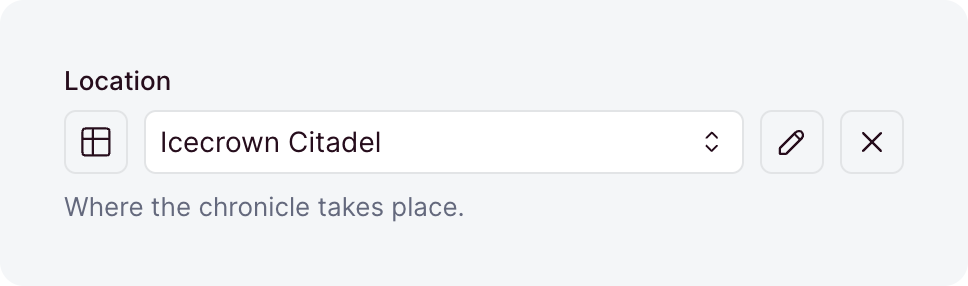
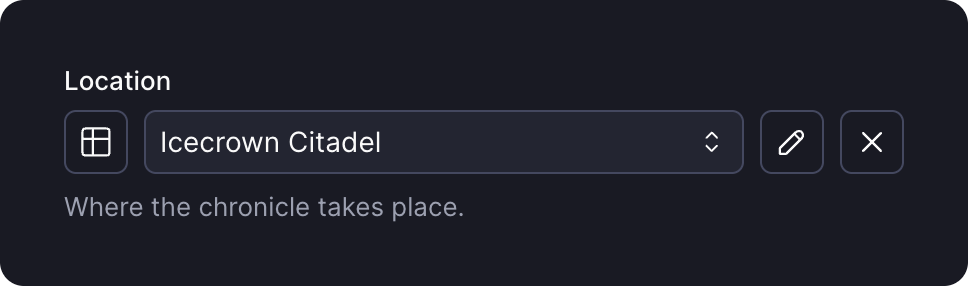
A reference to one record of another collection, stored as its UUID. It is always nullable and always indexed, so no option makes it required.
| Option | Default | What it does |
|---|---|---|
collection | required | The collection the field references. |
default | - | The value a create stores when its input leaves the field out. A value, or a function that computes one. |
description | - | Help text below the label, as markdown. A string, a message key, or an object that starts it collapsed. |
immutable | false | Locks the field after create: creates accept it, updates reject it. Top-level collection fields only. |
label | - | The label the dashboard shows, as a string or a message key. Omitted, the field name is sentence-cased. |
onDelete | 'setNull' | What happens when the target is deleted: 'setNull' clears the reference, 'cascade' deletes this row, and 'restrict' blocks the delete. |
readable | true | false makes the field write-only: no read returns it. |
sanitizers | - | Functions that clean the value before it is validated. |
search | true | false stops search from finding records through this link. |
translatable | false | Keeps one reference per locale. Top-level collection fields only. |
unique | false | Lets at most one row reference each target, for a one-to-one relation. |
uniquePerLocale | false | Limits unique to one locale. Needs unique and translatable. |
uniquePerParent | false | Limits unique to each record's own list, inside a repeater. Needs unique. |
validators | - | Functions that reject a value by returning a message. |
when | - | A condition that turns the field on or off per record. |
writable | true | false removes the field from write inputs, so its value comes from default. |
records
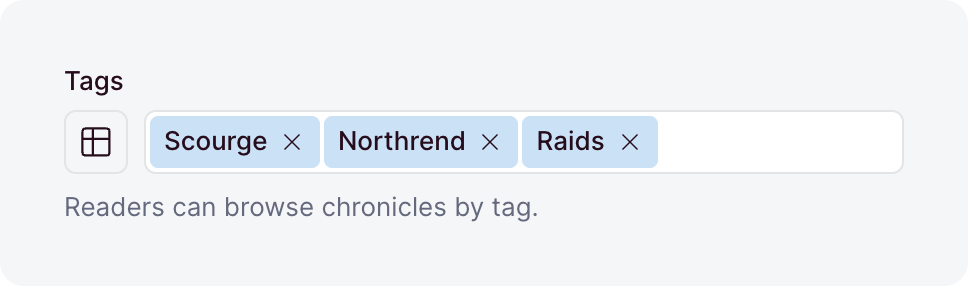
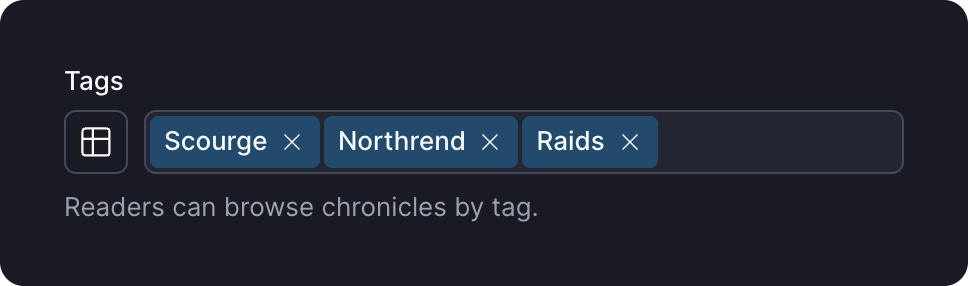
An ordered list of references to records of another collection, stored in a junction table. A list that names the same UUID twice is rejected.
| Option | Default | What it does |
|---|---|---|
allowEmpty | true | Accepts an empty list. With false, a written [] is rejected, so the field needs at least one link. |
collection | required | The collection the field references. |
default | [] | A function that returns the list a create stores when its input leaves the field out. |
description | - | Help text below the label, as markdown. A string, a message key, or an object that starts it collapsed. |
immutable | false | Locks the field after create: creates accept it, updates reject it. Top-level collection fields only. |
inverse | - | The owning records field on the target collection. This field then shares its junction. |
label | - | The label the dashboard shows, as a string or a message key. Omitted, the field name is sentence-cased. |
max | - | The most links a written list may hold. |
min | - | The fewest links a written list may hold. |
onDelete | 'cascade' | What happens to a link when its target is deleted: 'cascade' removes the link, and 'restrict' blocks the delete. Not on an inverse field. |
readable | true | false makes the field write-only: no read returns it. |
sanitizers | - | Functions that clean the value before it is validated. |
search | true | false stops search from finding records through these links. Off by default on an inverse field. |
translatable | false | Keeps one list per locale. Top-level collection fields only, and not on an inverse field. |
validators | - | Functions that reject a value by returning a message. |
when | - | A condition that turns the field on or off per record. |
writable | true | false removes the field from write inputs, so its value comes from default. |
repeater
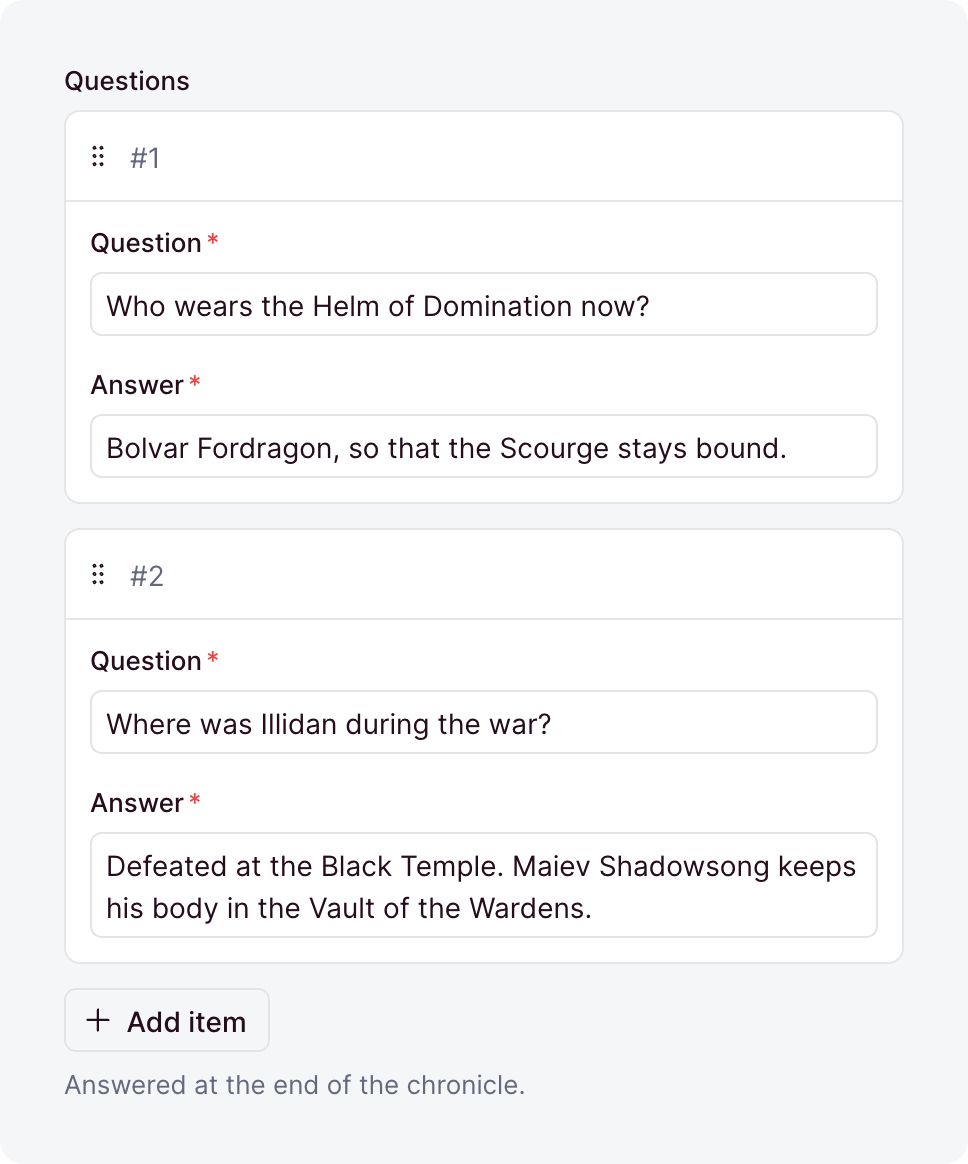
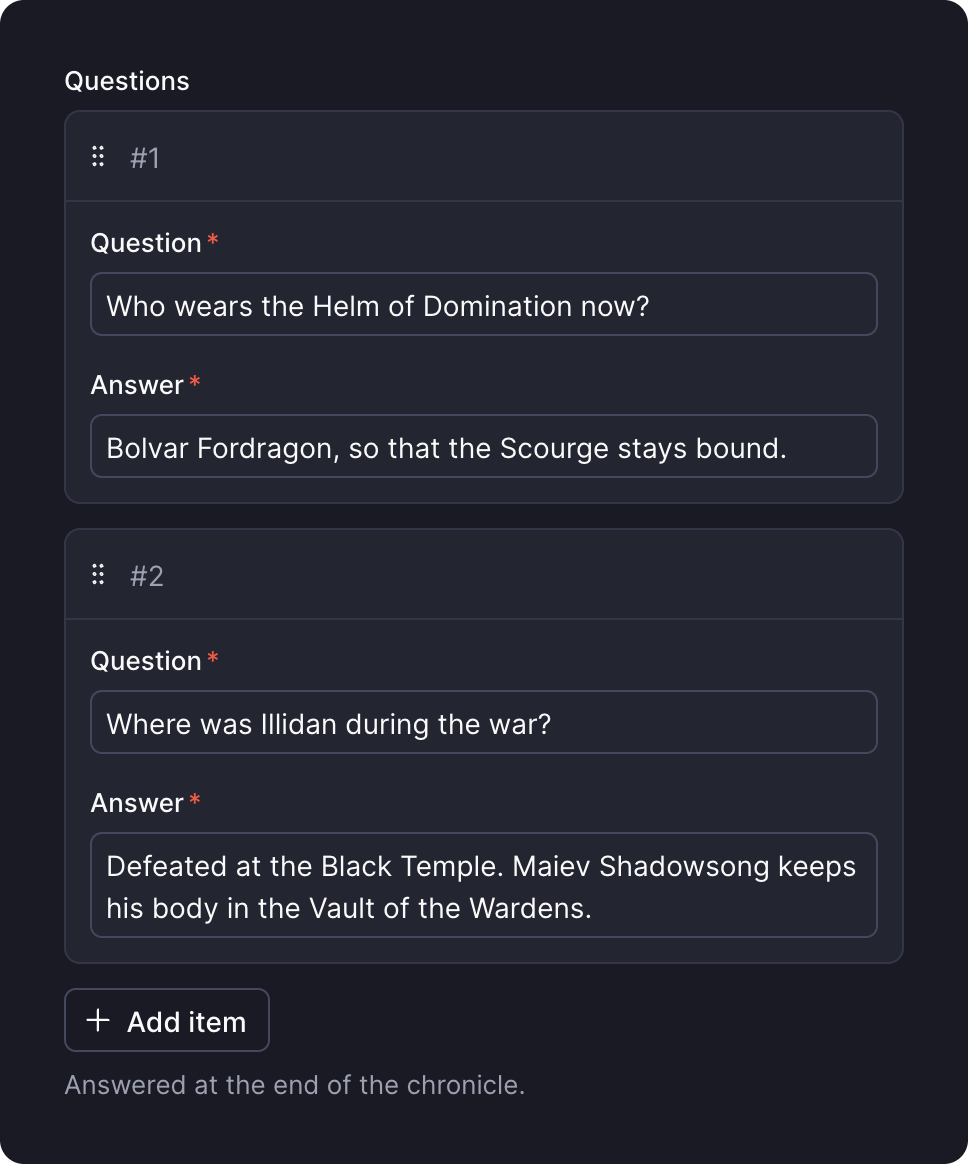
An ordered list of nested groups of fields, stored in its own table. Every item keeps its own UUID.
| Option | Default | What it does |
|---|---|---|
allowEmpty | true | Accepts an empty list. With false, a written [] is rejected, so the field needs at least one item. |
default | [] | A function that returns the list a create stores when its input leaves the field out. |
description | - | Help text below the label, as markdown. A string, a message key, or an object that starts it collapsed. |
fields | required | The fields of one item, each a field(...). |
immutable | false | Locks the field after create: creates accept it, updates reject it. Top-level collection fields only. |
label | - | The label the dashboard shows, as a string or a message key. Omitted, the field name is sentence-cased. |
layout | - | How the editor arranges the fields of an item. Omitted, they stack in order. |
max | - | The most items a written list may hold. |
min | - | The fewest items a written list may hold. |
readable | true | false makes the field write-only: no read returns it. |
sanitizers | - | Functions that clean the value before it is validated. |
search | true | false keeps search from looking inside the items. |
translatable | false | Keeps one list per locale. Top-level collection fields only. |
validators | - | Functions that reject a value by returning a message. |
when | - | A condition that turns the field on or off per record. |
writable | true | false removes the field from write inputs, so its value comes from default. |
richText
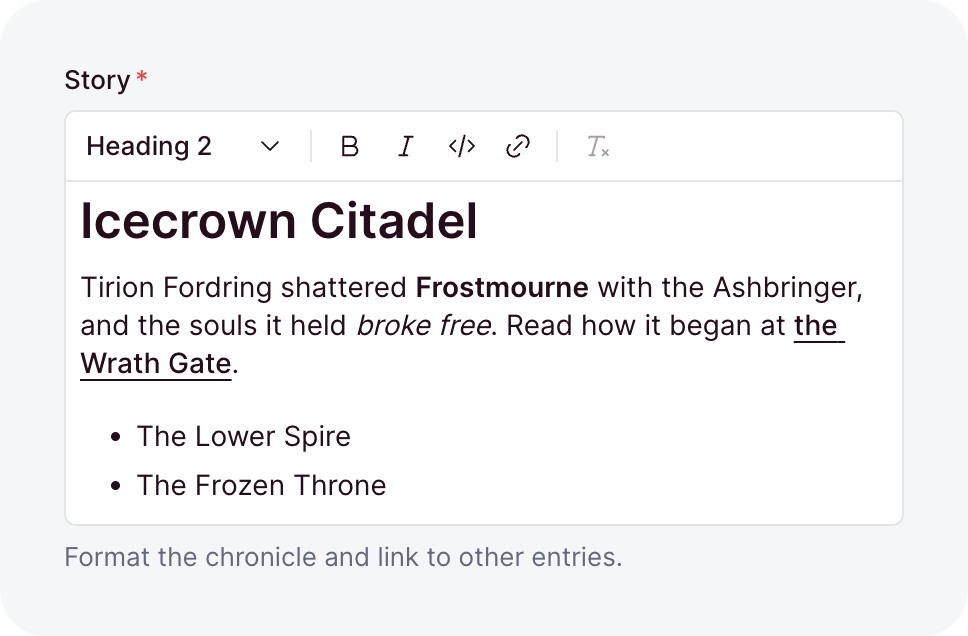
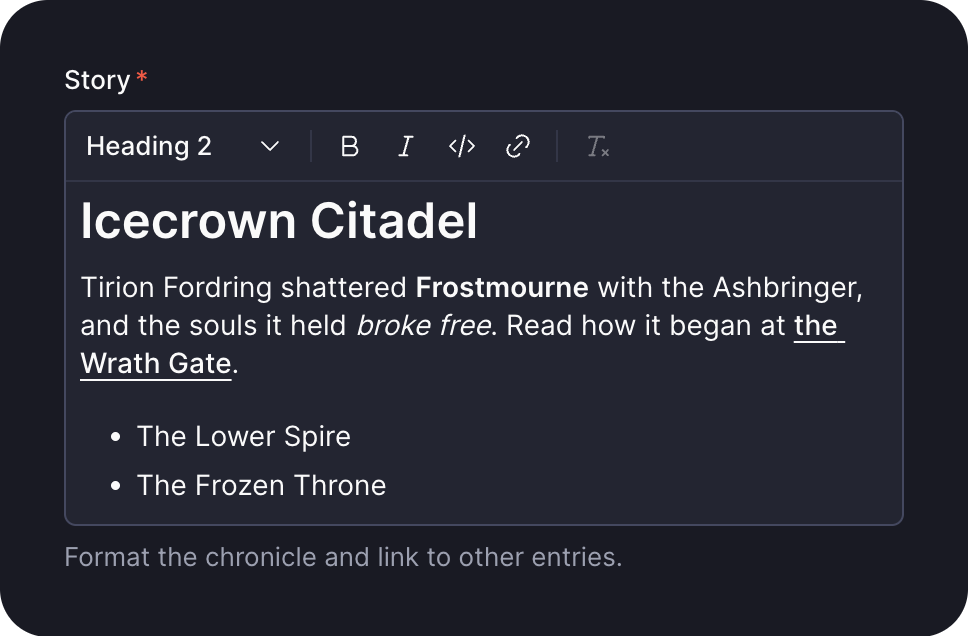
Formatted text with links, stored as a JSON tree. Rich text covers its value, links, rendering and editing.
| Option | Default | What it does |
|---|---|---|
allowEmpty | false | Accepts the empty value []. |
default | - | The value a create stores when its input leaves the field out. A value, or a function that computes one. |
description | - | Help text below the label, as markdown. A string, a message key, or an object that starts it collapsed. |
elements | ['h2', 'h3', 'ul', 'ol', 'blockquote'] | The block elements allowed besides paragraphs: h2 to h6, ul, ol and blockquote. |
immutable | false | Locks the field after create: creates accept it, updates reject it. Top-level collection fields only. |
index | false | Adds an index on the column, for faster lookups. |
inline | false | Holds at most one paragraph, rendered without a <p>. elements does not apply. |
label | - | The label the dashboard shows, as a string or a message key. Omitted, the field name is sentence-cased. |
lineBreaks | true | With false, each \n becomes a space. |
links | true | false allows no links, true allows addresses, and a list of collections also allows their records. |
marks | ['strong', 'em', 'code'] | The marks allowed on text. del is strikethrough. |
max | - | The most characters the run text may hold, counted like String#length. |
min | - | The fewest characters the run text may hold, counted the same way. |
nullable | false | Lets the field hold null. |
placeholder | - | The hint an empty editor shows, as a string or a message key. |
readable | true | false makes the field write-only: no read returns it. |
sanitizers | - | Functions that clean the value before it is validated. |
search | false | Locked: search never matches rich text, and true fails at boot. |
translatable | false | Keeps one value per locale. Top-level collection fields only. |
unique | false | Rejects a value that another row already holds. |
uniquePerLocale | false | Limits unique to one locale. Needs unique and translatable. |
uniquePerParent | false | Limits unique to each record's own list, inside a repeater. Needs unique. |
validators | - | Functions that reject a value by returning a message. |
when | - | A condition that turns the field on or off per record. |
writable | true | false removes the field from write inputs, so its value comes from default. |
select
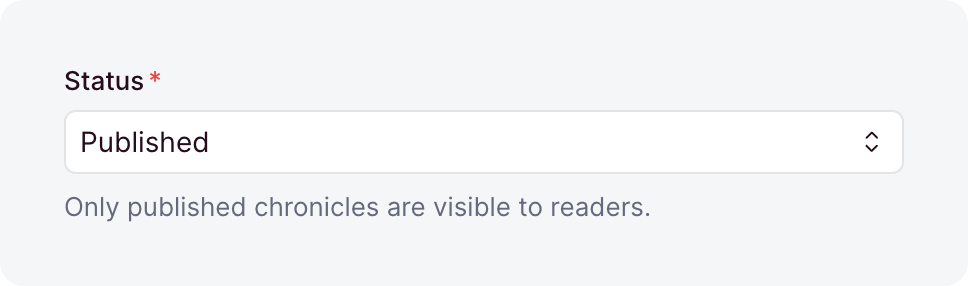
One value out of a list you declare. The record type narrows to that union, and a value outside the list is rejected.
| Option | Default | What it does |
|---|---|---|
choices | required | The values the field accepts, at least one, each value once. Each is a string, or { value, label } with a label the dashboard shows. |
default | - | The value a create stores when its input leaves the field out. A value, or a function that computes one. |
description | - | Help text below the label, as markdown. A string, a message key, or an object that starts it collapsed. |
display | 'dropdown' | The editor: 'dropdown', or 'buttons' for a short list that reads at a glance. The stored value is the same either way. |
immutable | false | Locks the field after create: creates accept it, updates reject it. Top-level collection fields only. |
index | false | Adds an index on the column, for faster lookups. |
label | - | The label the dashboard shows, as a string or a message key. Omitted, the field name is sentence-cased. |
nullable | false | Lets the field hold null. |
placeholder | - | The hint an empty input shows, as a string or a message key. |
readable | true | false makes the field write-only: no read returns it. |
sanitizers | - | Functions that clean the value before it is validated. |
search | true | Lets search match the field by a word of a choice's value or label, like pub for Published. |
translatable | false | Keeps one value per locale. Top-level collection fields only. |
unique | false | Rejects a value that another row already holds. |
uniquePerLocale | false | Limits unique to one locale. Needs unique and translatable. |
uniquePerParent | false | Limits unique to each record's own list, inside a repeater. Needs unique. |
validators | - | Functions that reject a value by returning a message. |
when | - | A condition that turns the field on or off per record. |
writable | true | false removes the field from write inputs, so its value comes from default. |
slug
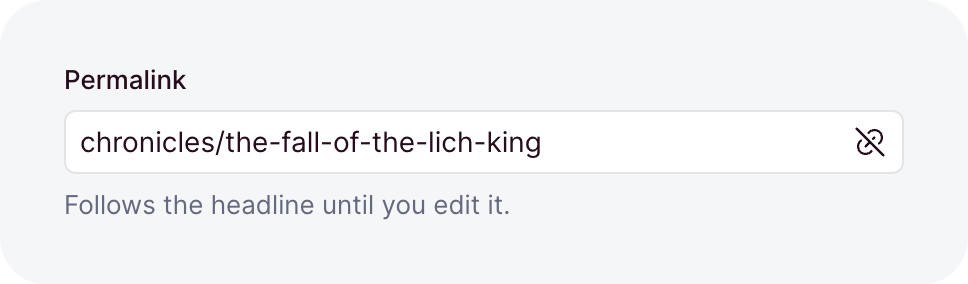
The URL-safe name of a record, like about. A write stores lowercase Latin words joined by -, so Über uns stores as uber-uns. A where compares its value as you pass it, so canonicalize it first with canonicalSlug from ohnejs/utils.
| Option | Default | What it does |
|---|---|---|
default | - | The value a create stores when its input leaves the field out. A value, or a function that computes one. |
description | - | Help text below the label, as markdown. A string, a message key, or an object that starts it collapsed. |
from | - | The field a new record's slug follows in the dashboard while you type, like 'title', as a field path. |
immutable | false | Locks the field after create: creates accept it, updates reject it. Top-level collection fields only. |
index | false | Adds an index on the column, for faster lookups. |
label | - | The label the dashboard shows, as a string or a message key. Omitted, the field name is sentence-cased. |
nested | false | Keeps / between segments, like docs/install. Without it, / folds into -. |
nullable | false | Lets the field hold null. |
placeholder | - | The hint an empty input shows, as a string or a message key. |
readable | true | false makes the field write-only: no read returns it. |
sanitizers | - | Functions that clean the value before it is validated. |
search | true | Lets search find the canonical form of the typed word, so AC/DC finds ac-dc. |
translatable | false | Keeps one value per locale. Top-level collection fields only. |
unique | false | Rejects a value that another row already holds. |
uniquePerLocale | false | Limits unique to one locale. Needs unique and translatable. |
uniquePerParent | false | Limits unique to each record's own list, inside a repeater. Needs unique. |
validators | - | Functions that reject a value by returning a message. |
when | - | A condition that turns the field on or off per record. |
writable | true | false removes the field from write inputs, so its value comes from default. |
text
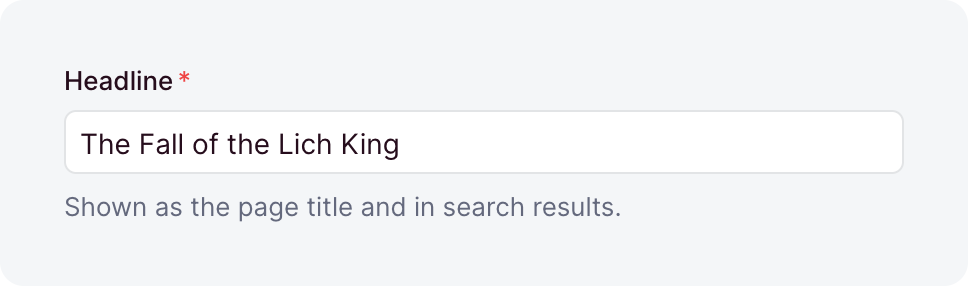
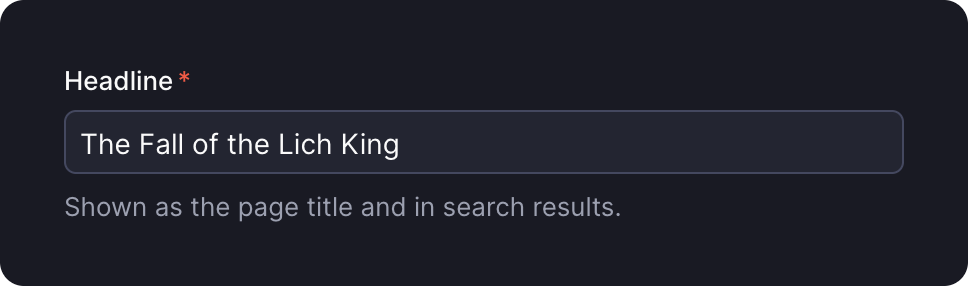
A string. It rejects the empty string unless allowEmpty is set.
| Option | Default | What it does |
|---|---|---|
allowEmpty | false | Accepts the empty string ''. |
default | - | The value a create stores when its input leaves the field out. A value, or a function that computes one. |
description | - | Help text below the label, as markdown. A string, a message key, or an object that starts it collapsed. |
immutable | false | Locks the field after create: creates accept it, updates reject it. Top-level collection fields only. |
index | false | Adds an index on the column, for faster lookups. |
label | - | The label the dashboard shows, as a string or a message key. Omitted, the field name is sentence-cased. |
max | - | The most characters a value may hold, counted like String#length, so an emoji counts as 2. |
min | - | The fewest characters a value may hold, counted the same way. |
multiline | false | Edits the value in a text area. The stored value is the same either way. |
nullable | false | Lets the field hold null. |
placeholder | - | The hint an empty input shows, as a string or a message key. |
readable | true | false makes the field write-only: no read returns it. |
sanitizers | - | Functions that clean the value before it is validated. |
search | true | Lets search match any value that contains the typed word. |
translatable | false | Keeps one value per locale. Top-level collection fields only. |
unique | false | Rejects a value that another row already holds. |
uniquePerLocale | false | Limits unique to one locale. Needs unique and translatable. |
uniquePerParent | false | Limits unique to each record's own list, inside a repeater. Needs unique. |
validators | - | Functions that reject a value by returning a message. |
when | - | A condition that turns the field on or off per record. |
writable | true | false removes the field from write inputs, so its value comes from default. |
time
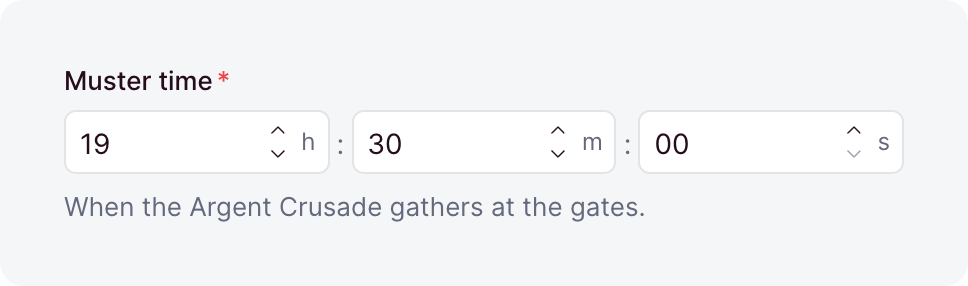
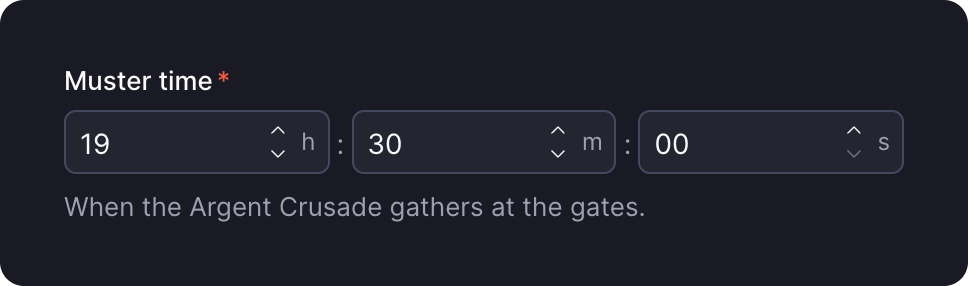
A time of day, stored as HH:MM:SS text. HH:MM input is stored with :00 seconds.
| Option | Default | What it does |
|---|---|---|
default | - | The value a create stores when its input leaves the field out. A value, or a function that computes one. |
description | - | Help text below the label, as markdown. A string, a message key, or an object that starts it collapsed. |
immutable | false | Locks the field after create: creates accept it, updates reject it. Top-level collection fields only. |
index | false | Adds an index on the column, for faster lookups. |
label | - | The label the dashboard shows, as a string or a message key. Omitted, the field name is sentence-cased. |
max | - | The latest time, as HH:MM:SS or HH:MM. |
min | - | The earliest time, as HH:MM:SS or HH:MM. |
nullable | false | Lets the field hold null. |
readable | true | false makes the field write-only: no read returns it. |
sanitizers | - | Functions that clean the value before it is validated. |
search | true | Lets search match the field. A time like 10:30 finds the times that start with it. |
translatable | false | Keeps one value per locale. Top-level collection fields only. |
unique | false | Rejects a value that another row already holds. |
uniquePerLocale | false | Limits unique to one locale. Needs unique and translatable. |
uniquePerParent | false | Limits unique to each record's own list, inside a repeater. Needs unique. |
validators | - | Functions that reject a value by returning a message. |
when | - | A condition that turns the field on or off per record. |
writable | true | false removes the field from write inputs, so its value comes from default. |
url
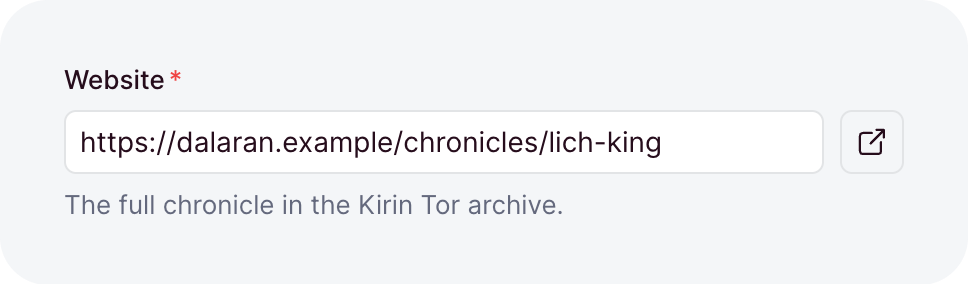
An absolute https:// or http:// address on a public domain, stored with its scheme and host lowercased and a default port dropped, along with a path that is only /. A where compares its value as you pass it, so normalize it first with normalizeHTTPURL from ohnejs/utils. For a mailto: or tel: address or a /path, use link.
| Option | Default | What it does |
|---|---|---|
default | - | The value a create stores when its input leaves the field out. A value, or a function that computes one. |
description | - | Help text below the label, as markdown. A string, a message key, or an object that starts it collapsed. |
immutable | false | Locks the field after create: creates accept it, updates reject it. Top-level collection fields only. |
index | false | Adds an index on the column, for faster lookups. |
label | - | The label the dashboard shows, as a string or a message key. Omitted, the field name is sentence-cased. |
nullable | false | Lets the field hold null. |
placeholder | - | The hint an empty input shows, as a string or a message key. |
readable | true | false makes the field write-only: no read returns it. |
sanitizers | - | Functions that clean the value before it is validated. |
search | true | Lets search match any value that contains the typed word. |
translatable | false | Keeps one value per locale. Top-level collection fields only. |
unique | false | Rejects a value that another row already holds. |
uniquePerLocale | false | Limits unique to one locale. Needs unique and translatable. |
uniquePerParent | false | Limits unique to each record's own list, inside a repeater. Needs unique. |
validators | - | Functions that reject a value by returning a message. |
when | - | A condition that turns the field on or off per record. |
writable | true | false removes the field from write inputs, so its value comes from default. |
Base layer types
The ohnejs/base layer ships these types. Any collection can use them while your app stacks the layer.
country
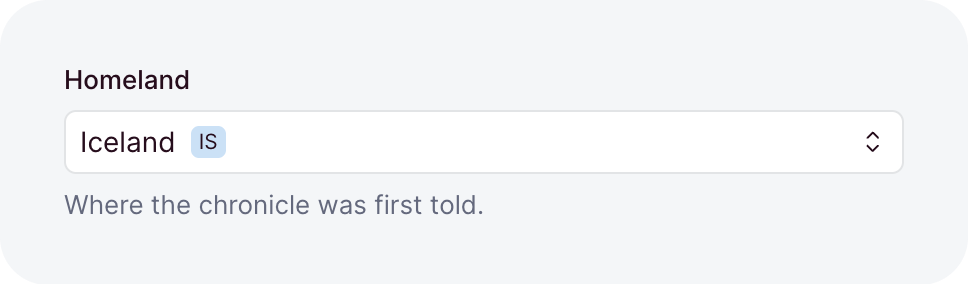
An ISO 3166-1 country code, like DE, stored in upper case. The dashboard shows the country's name in the reader's language.
| Option | Default | What it does |
|---|---|---|
default | - | The value a create stores when its input leaves the field out. A value, or a function that computes one. |
description | - | Help text below the label, as markdown. A string, a message key, or an object that starts it collapsed. |
immutable | false | Locks the field after create: creates accept it, updates reject it. Top-level collection fields only. |
index | false | Adds an index on the column, for faster lookups. |
label | - | The label the dashboard shows, as a string or a message key. Omitted, the field name is sentence-cased. |
nullable | false | Lets the field hold null. |
only | - | The country codes the field admits, like ['DE', 'AT', 'CH']. Omitted, every country is admitted. |
placeholder | - | The hint an empty input shows, as a string or a message key. |
readable | true | false makes the field write-only: no read returns it. |
sanitizers | - | Functions that clean the value before it is validated. |
search | false | true lets search find the exact code, or a word start of the country's name. |
translatable | false | Keeps one value per locale. Top-level collection fields only. |
unique | false | Rejects a value that another row already holds. |
uniquePerLocale | false | Limits unique to one locale. Needs unique and translatable. |
uniquePerParent | false | Limits unique to each record's own list, inside a repeater. Needs unique. |
validators | - | Functions that reject a value by returning a message. |
when | - | A condition that turns the field on or off per record. |
writable | true | false removes the field from write inputs, so its value comes from default. |
currency
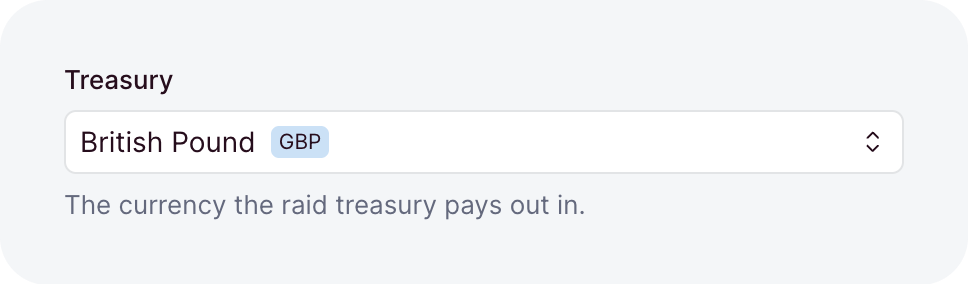
An ISO 4217 code of a circulating currency, like EUR, stored in upper case. The dashboard shows the currency's name in the reader's language. To store an amount, use an integer with a currency instead.
| Option | Default | What it does |
|---|---|---|
default | - | The value a create stores when its input leaves the field out. A value, or a function that computes one. |
description | - | Help text below the label, as markdown. A string, a message key, or an object that starts it collapsed. |
immutable | false | Locks the field after create: creates accept it, updates reject it. Top-level collection fields only. |
index | false | Adds an index on the column, for faster lookups. |
label | - | The label the dashboard shows, as a string or a message key. Omitted, the field name is sentence-cased. |
nullable | false | Lets the field hold null. |
only | - | The currency codes the field admits, like ['EUR', 'USD']. Omitted, every circulating currency is admitted. |
placeholder | - | The hint an empty input shows, as a string or a message key. |
readable | true | false makes the field write-only: no read returns it. |
sanitizers | - | Functions that clean the value before it is validated. |
search | false | true lets search find the exact code, or a word start of the currency's name. |
translatable | false | Keeps one value per locale. Top-level collection fields only. |
unique | false | Rejects a value that another row already holds. |
uniquePerLocale | false | Limits unique to one locale. Needs unique and translatable. |
uniquePerParent | false | Limits unique to each record's own list, inside a repeater. Needs unique. |
validators | - | Functions that reject a value by returning a message. |
when | - | A condition that turns the field on or off per record. |
writable | true | false removes the field from write inputs, so its value comes from default. |
datePattern
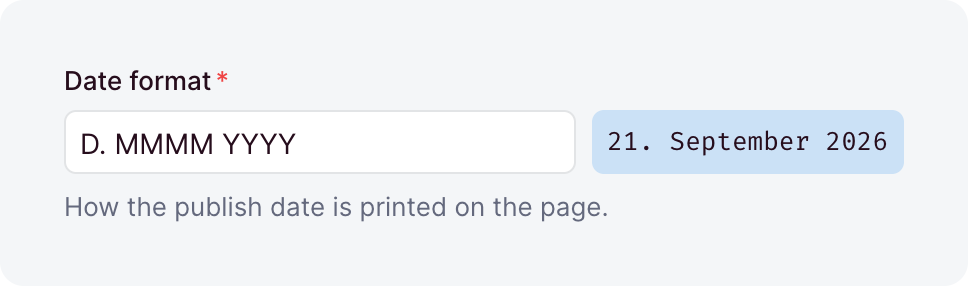
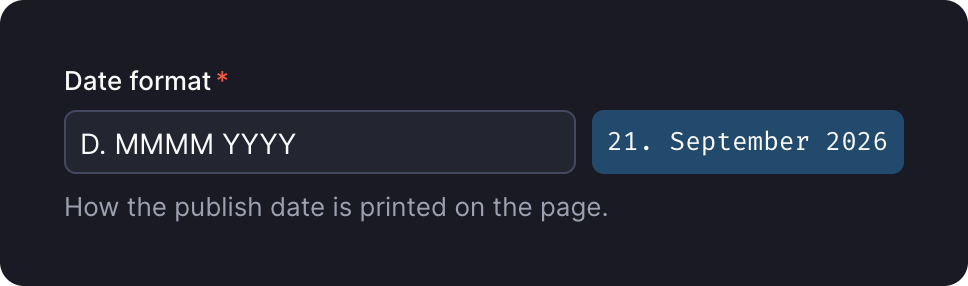
A date or time format pattern, like YYYY-MM-DD. It holds at most 64 characters and may not be blank.
| Option | Default | What it does |
|---|---|---|
default | - | The value a create stores when its input leaves the field out. A value, or a function that computes one. |
description | - | Help text below the label, as markdown. A string, a message key, or an object that starts it collapsed. |
immutable | false | Locks the field after create: creates accept it, updates reject it. Top-level collection fields only. |
index | false | Adds an index on the column, for faster lookups. |
label | - | The label the dashboard shows, as a string or a message key. Omitted, the field name is sentence-cased. |
nullable | false | Lets the field hold null. |
placeholder | - | The hint an empty input shows, as a string or a message key. |
readable | true | false makes the field write-only: no read returns it. |
sanitizers | - | Functions that clean the value before it is validated. |
search | false | true lets search match any value that contains the typed word. |
translatable | false | Keeps one value per locale. Top-level collection fields only. |
unique | false | Rejects a value that another row already holds. |
uniquePerLocale | false | Limits unique to one locale. Needs unique and translatable. |
uniquePerParent | false | Limits unique to each record's own list, inside a repeater. Needs unique. |
validators | - | Functions that reject a value by returning a message. |
when | - | A condition that turns the field on or off per record. |
writable | true | false removes the field from write inputs, so its value comes from default. |
language
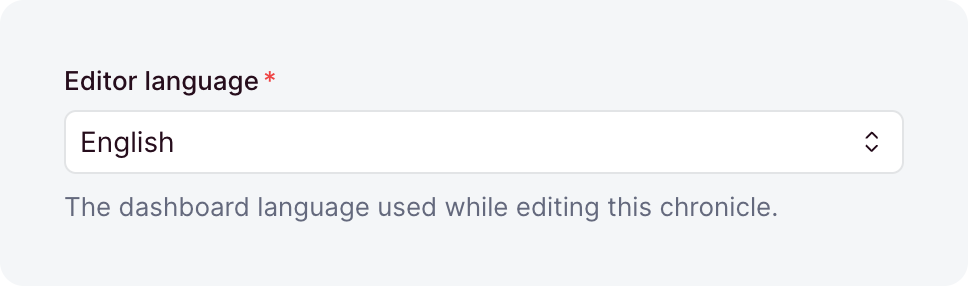
A dashboard language, stored as its canonical BCP-47 tag, so de-at is stored as de-AT. Only a language that has a message catalog is accepted.
| Option | Default | What it does |
|---|---|---|
default | - | The value a create stores when its input leaves the field out. A value, or a function that computes one. |
description | - | Help text below the label, as markdown. A string, a message key, or an object that starts it collapsed. |
immutable | false | Locks the field after create: creates accept it, updates reject it. Top-level collection fields only. |
index | false | Adds an index on the column, for faster lookups. |
label | - | The label the dashboard shows, as a string or a message key. Omitted, the field name is sentence-cased. |
nullable | false | Lets the field hold null. |
placeholder | - | The hint an empty input shows, as a string or a message key. |
readable | true | false makes the field write-only: no read returns it. |
sanitizers | - | Functions that clean the value before it is validated. |
search | false | true lets search match any value that contains the typed word. |
translatable | false | Keeps one value per locale. Top-level collection fields only. |
unique | false | Rejects a value that another row already holds. |
uniquePerLocale | false | Limits unique to one locale. Needs unique and translatable. |
uniquePerParent | false | Limits unique to each record's own list, inside a repeater. Needs unique. |
validators | - | Functions that reject a value by returning a message. |
when | - | A condition that turns the field on or off per record. |
writable | true | false removes the field from write inputs, so its value comes from default. |
locale
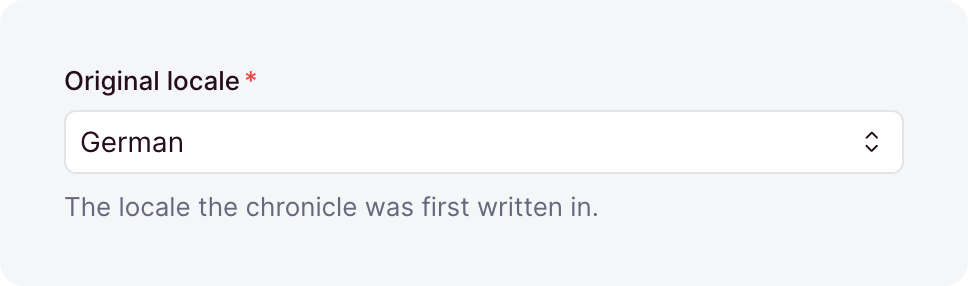
One of your content locales, stored as its canonical tag, so de-at is stored as de-AT.
| Option | Default | What it does |
|---|---|---|
default | - | The value a create stores when its input leaves the field out. A value, or a function that computes one. |
description | - | Help text below the label, as markdown. A string, a message key, or an object that starts it collapsed. |
immutable | false | Locks the field after create: creates accept it, updates reject it. Top-level collection fields only. |
index | false | Adds an index on the column, for faster lookups. |
label | - | The label the dashboard shows, as a string or a message key. Omitted, the field name is sentence-cased. |
nullable | false | Lets the field hold null. |
placeholder | - | The hint an empty input shows, as a string or a message key. |
readable | true | false makes the field write-only: no read returns it. |
sanitizers | - | Functions that clean the value before it is validated. |
search | false | true lets search match any value that contains the typed word. |
translatable | false | Keeps one value per locale. Top-level collection fields only. |
unique | false | Rejects a value that another row already holds. |
uniquePerLocale | false | Limits unique to one locale. Needs unique and translatable. |
uniquePerParent | false | Limits unique to each record's own list, inside a repeater. Needs unique. |
validators | - | Functions that reject a value by returning a message. |
when | - | A condition that turns the field on or off per record. |
writable | true | false removes the field from write inputs, so its value comes from default. |
password
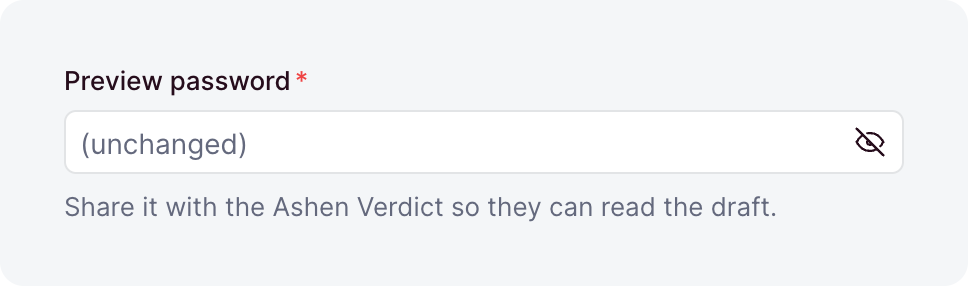
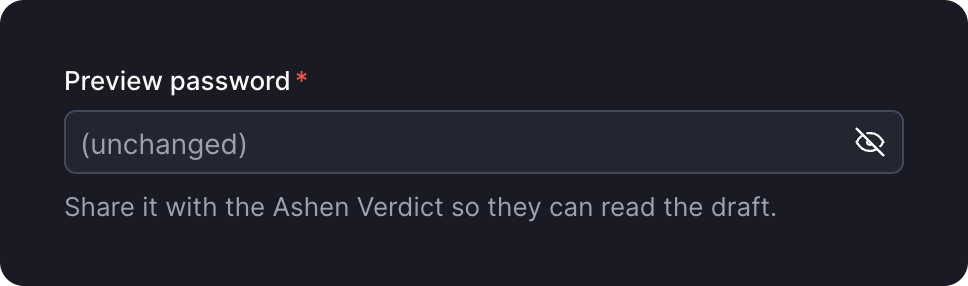
Takes a plain-text password and stores its scrypt hash. Sanitizers and validators see the plain text, so a policy like a minimum length goes in a validator. The Users password already has one: auth.password.minLength. Pass readable: false, or reads return the hash.
| Option | Default | What it does |
|---|---|---|
default | - | The value a create stores when its input leaves the field out. A value, or a function that computes one. |
description | - | Help text below the label, as markdown. A string, a message key, or an object that starts it collapsed. |
immutable | false | Locks the field after create: creates accept it, updates reject it. Top-level collection fields only. |
index | false | Adds an index on the column, for faster lookups. |
label | - | The label the dashboard shows, as a string or a message key. Omitted, the field name is sentence-cased. |
nullable | false | Lets the field hold null. |
readable | true | false makes the field write-only: no read returns it. |
sanitizers | - | Functions that clean the value before it is validated. |
search | false | Locked: search never matches a password, and true fails at boot. |
translatable | false | Keeps one value per locale. Top-level collection fields only. |
unique | false | Rejects a value that another row already holds. |
uniquePerLocale | false | Limits unique to one locale. Needs unique and translatable. |
uniquePerParent | false | Limits unique to each record's own list, inside a repeater. Needs unique. |
validators | - | Functions that reject a value by returning a message. |
when | - | A condition that turns the field on or off per record. |
writable | true | false removes the field from write inputs, so its value comes from default. |
roles
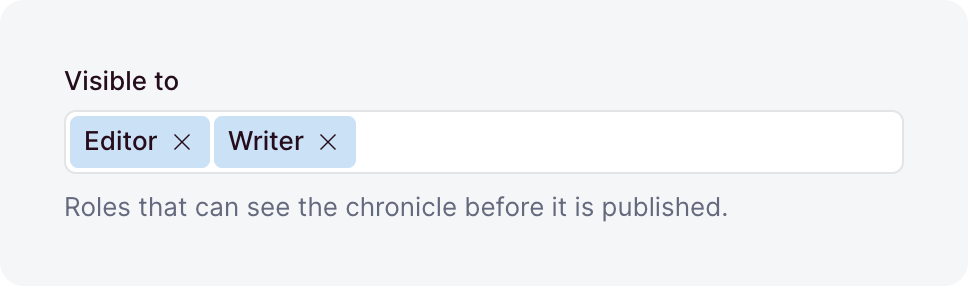
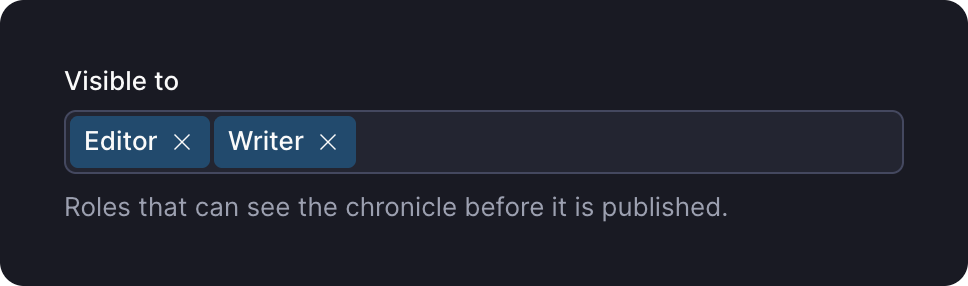
A list of role names, stored as a JSON list. Each entry must name a defined role, and duplicates are removed on write.
| Option | Default | What it does |
|---|---|---|
default | [] | The list a create stores when its input leaves the field out. A value, or a function that computes one. |
description | - | Help text below the label, as markdown. A string, a message key, or an object that starts it collapsed. |
immutable | false | Locks the field after create: creates accept it, updates reject it. Top-level collection fields only. |
index | false | Adds an index on the column, for faster lookups. |
label | - | The label the dashboard shows, as a string or a message key. Omitted, the field name is sentence-cased. |
nullable | false | Lets the field hold null. |
readable | true | false makes the field write-only: no read returns it. |
sanitizers | - | Functions that clean the value before it is validated. |
search | false | true lets search find the holders of a role by its exact name. |
translatable | false | Keeps one value per locale. Top-level collection fields only. |
unique | false | Rejects a value that another row already holds. |
uniquePerLocale | false | Limits unique to one locale. Needs unique and translatable. |
uniquePerParent | false | Limits unique to each record's own list, inside a repeater. Needs unique. |
validators | - | Functions that reject a value by returning a message. |
when | - | A condition that turns the field on or off per record. |
writable | true | false removes the field from write inputs, so its value comes from default. |
timezone
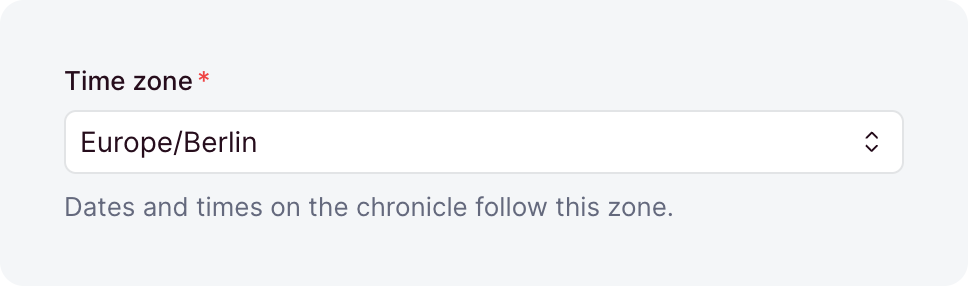
An IANA time zone name, like Europe/Berlin.
| Option | Default | What it does |
|---|---|---|
default | - | The value a create stores when its input leaves the field out. A value, or a function that computes one. |
description | - | Help text below the label, as markdown. A string, a message key, or an object that starts it collapsed. |
immutable | false | Locks the field after create: creates accept it, updates reject it. Top-level collection fields only. |
index | false | Adds an index on the column, for faster lookups. |
label | - | The label the dashboard shows, as a string or a message key. Omitted, the field name is sentence-cased. |
nullable | false | Lets the field hold null. |
readable | true | false makes the field write-only: no read returns it. |
sanitizers | - | Functions that clean the value before it is validated. |
search | false | true lets search match any value that contains the typed word. |
translatable | false | Keeps one value per locale. Top-level collection fields only. |
unique | false | Rejects a value that another row already holds. |
uniquePerLocale | false | Limits unique to one locale. Needs unique and translatable. |
uniquePerParent | false | Limits unique to each record's own list, inside a repeater. Needs unique. |
validators | - | Functions that reject a value by returning a message. |
when | - | A condition that turns the field on or off per record. |
writable | true | false removes the field from write inputs, so its value comes from default. |
Uploads layer types
The uploads layer adds types that reference files in its Uploads collection, and the name types that collection stores its files under. Media fields covers how a write checks the references and how you read them.
file
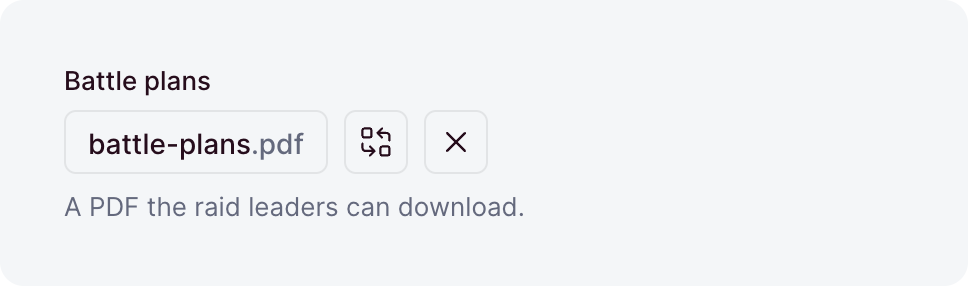
A reference to one uploaded file, stored as its UUID. It is always nullable and always indexed, so no option makes it required.
| Option | Default | What it does |
|---|---|---|
default | - | The value a create stores when its input leaves the field out. A value, or a function that computes one. |
description | - | Help text below the label, as markdown. A string, a message key, or an object that starts it collapsed. |
immutable | false | Locks the field after create: creates accept it, updates reject it. Top-level collection fields only. |
label | - | The label the dashboard shows, as a string or a message key. Omitted, the field name is sentence-cased. |
maxSize | - | The largest file accepted, in bytes or as a size like '5mb'. |
minSize | - | The smallest file accepted, in bytes or as a size like '10kb'. |
onDelete | 'setNull' | What happens when the upload is deleted: 'setNull' clears the reference, 'cascade' deletes this row, and 'restrict' blocks the delete. |
readable | true | false makes the field write-only: no read returns it. |
sanitizers | - | Functions that clean the value before it is validated. |
search | true | false stops search from finding records through this file. |
translatable | false | Keeps one reference per locale. Top-level collection fields only. |
types | - | The media types accepted, as exact types, wildcards, or categories. Omitted, any file is accepted. |
unique | false | Lets at most one row reference each upload. |
uniquePerLocale | false | Limits unique to one locale. Needs unique and translatable. |
uniquePerParent | false | Limits unique to each record's own list, inside a repeater. Needs unique. |
validators | - | Functions that reject a value by returning a message. |
when | - | A condition that turns the field on or off per record. |
writable | true | false removes the field from write inputs, so its value comes from default. |
files
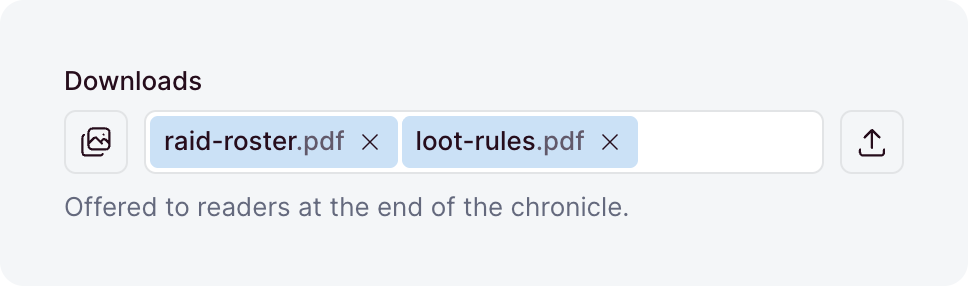
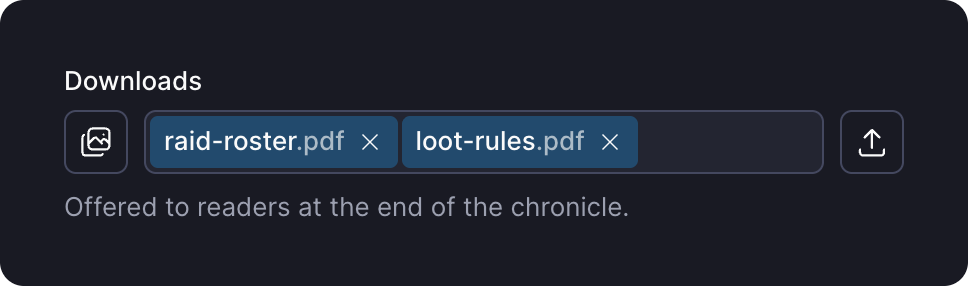
An ordered list of references to uploaded files, stored in a junction table.
| Option | Default | What it does |
|---|---|---|
allowEmpty | true | Accepts an empty list. With false, a written [] is rejected, so the field needs at least one upload. |
default | [] | A function that returns the list a create stores when its input leaves the field out. |
description | - | Help text below the label, as markdown. A string, a message key, or an object that starts it collapsed. |
immutable | false | Locks the field after create: creates accept it, updates reject it. Top-level collection fields only. |
label | - | The label the dashboard shows, as a string or a message key. Omitted, the field name is sentence-cased. |
max | - | The most links a written list may hold. |
maxSize | - | The largest file accepted, in bytes or as a size like '5mb'. |
min | - | The fewest links a written list may hold. |
minSize | - | The smallest file accepted, in bytes or as a size like '10kb'. |
onDelete | 'cascade' | What happens to a link when its upload is deleted: 'cascade' removes the link, and 'restrict' blocks the delete. |
placeholder | - | The hint an empty input shows, as a string or a message key. |
readable | true | false makes the field write-only: no read returns it. |
sanitizers | - | Functions that clean the value before it is validated. |
search | true | false stops search from finding records through these files. |
translatable | false | Keeps one list per locale. Top-level collection fields only. |
types | - | The media types accepted, as exact types, wildcards, or categories. Omitted, any file is accepted. |
validators | - | Functions that reject a value by returning a message. |
when | - | A condition that turns the field on or off per record. |
writable | true | false removes the field from write inputs, so its value comes from default. |
image
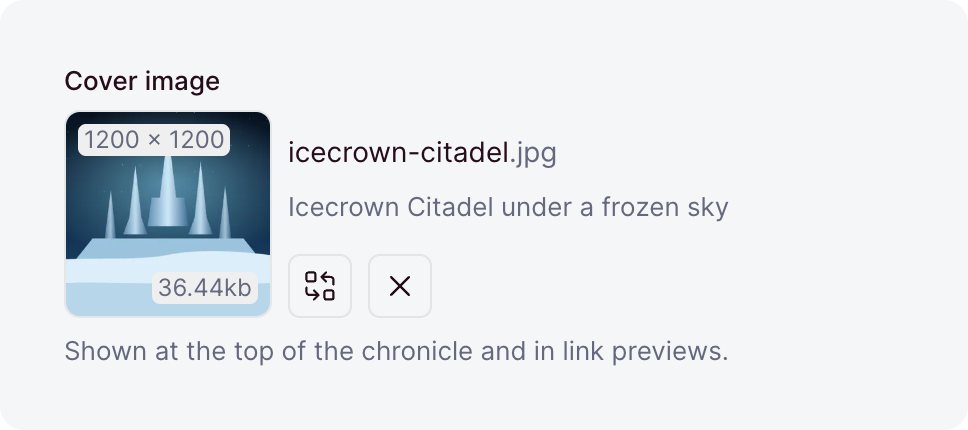
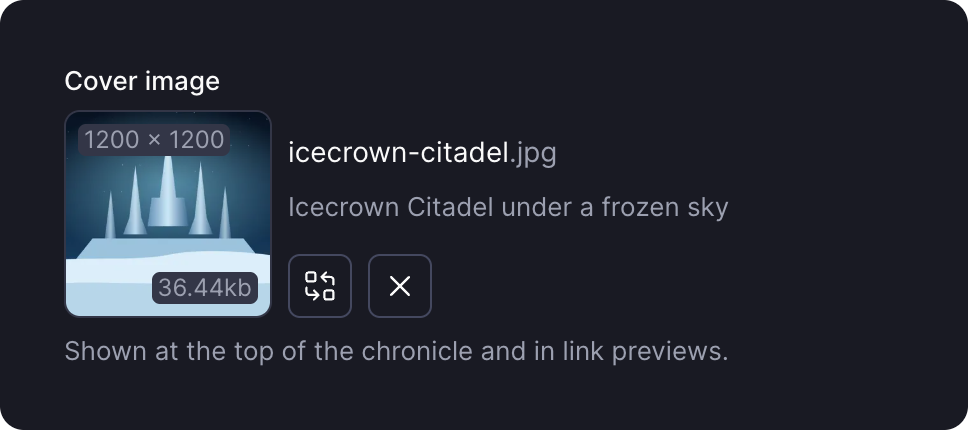
A reference to one uploaded image, stored as its UUID. It is always nullable and always indexed, so no option makes it required.
| Option | Default | What it does |
|---|---|---|
default | - | The value a create stores when its input leaves the field out. A value, or a function that computes one. |
description | - | Help text below the label, as markdown. A string, a message key, or an object that starts it collapsed. |
immutable | false | Locks the field after create: creates accept it, updates reject it. Top-level collection fields only. |
label | - | The label the dashboard shows, as a string or a message key. Omitted, the field name is sentence-cased. |
maxHeight | - | The most pixels tall an accepted image is. |
maxSize | - | The largest file accepted, in bytes or as a size like '5mb'. |
maxWidth | - | The most pixels wide an accepted image is. |
minHeight | - | The fewest pixels tall an accepted image is. |
minSize | - | The smallest file accepted, in bytes or as a size like '10kb'. |
minWidth | - | The fewest pixels wide an accepted image is. |
onDelete | 'setNull' | What happens when the upload is deleted: 'setNull' clears the reference, 'cascade' deletes this row, and 'restrict' blocks the delete. |
readable | true | false makes the field write-only: no read returns it. |
sanitizers | - | Functions that clean the value before it is validated. |
search | true | false stops search from finding records through this image. |
translatable | false | Keeps one reference per locale. Top-level collection fields only. |
types | ['image'] | The media types accepted, as exact types, wildcards, or categories. The file must be an image either way. |
unique | false | Lets at most one row reference each upload. |
uniquePerLocale | false | Limits unique to one locale. Needs unique and translatable. |
uniquePerParent | false | Limits unique to each record's own list, inside a repeater. Needs unique. |
validators | - | Functions that reject a value by returning a message. |
when | - | A condition that turns the field on or off per record. |
writable | true | false removes the field from write inputs, so its value comes from default. |
images
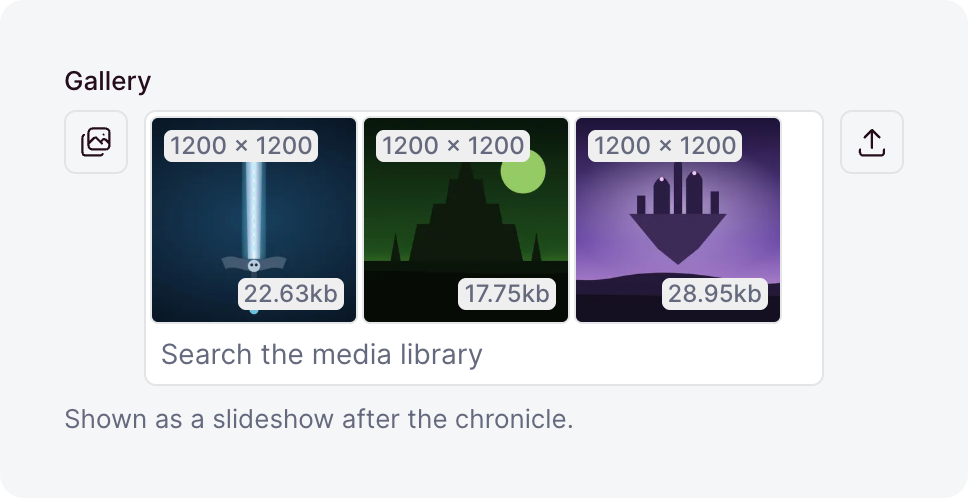
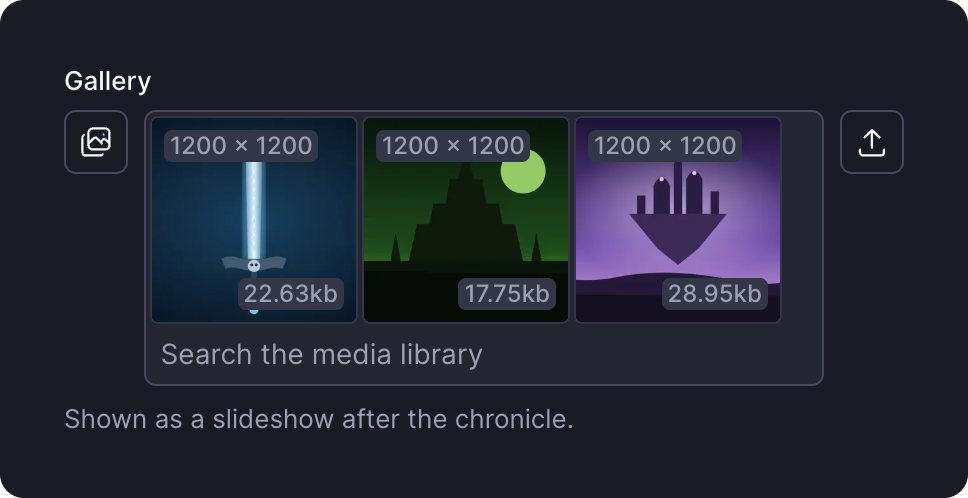
An ordered list of references to uploaded images, stored in a junction table.
| Option | Default | What it does |
|---|---|---|
allowEmpty | true | Accepts an empty list. With false, a written [] is rejected, so the field needs at least one upload. |
default | [] | A function that returns the list a create stores when its input leaves the field out. |
description | - | Help text below the label, as markdown. A string, a message key, or an object that starts it collapsed. |
immutable | false | Locks the field after create: creates accept it, updates reject it. Top-level collection fields only. |
label | - | The label the dashboard shows, as a string or a message key. Omitted, the field name is sentence-cased. |
max | - | The most links a written list may hold. |
maxHeight | - | The most pixels tall an accepted image is. |
maxSize | - | The largest file accepted, in bytes or as a size like '5mb'. |
maxWidth | - | The most pixels wide an accepted image is. |
min | - | The fewest links a written list may hold. |
minHeight | - | The fewest pixels tall an accepted image is. |
minSize | - | The smallest file accepted, in bytes or as a size like '10kb'. |
minWidth | - | The fewest pixels wide an accepted image is. |
onDelete | 'cascade' | What happens to a link when its upload is deleted: 'cascade' removes the link, and 'restrict' blocks the delete. |
placeholder | - | The hint an empty input shows, as a string or a message key. |
readable | true | false makes the field write-only: no read returns it. |
sanitizers | - | Functions that clean the value before it is validated. |
search | true | false stops search from finding records through these images. |
translatable | false | Keeps one list per locale. Top-level collection fields only. |
types | ['image'] | The media types accepted, as exact types, wildcards, or categories. The file must be an image either way. |
validators | - | Functions that reject a value by returning a message. |
when | - | A condition that turns the field on or off per record. |
writable | true | false removes the field from write inputs, so its value comes from default. |
fileName
A text value stored the way the uploads layer names files: Sunset At Sea.JPG becomes sunset-at-sea.jpg. It takes every text option. Search reads a typed word the same way, so Übersicht finds ubersicht-q3-final.pdf.
directoryName
A text value stored as a folder path: Photos/2024 Summer becomes photos/2024-summer. It takes every text option, and search reads a typed word the same way.