Display
Badges, status, icons, alerts, facts, lists, meters, and states.
The pieces that show a value or a state: badges, status lights, icons, avatars, alerts, notes, labeled facts, lists, meters, and times. None of them takes input. They show what your data says, and follow it when it changes.
import { badge, card, defineDashboardPage, facts, page, relativeTime } from 'ohnejs/dashboard';

export default defineDashboardPage(() =>
  page(
    { title: 'Thrall', badge: badge('Warchief', { tone: 'accent' }) },
    card(
      facts([
        { label: 'Faction', value: 'Horde' },
        { label: 'Home', value: 'Orgrimmar' },
        { label: 'Last seen', value: relativeTime(Date.now() - 3 * 60 * 60 * 1000) },
      ]),
    ),
  ),
);

Tones
A component's color is a tone, named by what it means:
primary,secondary,accent- the theme's own colors.success,warning,info,destructive- the status tones.neutral- a muted gray, for something that is not active.
Each tone has its light and dark shade, so you never pick a color by hand. A status tone always comes with a label or an icon, so color is never the only signal.
Badge


badge is a small pill label:
badge('Draft', { tone: 'neutral' })
badge('Online', { tone: 'success', variant: 'soft', dot: true })
badge('Verified', { tone: 'info', variant: 'outline', icon: 'circle-check' })variantissolid, the default,softfor a tint, oroutlinefor a ring.dotleads with a small dot,iconwith an icon.- A long label truncates with an ellipsis.
Status
statusBadge shows one state out of a fixed set. You describe each state once, and the badge follows the live one:
const DEPLOY = {
  queued: { tone: 'neutral', label: 'Queued' },
  live: { tone: 'success', label: 'Live', icon: 'circle-check' },
  failed: { tone: 'destructive', label: 'Failed', icon: 'alert-triangle' },
} as const;

statusBadge(() => deploy.value.state, DEPLOY)

A state without an icon leads with a dot. statusDot is the smaller light for something that runs, waits, or stops, with an optional label beside it:
statusDot(() => (worker.value.busy ? 'on' : 'idle'), { label: 'Auction house worker' })on pulses in the success tone, idle waits in the warning tone, and off sits muted.
Icon
icon draws a Tabler icon by name, sized to the text around it:
h('p', null, icon('clock'), ' Raid starts at 20:00')
icon('circle-check', { tone: 'success', size: 2 })- Omitted,
tonekeeps the text color. sizepins the icon to a step instead of the text size.
Avatar
avatar shows a person's picture, or their initials when there is none:
avatar('Jaina Proudmoore')
avatar(() => user.value.name, { src: () => user.value.photo, size: 2 })

The initials sit on a color picked by the name, so one person always wears the same color.
Alert and note
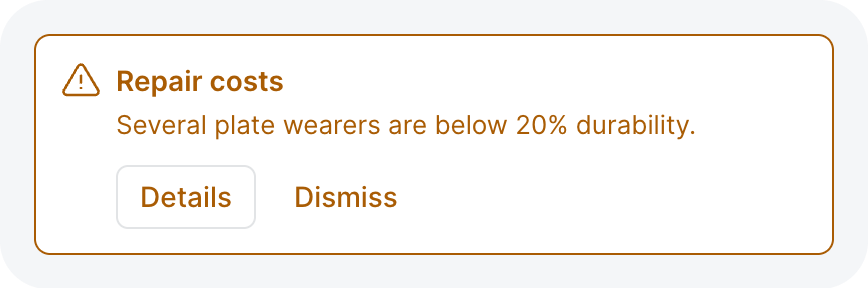
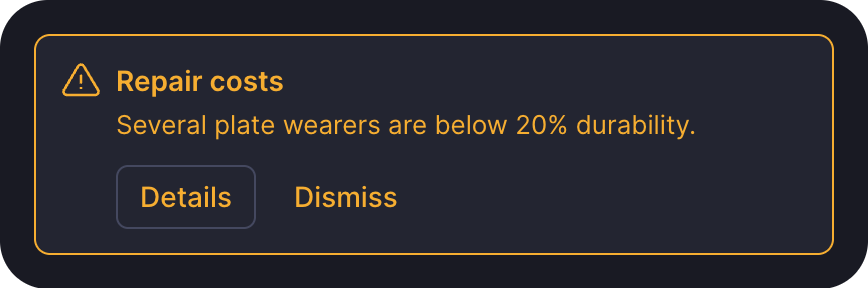
alert is a callout the reader must notice:
alert('Several plate wearers are below 20% durability.', {
  tone: 'warning',
  title: 'Repair costs',
  icon: 'alert-triangle',
  actions: button('Details', { variant: 'outline', size: -1 }),
})primary, the default tone, is a plain box. A status tone rings and tints it in its color.- A
destructiveorwarningalert is announced to screen readers at once.
note is the quiet version, a hint that should not compete with the content:
note('Changes to the roster go live after the next raid reset.')Give it a tone when the hint warns:
note('Once you save, this is no longer the home page.', { tone: 'warning', icon: 'alert-triangle' })Facts
facts shows labeled values in a grid, like a record's summary:
facts(() => hero.value?.facts, { columns: 2 })- A value can be any content: text, a badge, a relative time.
columnsisauto, the default, which fits as many as the width allows,2, or1.- While the rows are
undefined, placeholders hold their height.
List
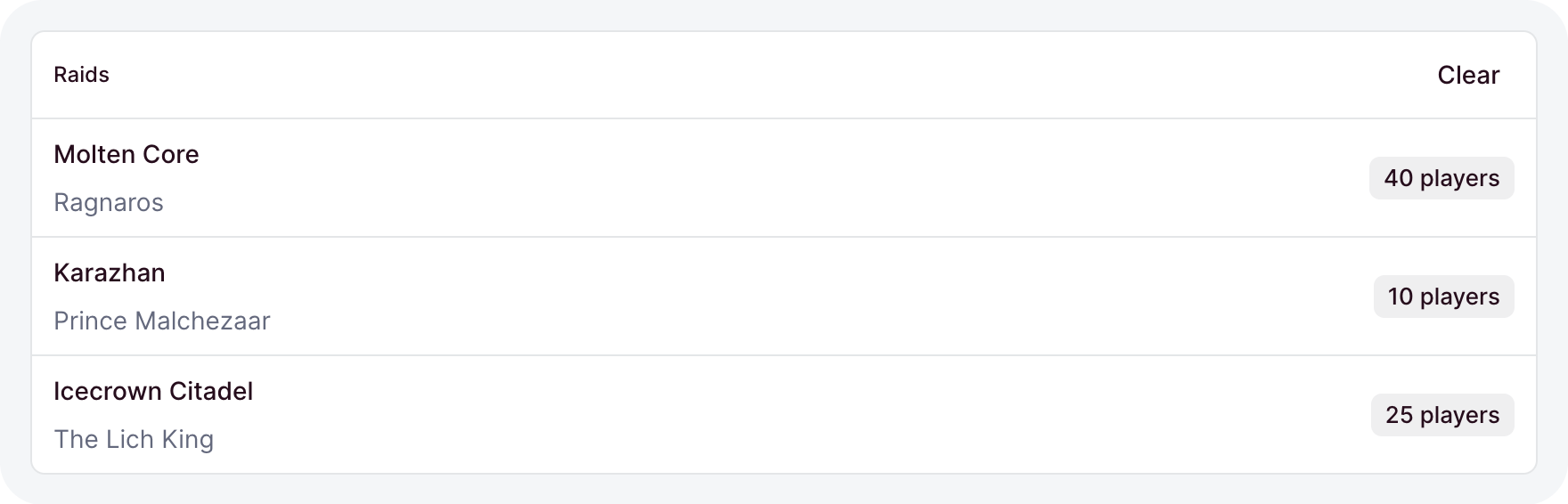
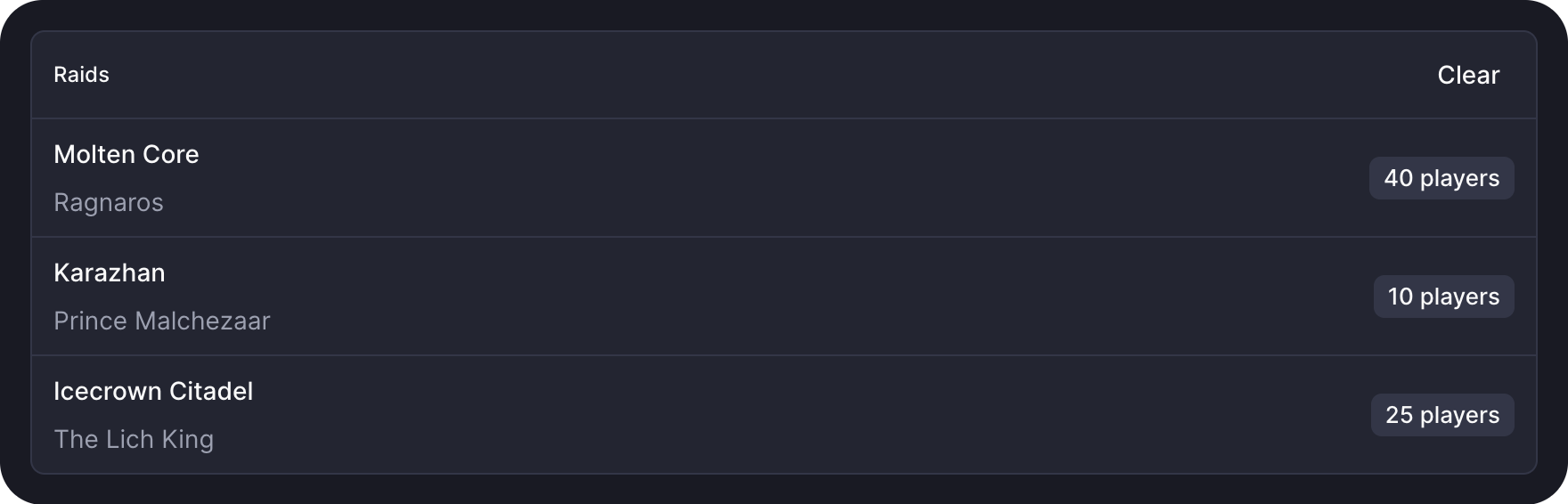
list renders items as divided rows. Alone in a card, the rows run to the card's edges:
card(
  list(
    () => raids.value,
    (raid) => h('span', null, () => raid().name),
    { key: (raid) => raid.id, empty: 'No raids scheduled' },
  ),
  { title: 'Raids' },
)
keynames each item, so a row keeps its state when the items change.renderruns once per item and gets a getter, the wayeachdoes.undefinedshows placeholder rows, and[]theemptytext.
Meter
meter shows how full something is:
meter(() => bank.value?.usedSlots, { max: 500, label: 'Guild bank slots', tone: 'warning' })- Omitted,
maxis100. labelshows above the bar with the share in percent.undefinedshows a placeholder bar.
Relative time
relativeTime writes a moment as words, like "3 hours ago":
relativeTime(() => record.value.updatedAt)It takes a timestamp or a Date, keeps ticking, and shows the exact date and time in a tooltip.
Empty and error states
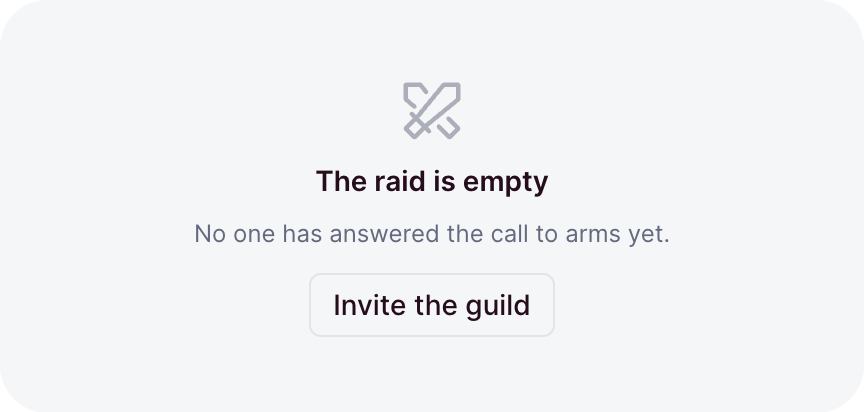
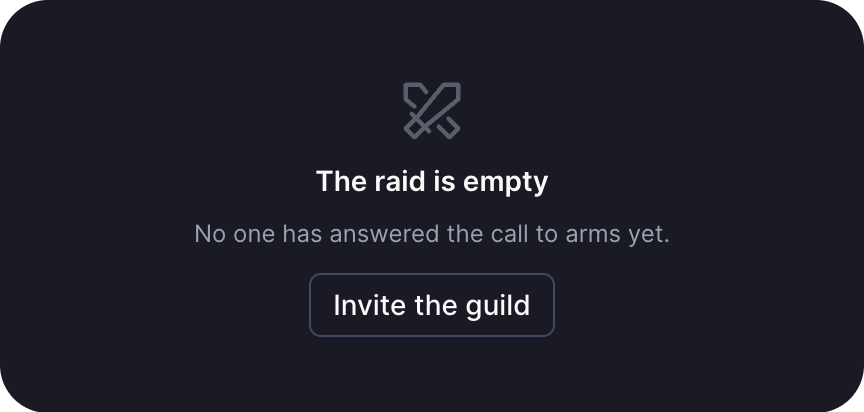
Data components draw these for you. Reach for them in a region you build yourself:
emptyState('No one has answered the call yet.', {
  icon: 'swords',
  title: 'The raid is empty',
  action: button('Invite the guild', { variant: 'outline', size: -1 }),
})

errorState('The portal collapsed.', { retry: () => raids.reload() })- Omitted, the empty state's
iconis an inbox. - Omitted, the error text reads "Failed to load".
retryadds a retry button. loadedpicks between them for you.
Skeleton and spinner
skeleton holds a loading region at its final height. spinner is a small rotating loader:
skeleton({ lines: 3 })
skeleton({ height: '12rem' })
spinner({ size: -1 })linesstands in for text,heightfor a solid block like a chart.- Prefer a skeleton for content, so nothing jumps when it lands. A spinner suits a short wait with no shape to hold.