Stats and charts
Stat tiles, line, bar and donut charts, bar lists, and funnels.
The dashboard ships the numbers and charts a page usually needs: stat tiles, line, area and bar charts, donuts, ranked bar lists, and funnels. Each one takes a getter for its data, draws its own loading and empty states, and stays readable with a keyboard and a screen reader.
import { card, defineDashboardPage, grid, lineChart, page, stat } from 'ohnejs/dashboard';
import { ref } from 'ohnejs/utils';

interface Day {
  day: string;
  gold: number;
}

export default defineDashboardPage(() => {
  const days = ref<Day[]>([
    { day: 'Mon', gold: 1840 },
    { day: 'Tue', gold: 2210 },
    { day: 'Wed', gold: 1975 },
  ]);

  return page(
    { title: 'Raids' },
    grid(
      { min: '13rem', minColumns: 2 },
      stat(() => ({ value: 48_210, previous: 39_870 }), { label: 'Gold looted' }),
      stat(() => 214, { label: 'Raids cleared' }),
    ),
    card(
      lineChart(() => days.value, {
        x: (row) => row.day,
        series: [{ name: 'Gold looted', value: (row) => row.gold }],
      }),
      { title: 'Gold per day' },
    ),
  );
});
The chart redraws whenever days changes. Every row is typed from the data, so a typo in a field fails the typecheck.
Which one to reach for
Start from the question the reader asks:
| Question | Reach for |
|---|---|
| What is the number, and is it better? | stat |
| How did it move over time? | lineChart, area: true |
| How do a few categories compare? | barChart |
| What makes up the whole? | donutChart or stacked |
| Which items lead a long ranking? | barList |
| Where do people drop out of a process? | funnel |
A single number is a stat, never a one-bar chart. To compare close values, prefer bars to a donut.
Data in, states out
Every chart and stat takes its data as a getter:
barChart(() => realms.value, { x: (realm) => realm.name, series })undefinedshows a placeholder at the chart's height, so nothing jumps when data lands.[]shows an empty state.- A
useResourceresult works as the getter directly. A failed read shows an error with a retry, a403shows a locked state, and a refetch dims the old chart instead of blanking it.
Stat
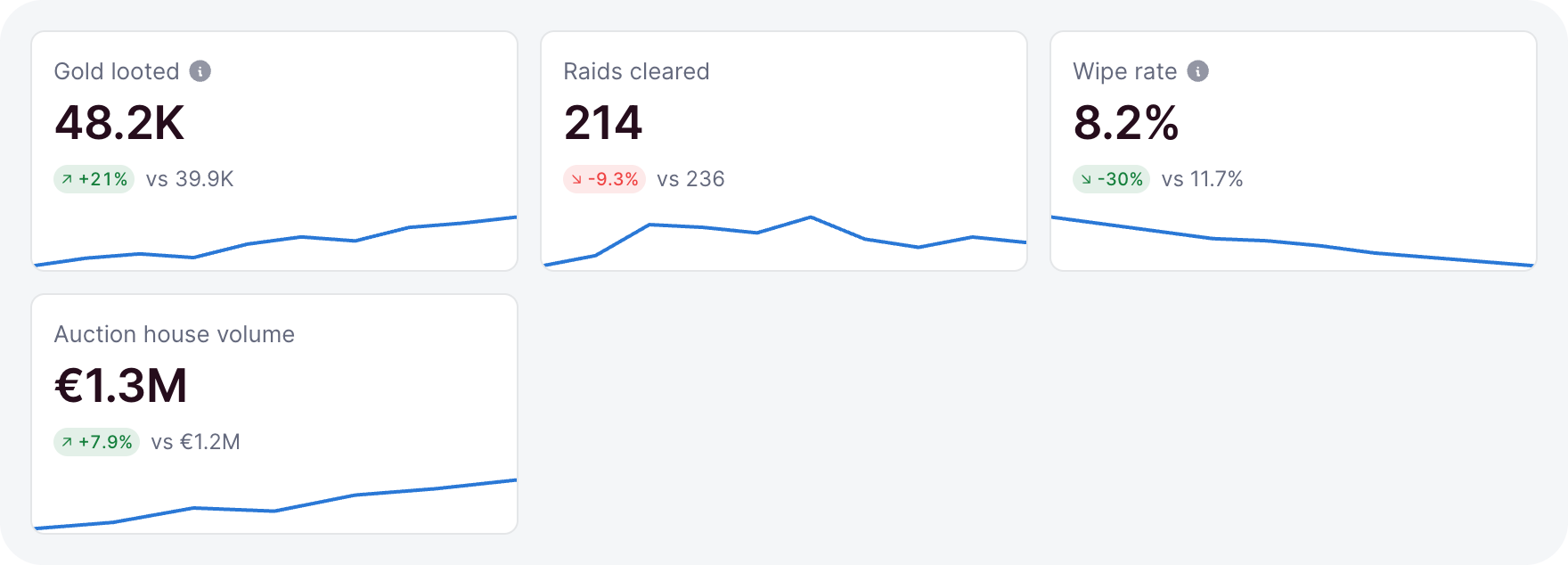
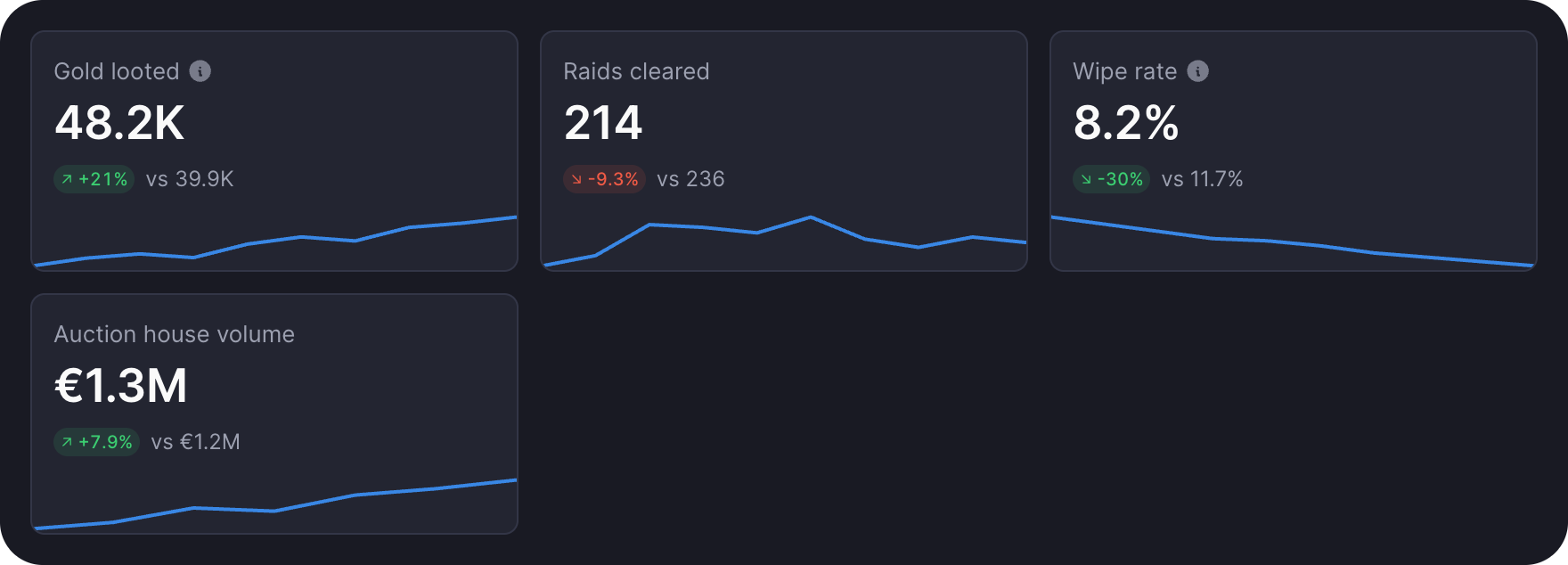
stat shows a figure with its label. Give it a previous and a trend to add a change pill and a sparkline:
stat(() => ({ value: 0.082, previous: 0.117, trend: [0.15, 0.12, 0.1, 0.082] }), {
  label: 'Wipe rate',
  format: (value) => formatNumber(value, { percent: true, decimals: 1 }),
  invert: true,
  help: 'Wipes per boss pull.',
})- Omitted,
formatwrites the number in the dashboard language, compact from ten thousand. invertmarks a figure where lower is better, so a drop reads as good news.hrefturns the whole tile into a link.delta(() => change)is the pill on its own, for a change you show elsewhere. Build the change withchangeOf(current, previous)fromohnejs/utils.
formatNumber(value, { compact, currency, percent, decimals, signed }) formats in the dashboard language and follows it when the language switches. With a currency, the value is in major units.
Line and area
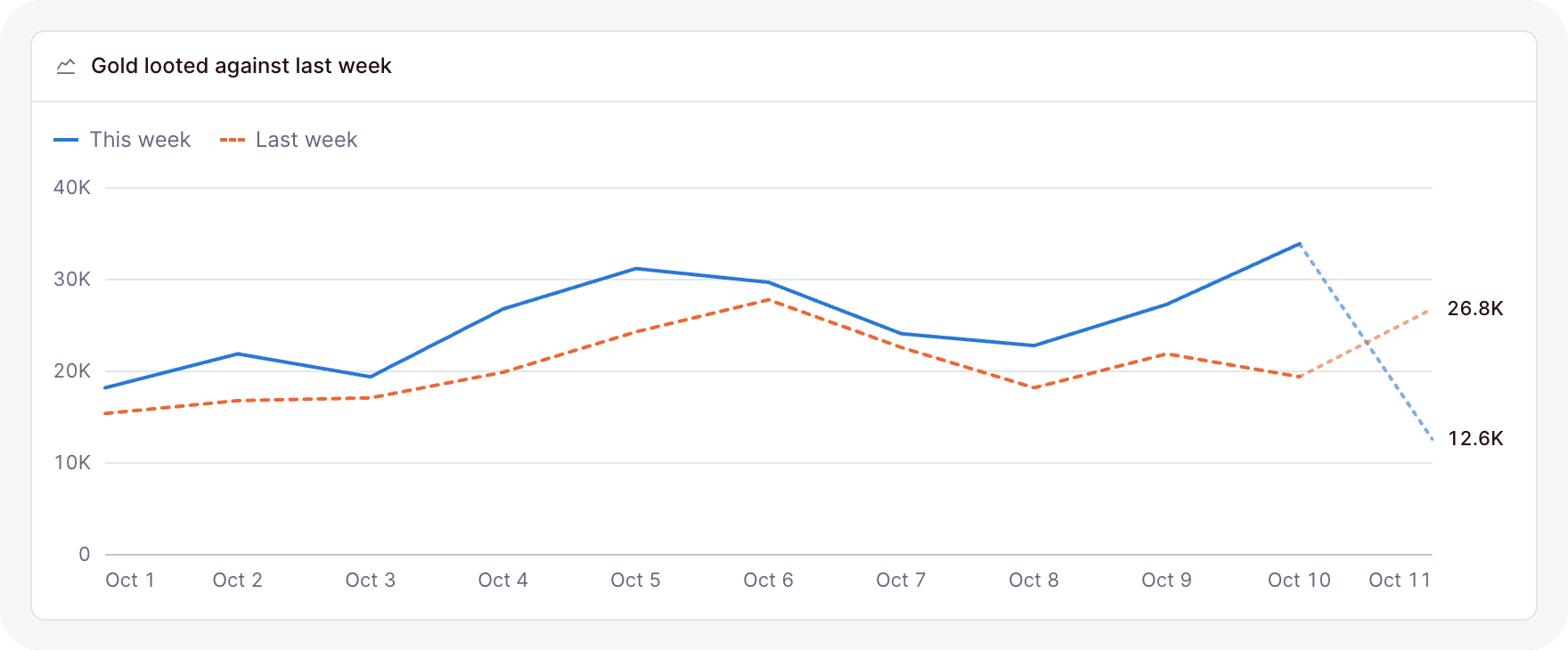
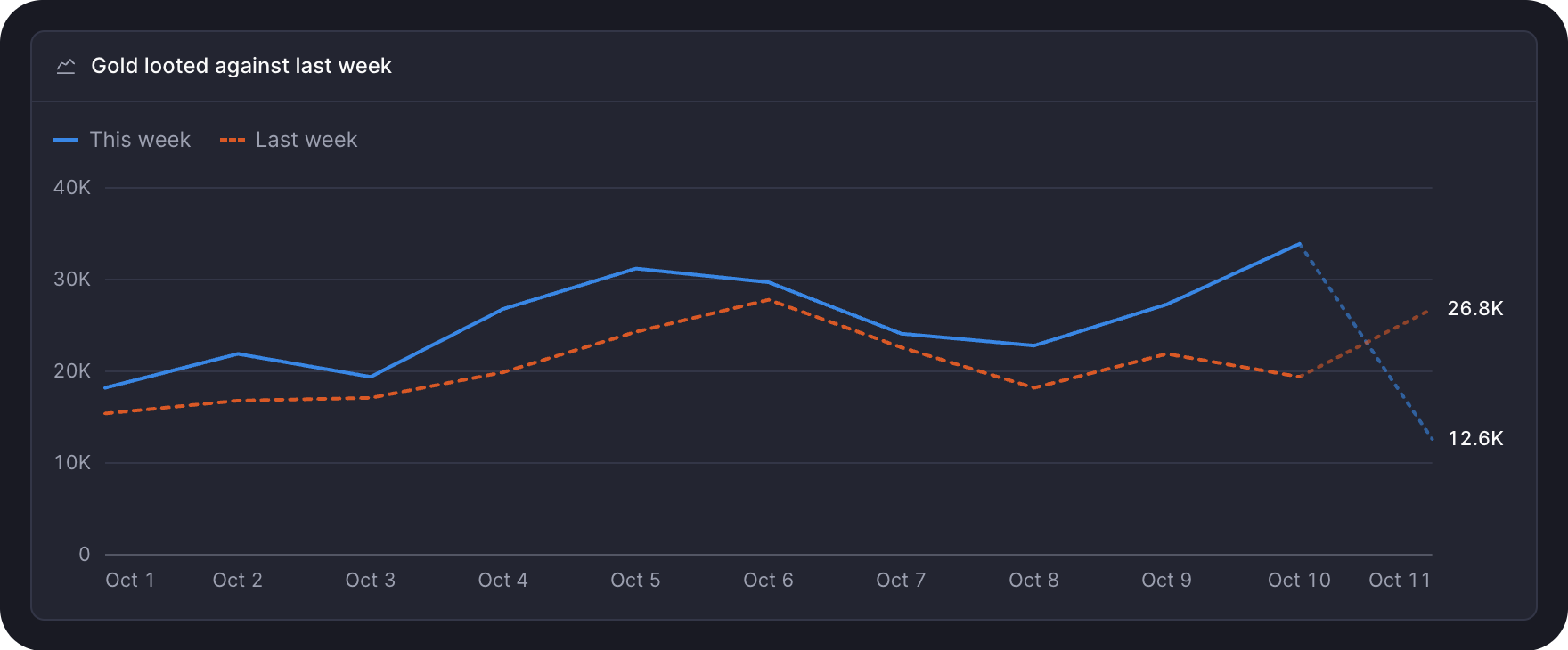
lineChart draws one line per series over the rows:
lineChart(() => days.value, {
  x: (day) => day.date,
  area: true,
  partial: (day) => day.date === today,
  series: [
    { name: 'This week', value: (day) => day.gold },
    { name: 'Last week', value: (day) => day.previous, dashed: true },
  ],
})- A
nullvalue is a gap: the line breaks instead of dropping to zero. dashedsuits a previous period or a target.partialmarks a row still filling, like today, so the line into it draws lighter.areawashes the area under each solid line. It reads best with a single series.
Bar
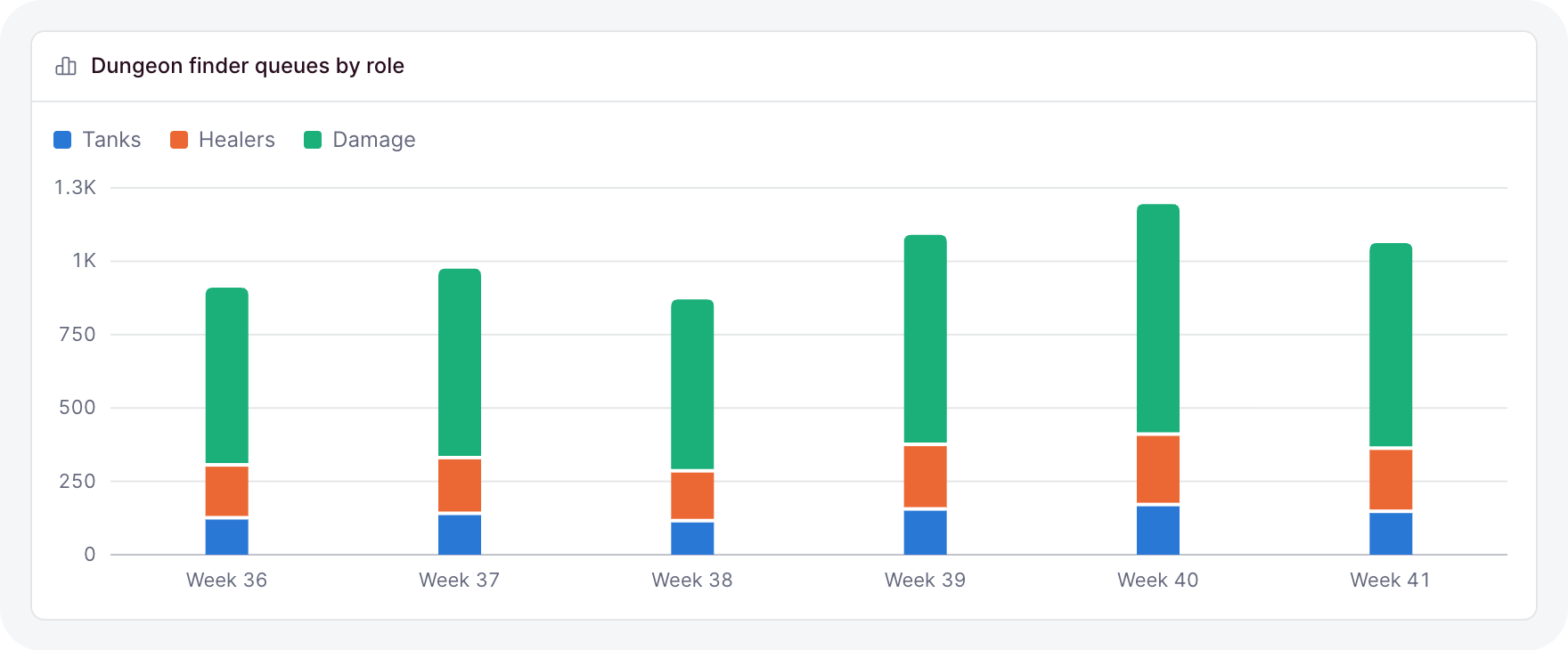
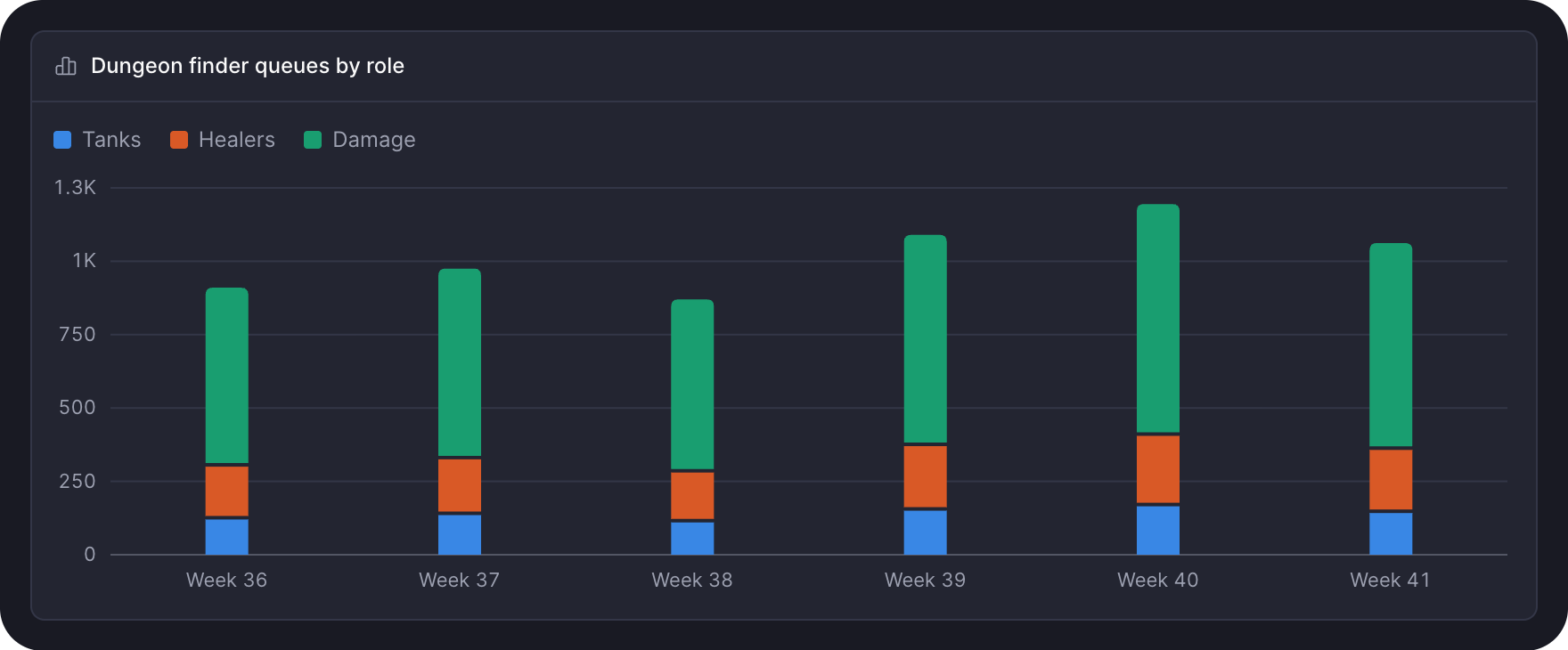
barChart takes the same x and series:
barChart(() => weeks.value, {
  x: (week) => week.label,
  stacked: true,
  series: [
    { name: 'Tanks', value: (week) => week.tanks },
    { name: 'Healers', value: (week) => week.healers },
  ],
})- Several series sit side by side;
stackedstacks them into one bar. horizontalnames each row at its start. Use it for many or long-named categories. A single series then writes each value at its bar's tip.
Donut
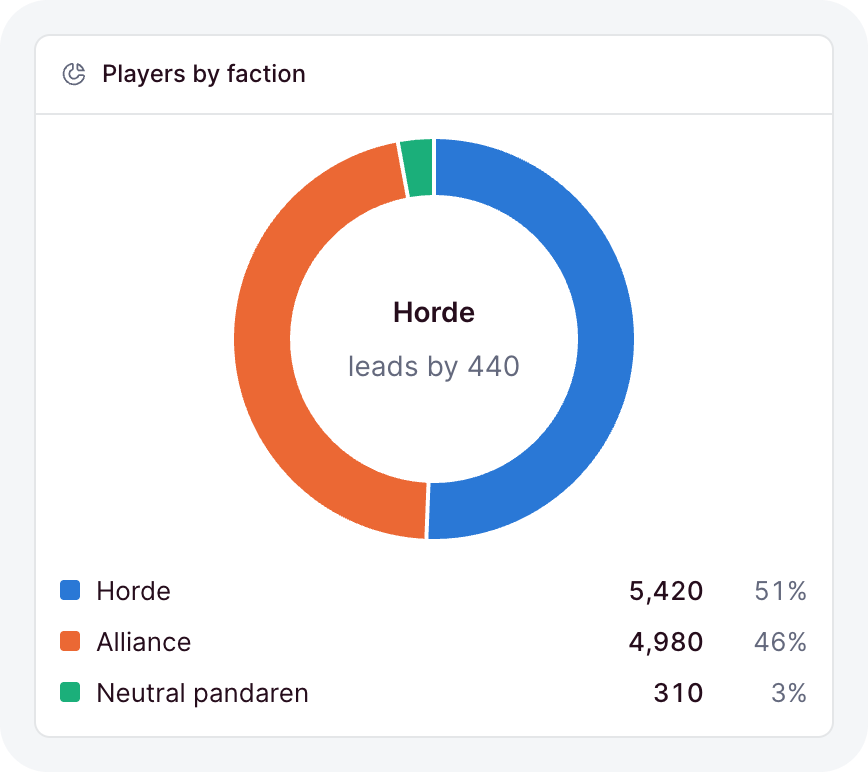
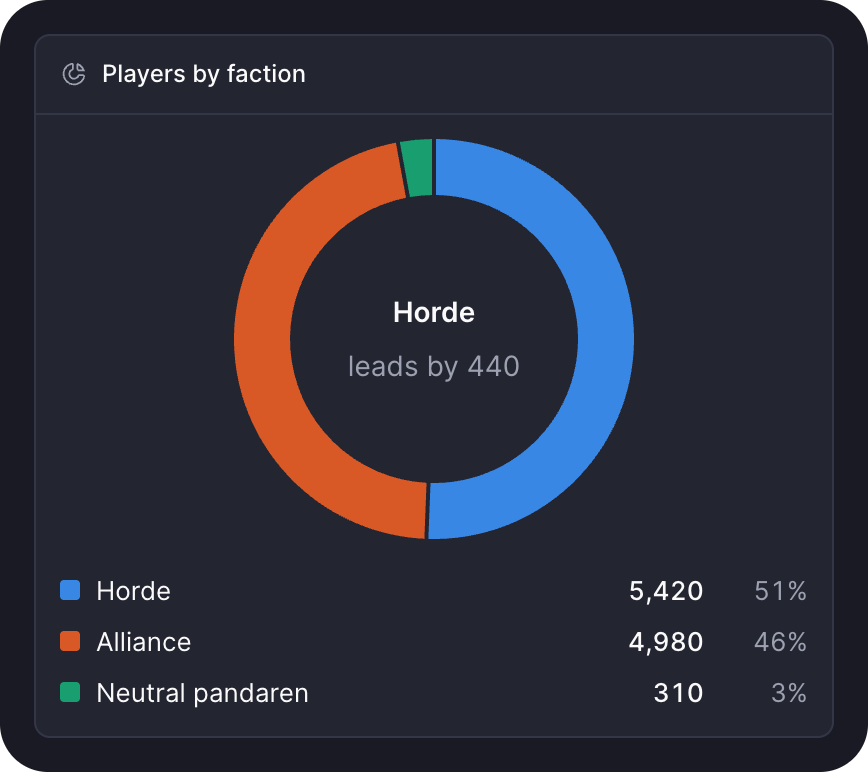
donutChart shows each row's share of the whole, with the total in the hole:
donutChart(() => factions.value, {
  label: (faction) => faction.name,
  value: (faction) => faction.players,
})
Pass center to put your own figure in the hole. A legend beside the ring lists every value and share.
Bar list and funnel
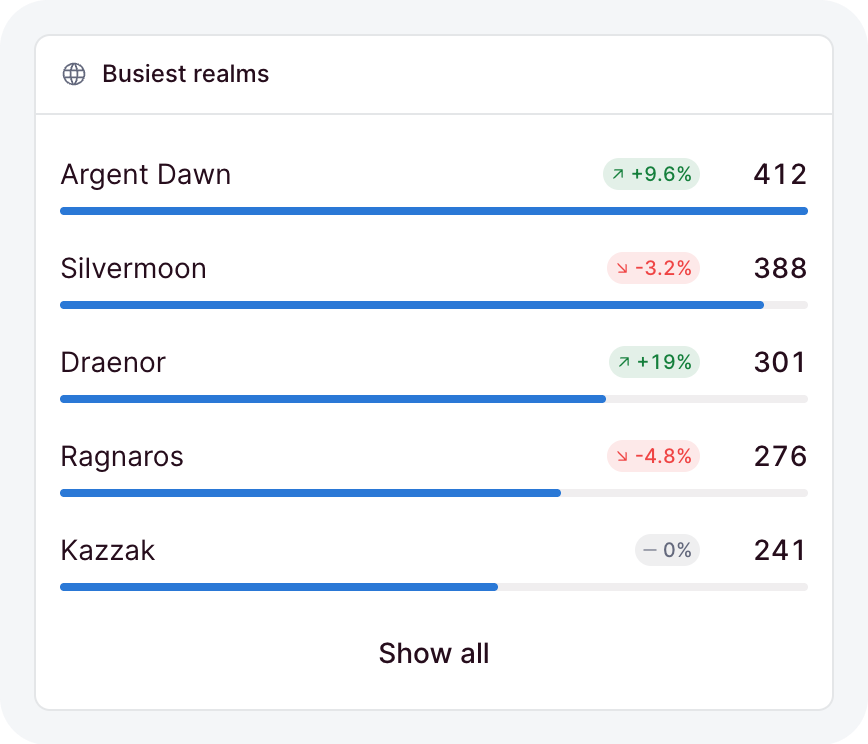
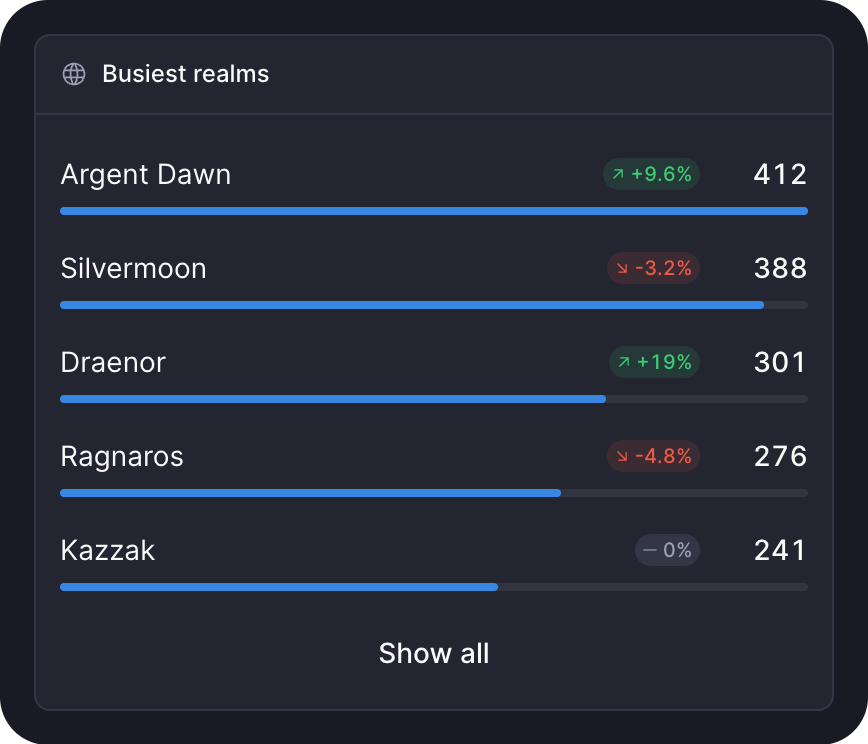
barList ranks rows with a thin bar under each label. Pass the rows biggest first:
barList(() => realms.value, {
  label: (realm) => realm.name,
  value: (realm) => realm.raids,
  previous: (realm) => realm.lastWeek,
  href: (realm) => `/realms/${realm.slug}`,
  visible: 5,
})previousadds a change pill per row.hrefmakes each row a link.visibleshows the top rows and a button for the rest.
funnel takes the steps in order, with the same label and value. Under each step it writes the share of the step before and of the first.
sparkline(() => values) is the small trend line a stat uses, for anywhere else you need one.
Colors
Colors come from the eight --ohne-chart-1 to --ohne-chart-8 tokens, in a fixed order checked for color-vision deficiency in light and dark:
- A single series draws in
--ohne-chart-1, with no legend; the card title names it. - Two or more series take the slots in the order you list them, with a legend. A series keeps its color when you add or remove another after it.
- Past eight series or slices, the rest fold into one "Other" in a muted gray. A donut keeps the seven largest slices.
Charts never use the status colors, so green and red keep meaning good and bad. Override the tokens in your theme to rebrand every chart at once.
Accessibility you get for free
- Each chart is one Tab stop. The arrow keys step through rows or slices, and Home, End and Escape work too.
- A tooltip reads every series at the active row, on hover, tap and keyboard alike.
- A hidden table carries every number to a screen reader.
- Labels and values stay in the text colors; a colored key beside them carries the series.
- A change pill pairs its color with an arrow and a sign, so color is never the only signal.
- Animations respect reduced motion.