Components
The kit at a glance, and the grammar every component shares.
The kit is every component ohnejs/dashboard ships for building a page, and they all speak one grammar. A label takes a message key or plain text: a known key translates, any other string shows as written, and a getter stays live. A data component takes a getter, where undefined means loading and [] means empty, and a useResource result adds the failed and forbidden states. A color is a tone named by its meaning, never a hex value. Spacing is a gap step from -2 to 2, never a length.
Try every component live in the kit.
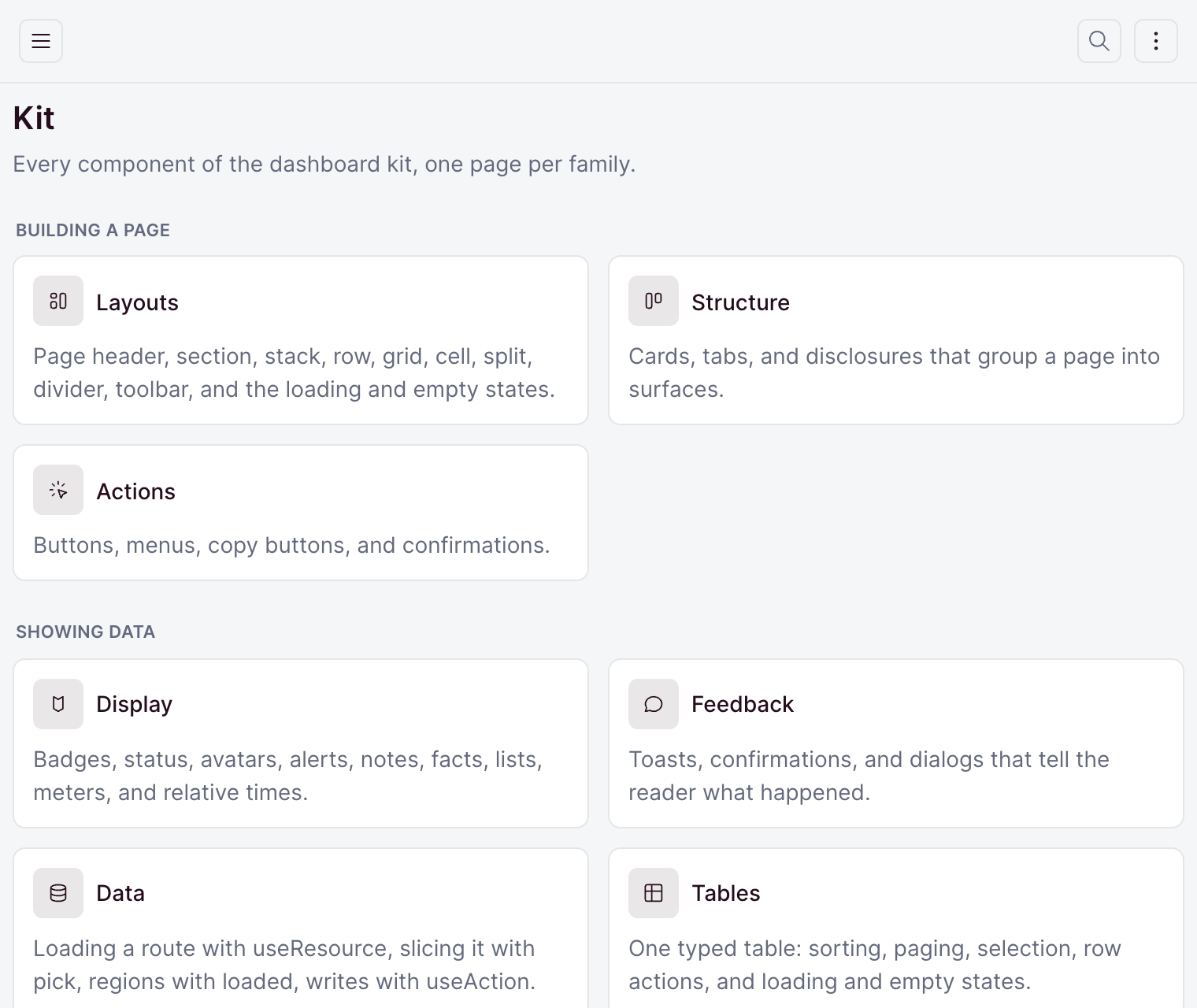
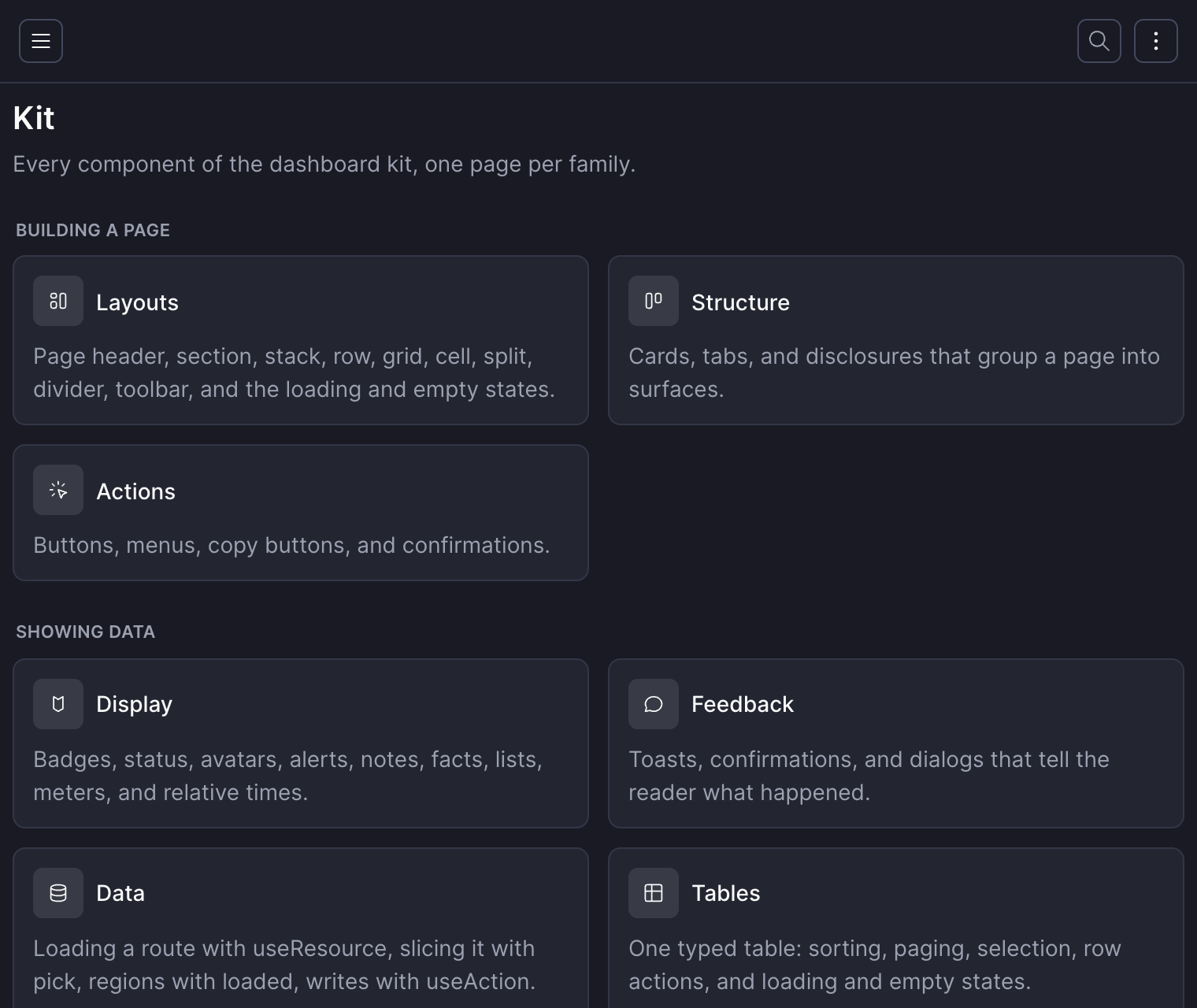
Layout
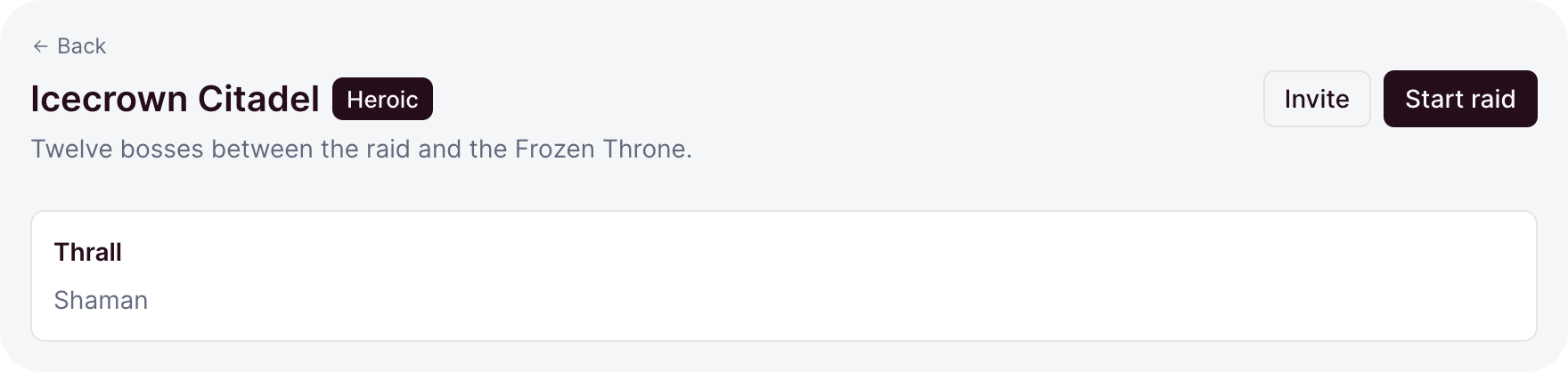
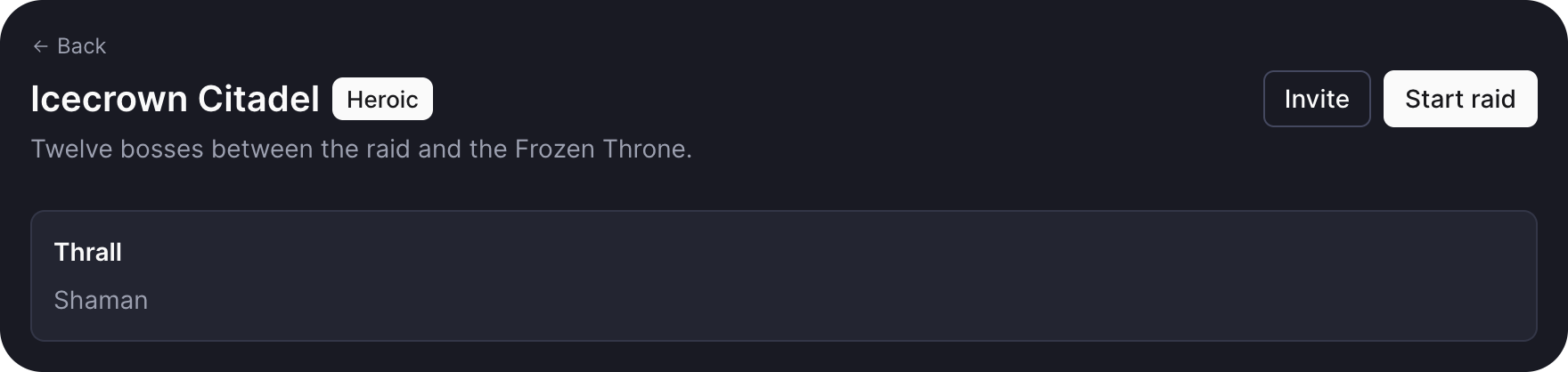
page, section, stack, row, grid, cell, split, divider, and toolbar. Layout places the blocks of a page.
Cards and tabs
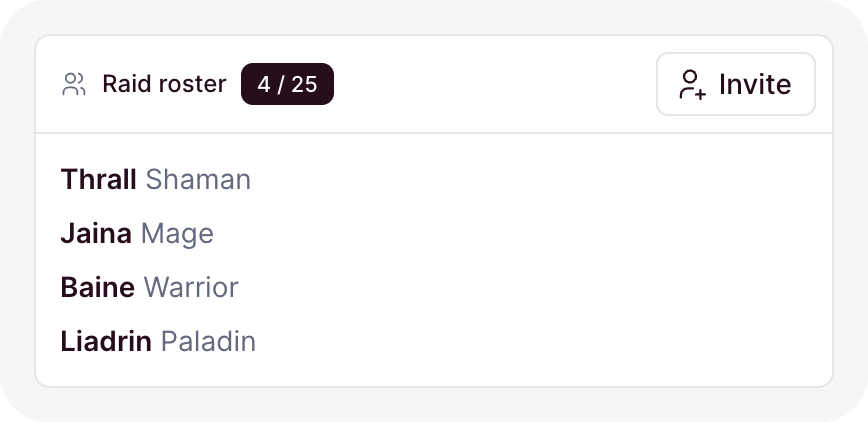
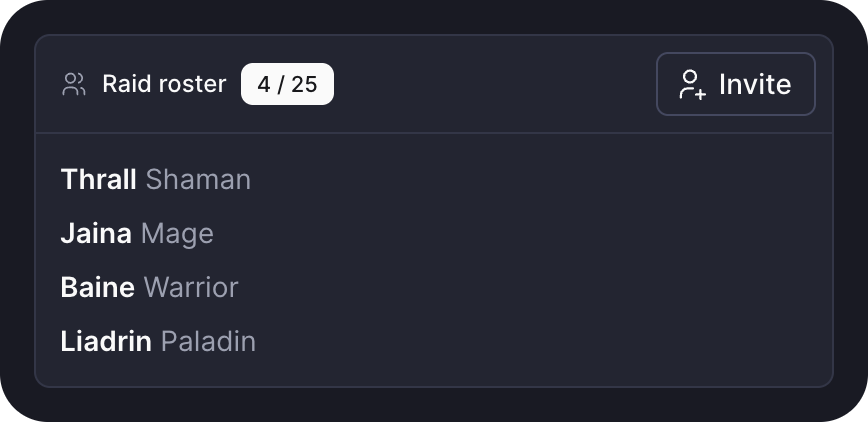
card, tabs, and disclosure. Cards and tabs group a page into surfaces.
Actions
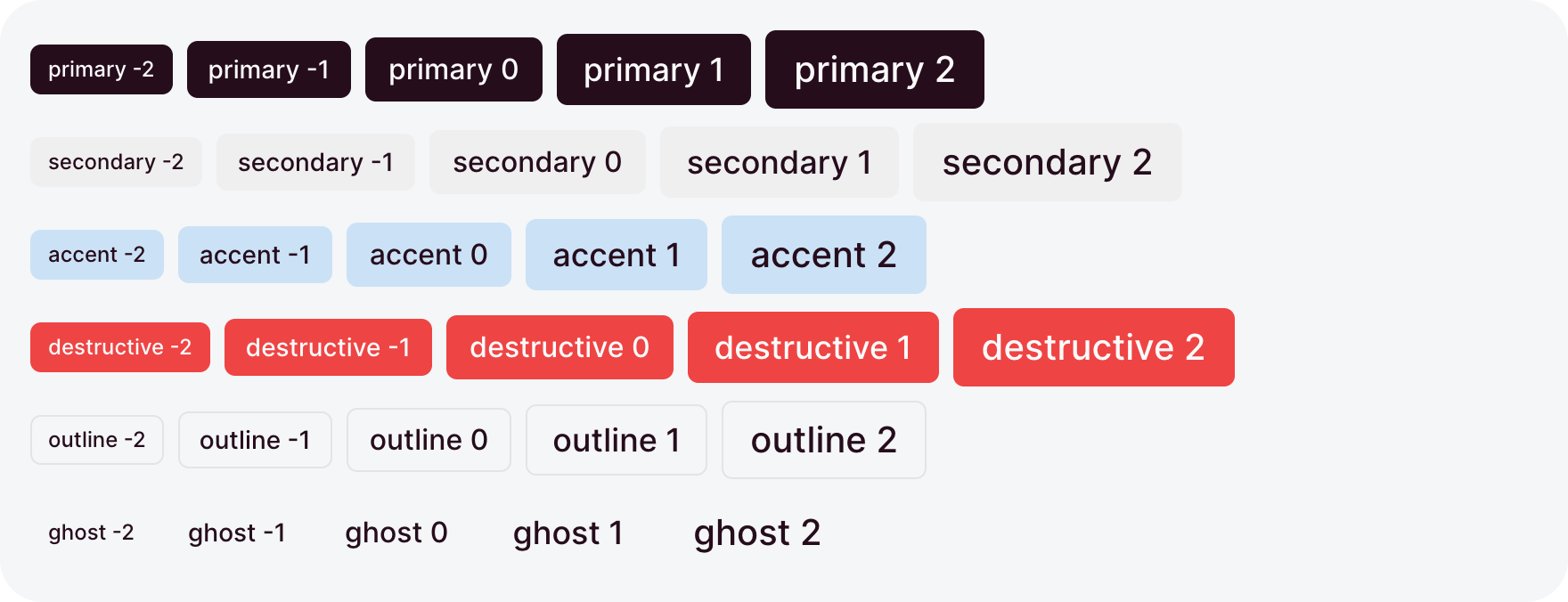
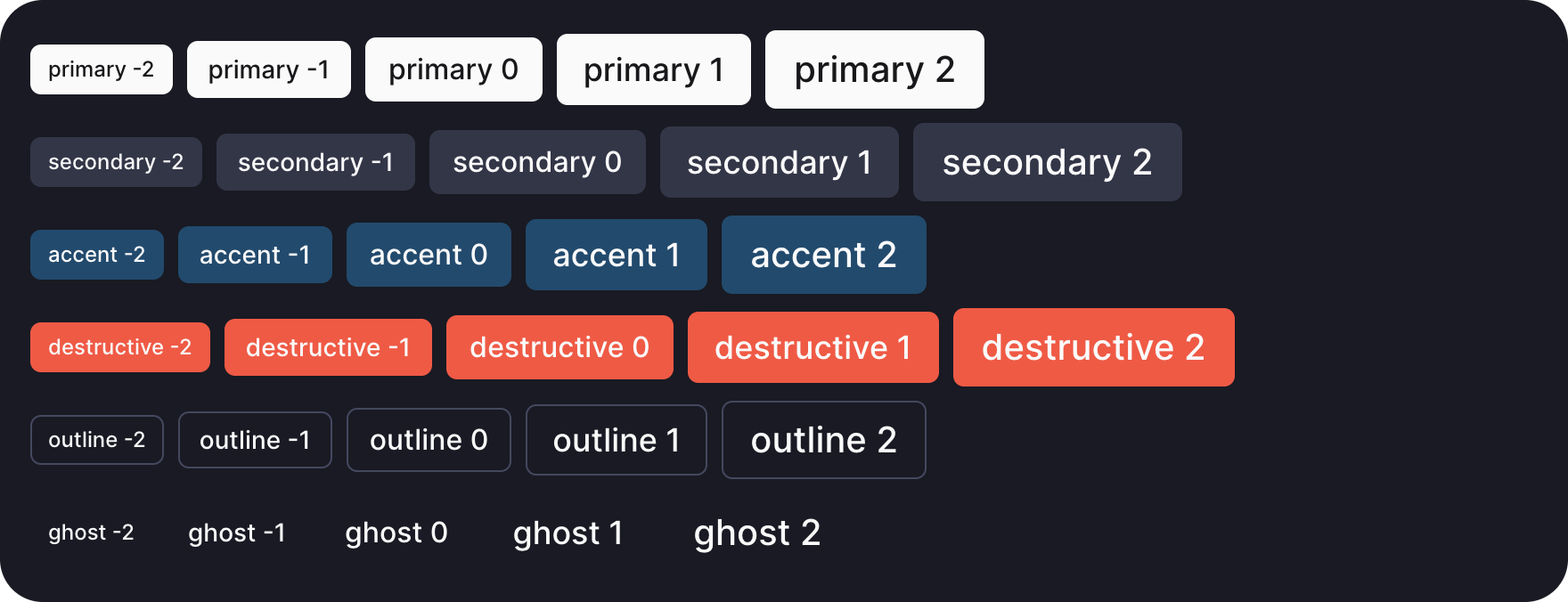
button, buttonGroup, iconGroup, select, menu, contextMenu, and copyButton. Actions covers the controls that act on a page.
Display


badge, statusBadge, statusDot, icon, avatar, alert, note, facts, list, meter, relativeTime, and the empty, error, and loading states. Display shows values and states.
Feedback
toast, confirm, and openDialog. Feedback tells the reader what happened.
Data
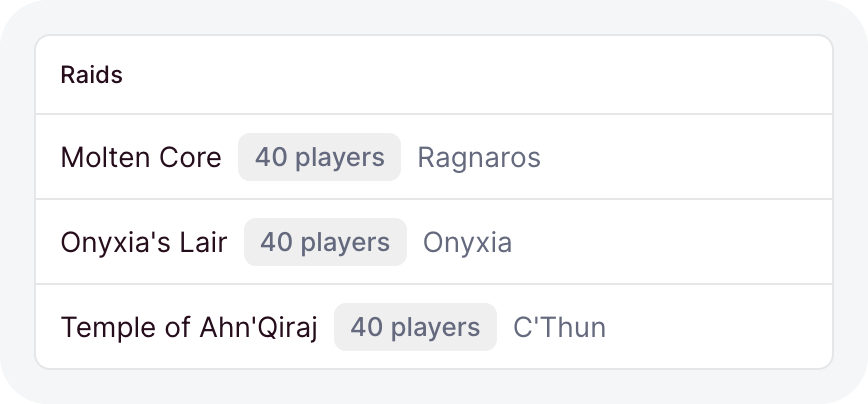
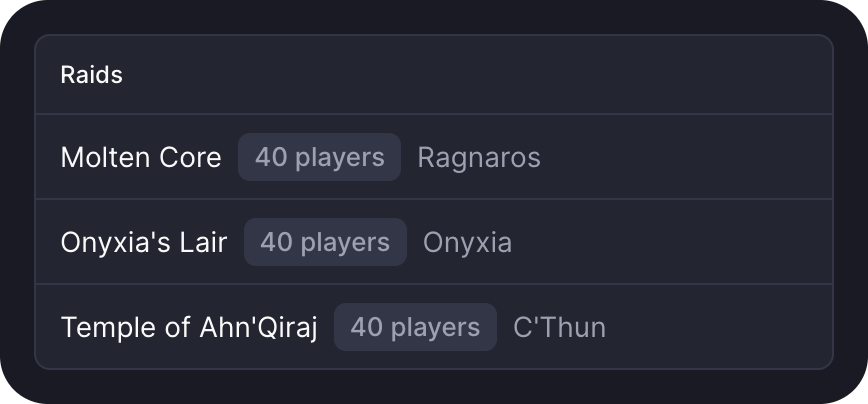
useResource, loaded, and useAction. Data in the dashboard loads and saves through your API.
Tables
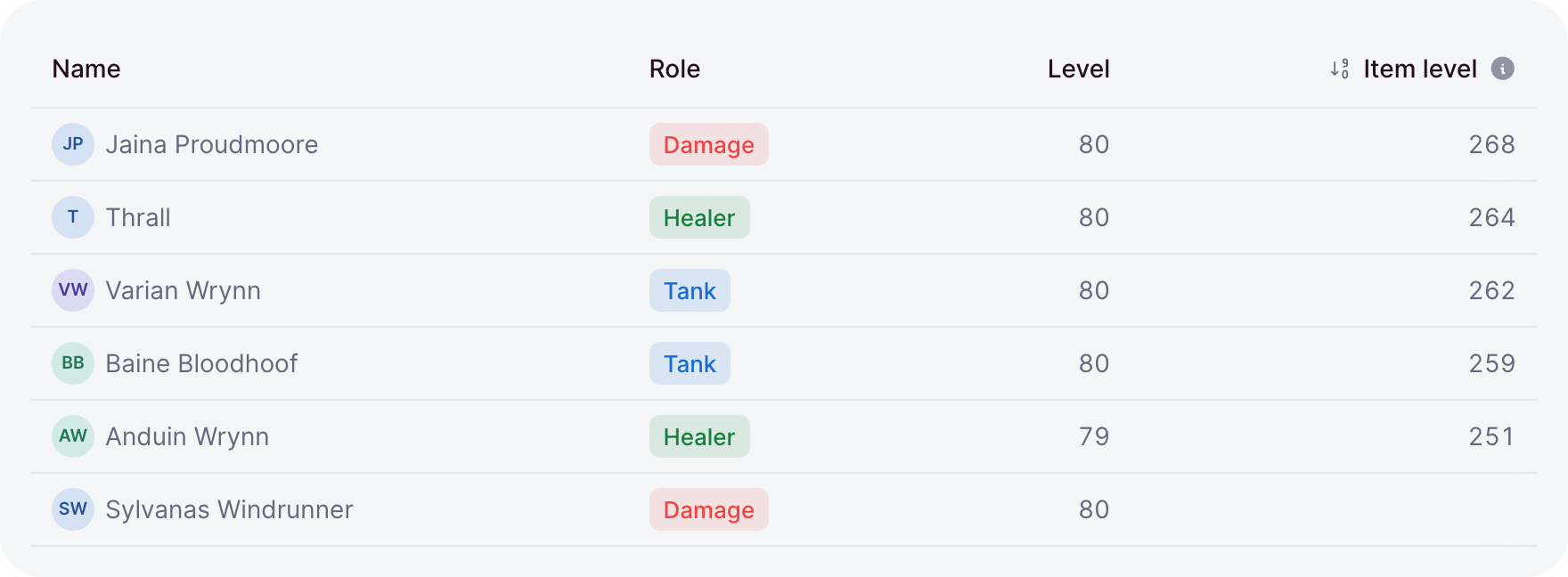
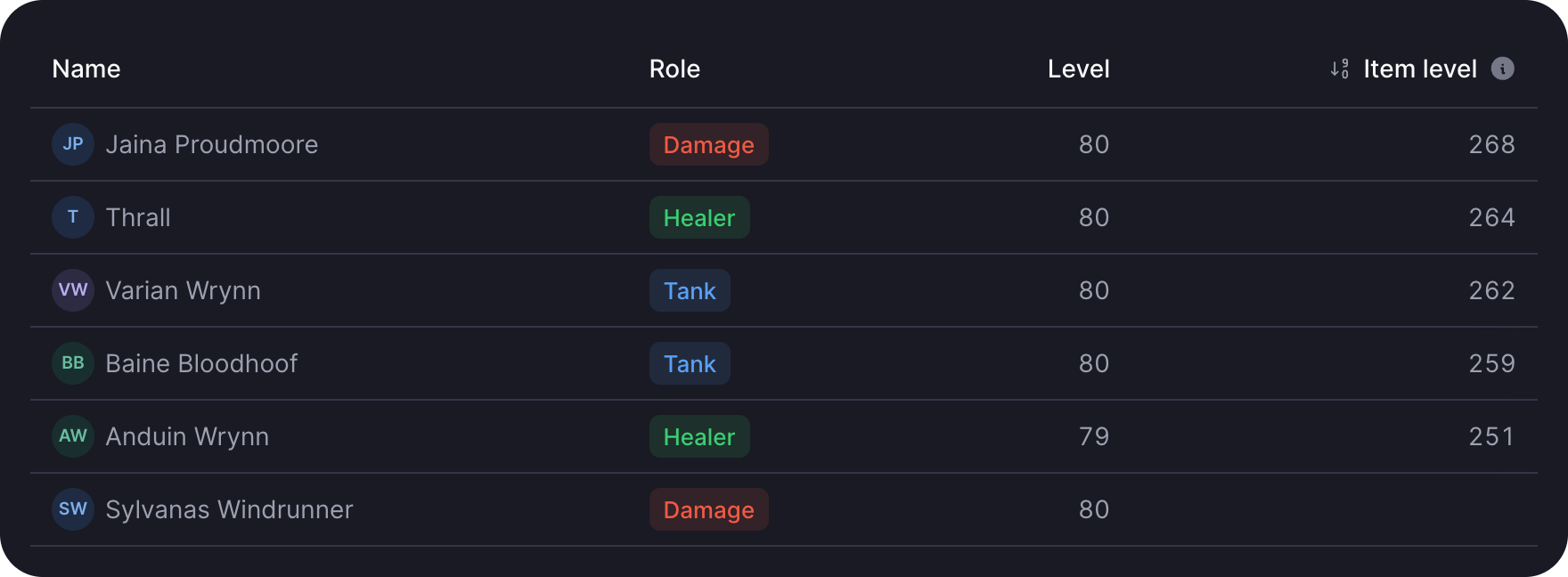
table and pagination. Tables shows typed rows with sorting, paging, and selection.
Stats and charts
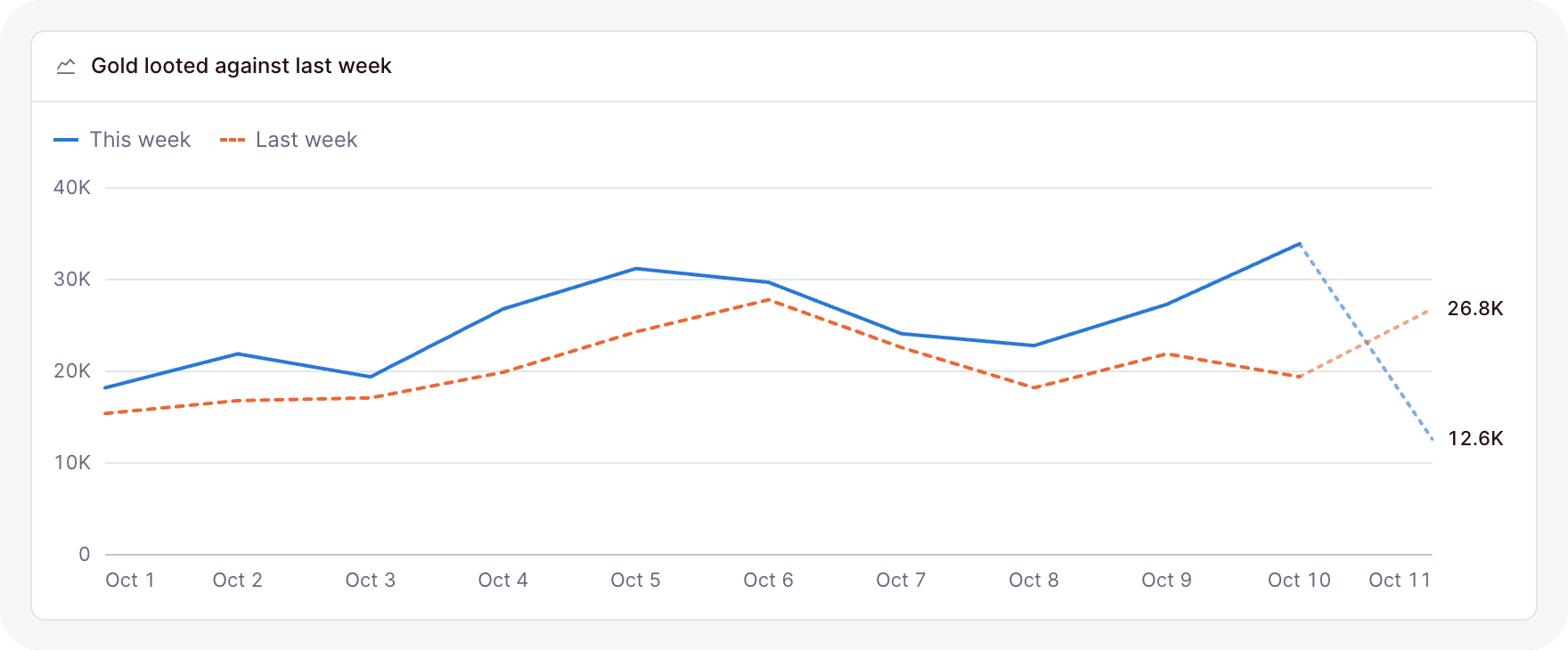
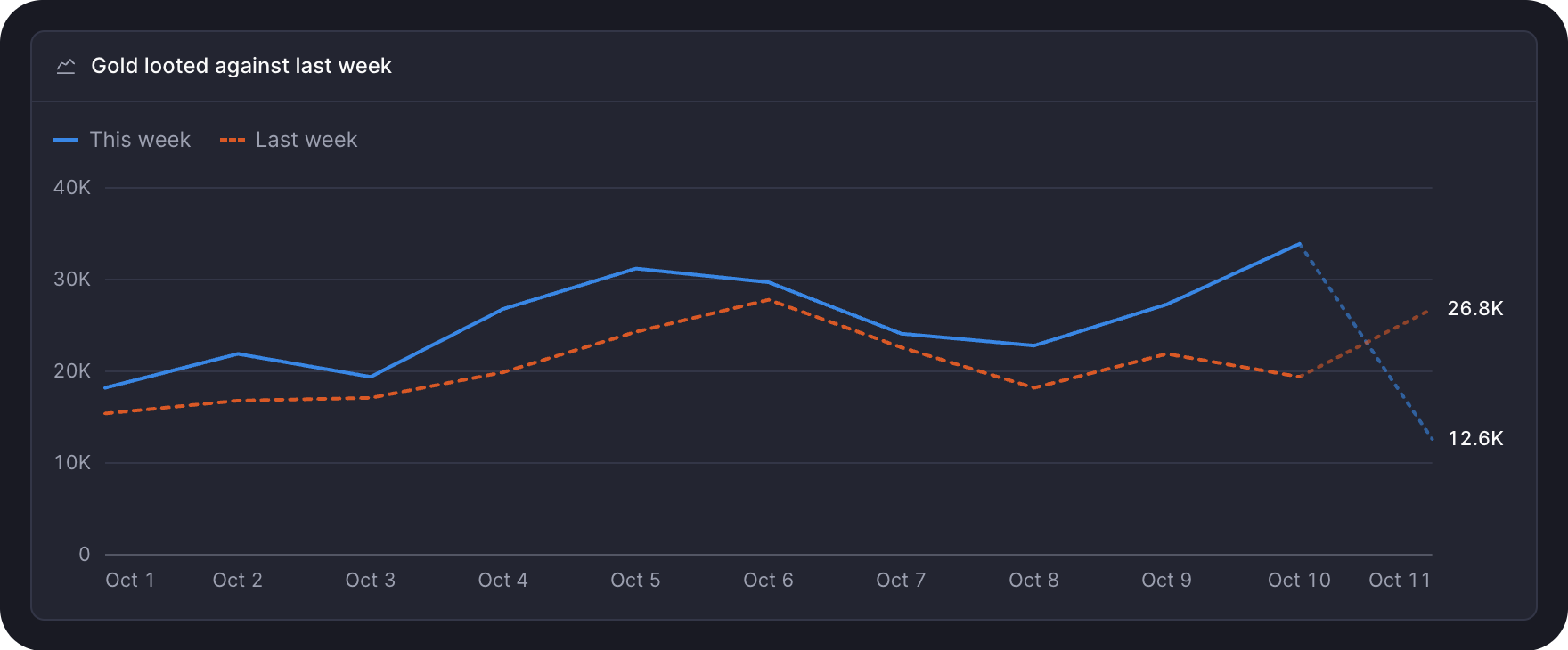
stat, delta, lineChart, barChart, donutChart, barList, funnel, and sparkline. Stats and charts draws the numbers.
Forms
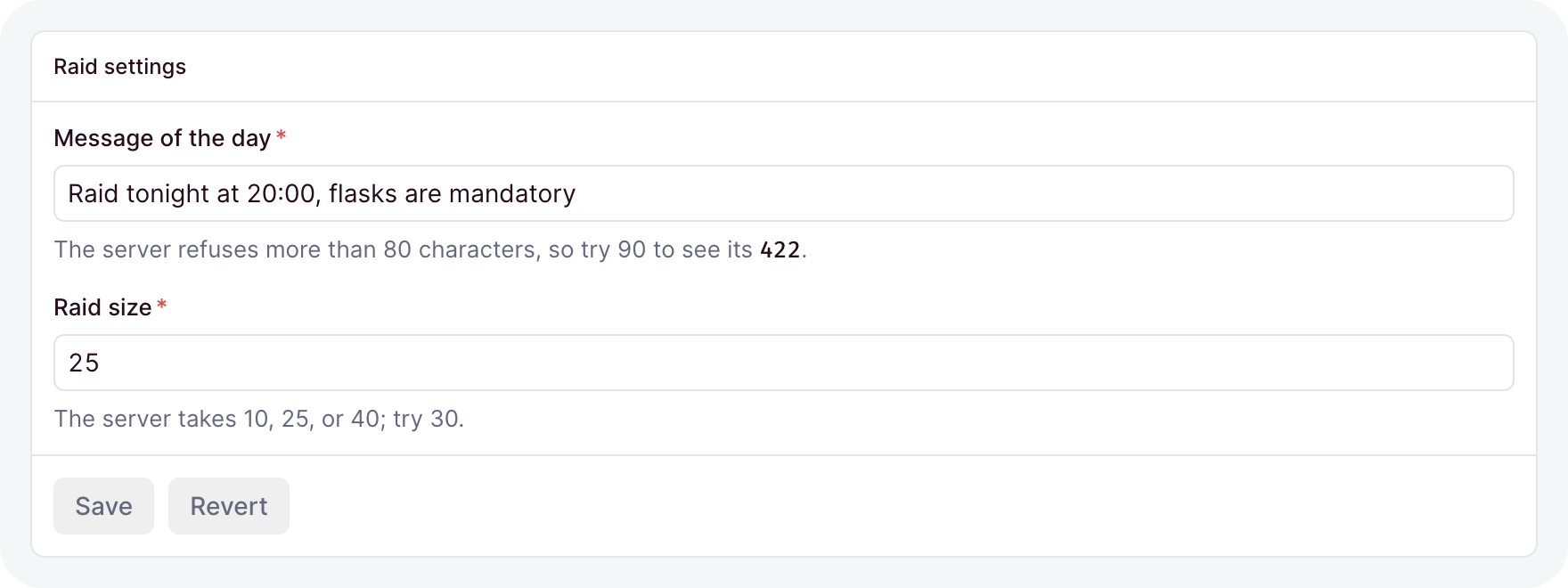
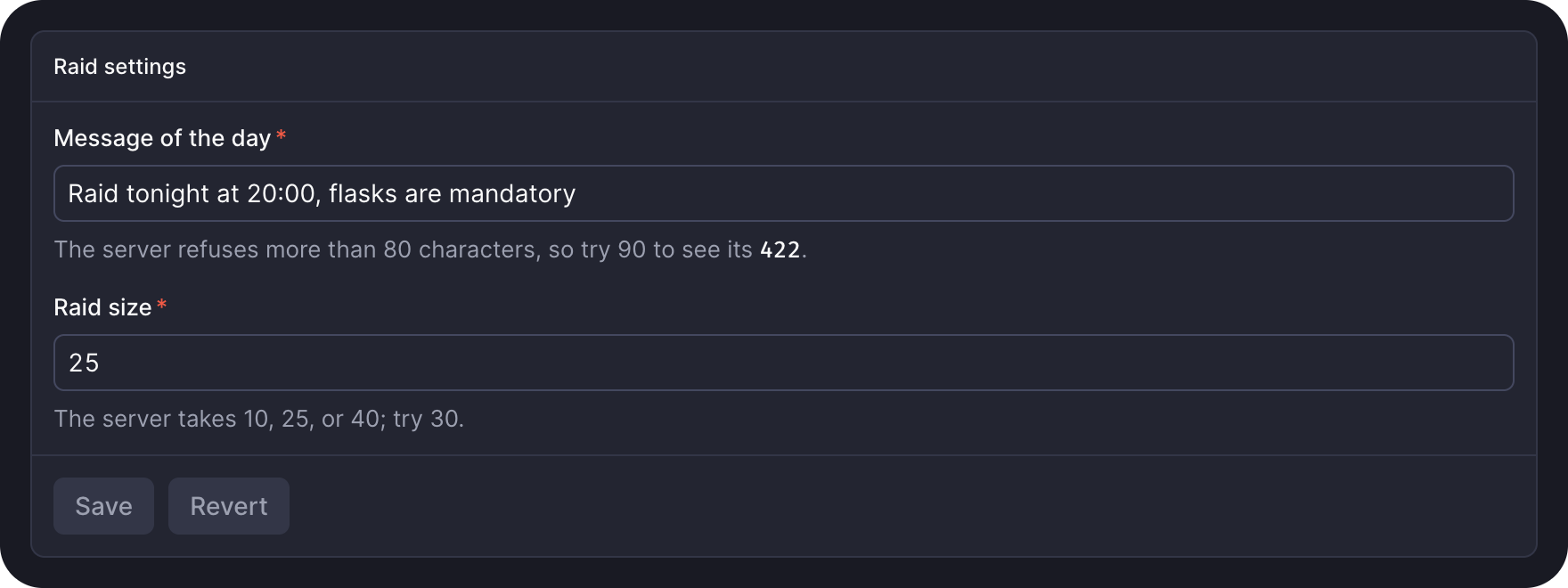
form, field, fieldInput, and formField. Forms asks for input and saves it.
To see them working together, build your first page.