Forms
Typed page forms with form, field, fieldInput, and formField.
A dashboard page often asks for input: a settings page, a test email, a filter. form builds a typed form from field specs, the same field types and rows the record editor uses, and hands it to useAction to save:
import {
  button,
  card,
  defineDashboardPage,
  field,
  form,
  type FormValue,
  page,
  useAction,
  useResource,
} from 'ohnejs/dashboard';

const fields = {
  motd: field('text', { label: 'Message of the day', max: 80 }),
  size: field('select', { choices: ['10', '25', '40'], display: 'buttons', default: '25' }),
};

type RaidSettings = FormValue<typeof fields>;

export default defineDashboardPage(() => {
  const current = useResource<RaidSettings>('GET /raid-settings');
  const settings = form({ fields, data: current });
  const save = useAction('PATCH /raid-settings', { form: settings, reload: [current] });

  return page(
    { title: 'Raid settings' },
    card(settings.element, {
      footer: button('Save', {
        variant: 'primary',
        disabled: () => !settings.dirty(),
        loading: () => save.busy(),
        onClick: () => save.run(),
      }),
    }),
  );
});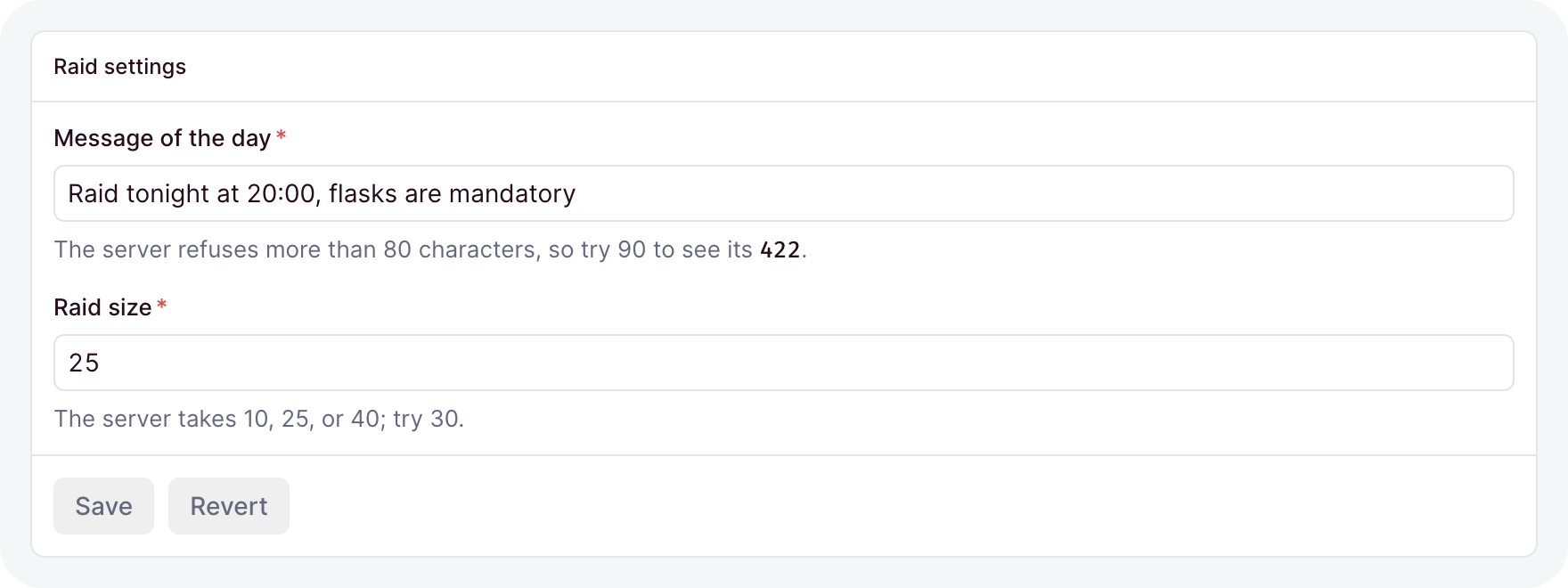
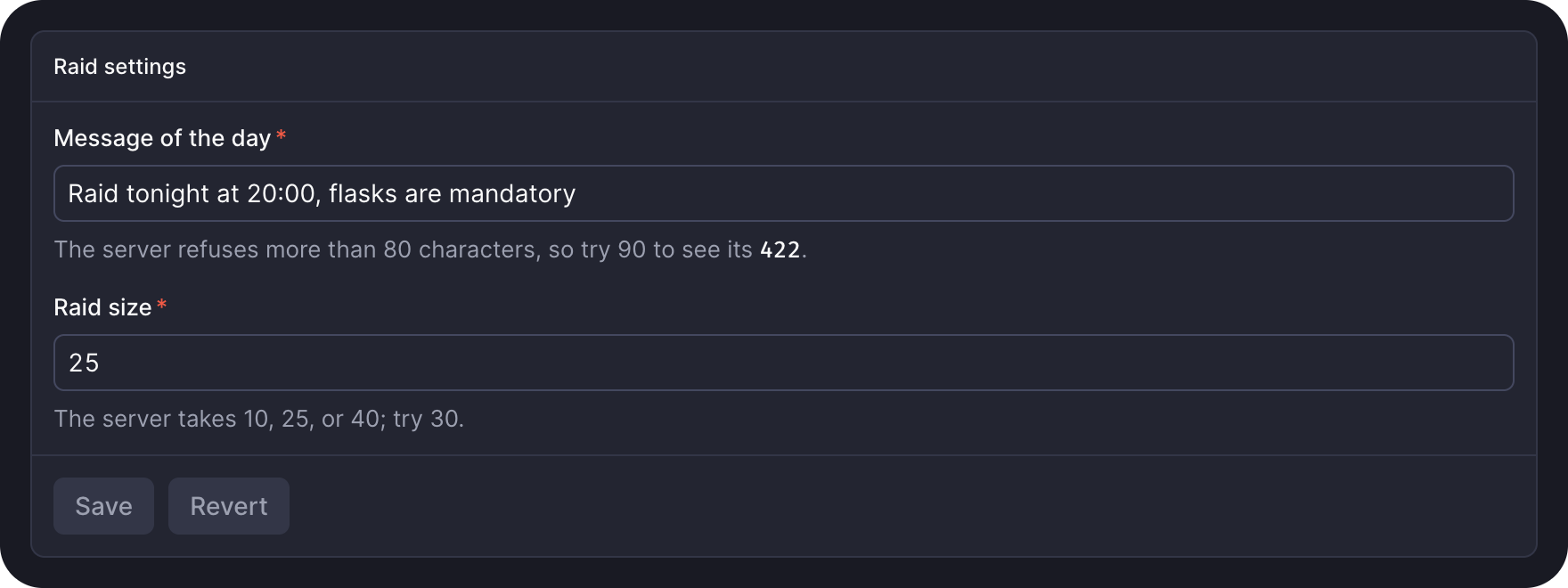
RaidSettings is { motd: string; size: '10' | '25' | '40' }. The form shows skeleton rows until the settings load, checks every field before it sends, and puts a 422's messages under their fields.
Wrapping a control
formField gives any control a label, a description, and an error message:
const name = ref('');

formField(textInput(name), {
  label: 'Guild name',
  description: 'Shown on the **roster**',
  error: () => (name.value === '' ? 'Pick a name' : ''),
});- It labels the first focusable element inside and wires
aria-describedbyandaria-invalid, so a label click focuses the control. - An error replaces the description and rings the control.
required: trueonly draws the asterisk; checking stays with you.
One field into a ref
field(type, options) declares a field the way the server's field() does. fieldInput edits it into a ref:
const recipient = ref('');

fieldInput(recipient, field('text', { label: 'Recipient', max: 120 }));- The ref's type must match the field: a
selectover['light', 'dark']takes aRef<'light' | 'dark'>, and anullablefield adds| null. - Each valid change writes the ref. An invalid one shows its message and leaves the ref alone.
- Writing the ref from your code shows the new value.
Every field type works, with the same options and checks as on the server. field refuses an option the type does not have, and a default the value cannot hold.
A whole form
form({ fields }) renders every field as a row and reads them as one typed value:
const raid = form({
  fields: {
    name: field('text', { max: 40 }),
    motto: field('text', { nullable: true }),
    heroic: field('boolean', { display: 'switch', default: false }),
    hardMode: field('select', { choices: ['Algalon', 'Mimiron'], when: { heroic: true } }),
  },
});

const reading = raid.read();
if (reading.errors === undefined) console.log(reading.value.name);- A field is required unless it is
nullable, has adefault, or is gated bywhen. Its row draws the asterisk, and an empty one reads as "This field is required". - A list starts as
[], anobjectas{}, and a text withallowEmptyas'', so none of them is required. whenhides the field while its condition fails. A gated field is optional inFormValue.- A failed
readshows every message and focuses the first. value()is the live value as far as it parses,dirty()tells you whether anything changed, andrevert()restores it.
Leaving the page with unsaved changes asks first. Pass guard: false for a form whose state does not matter.
Arranging the fields
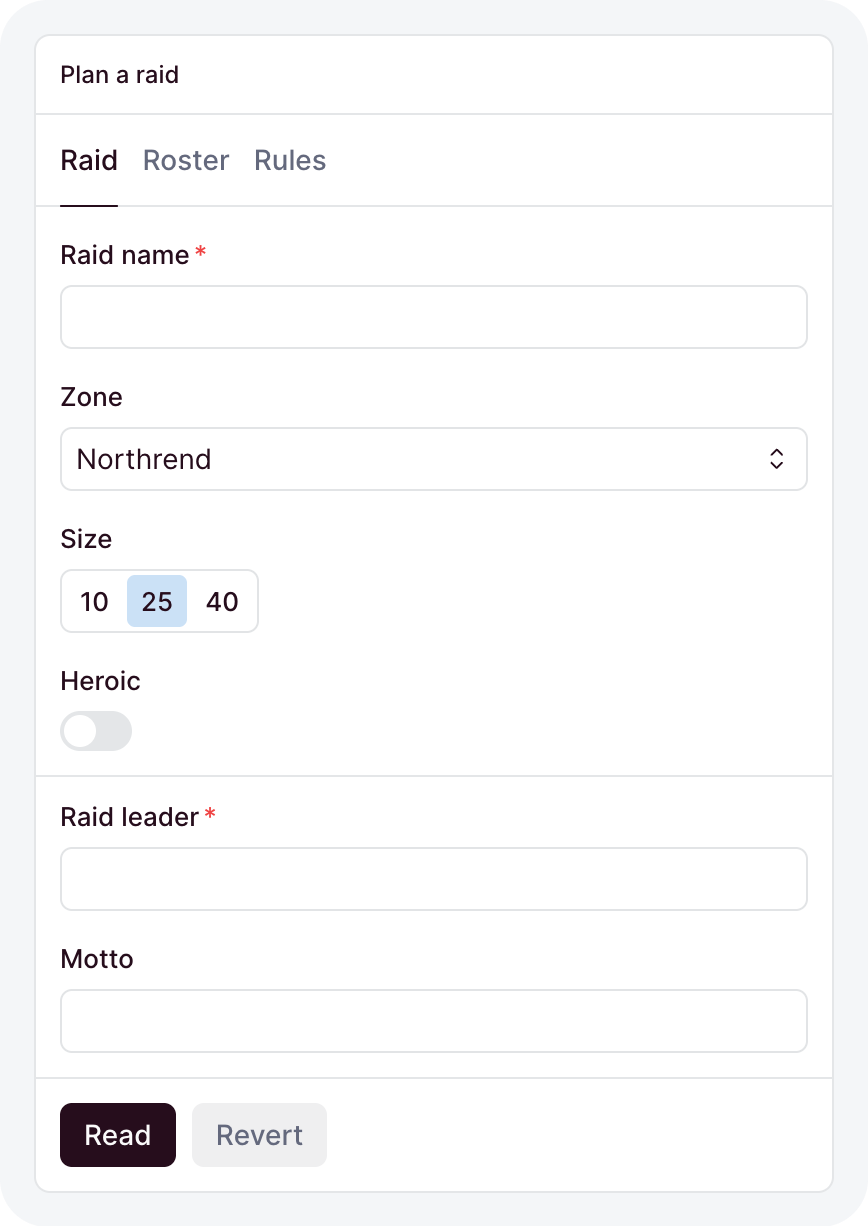
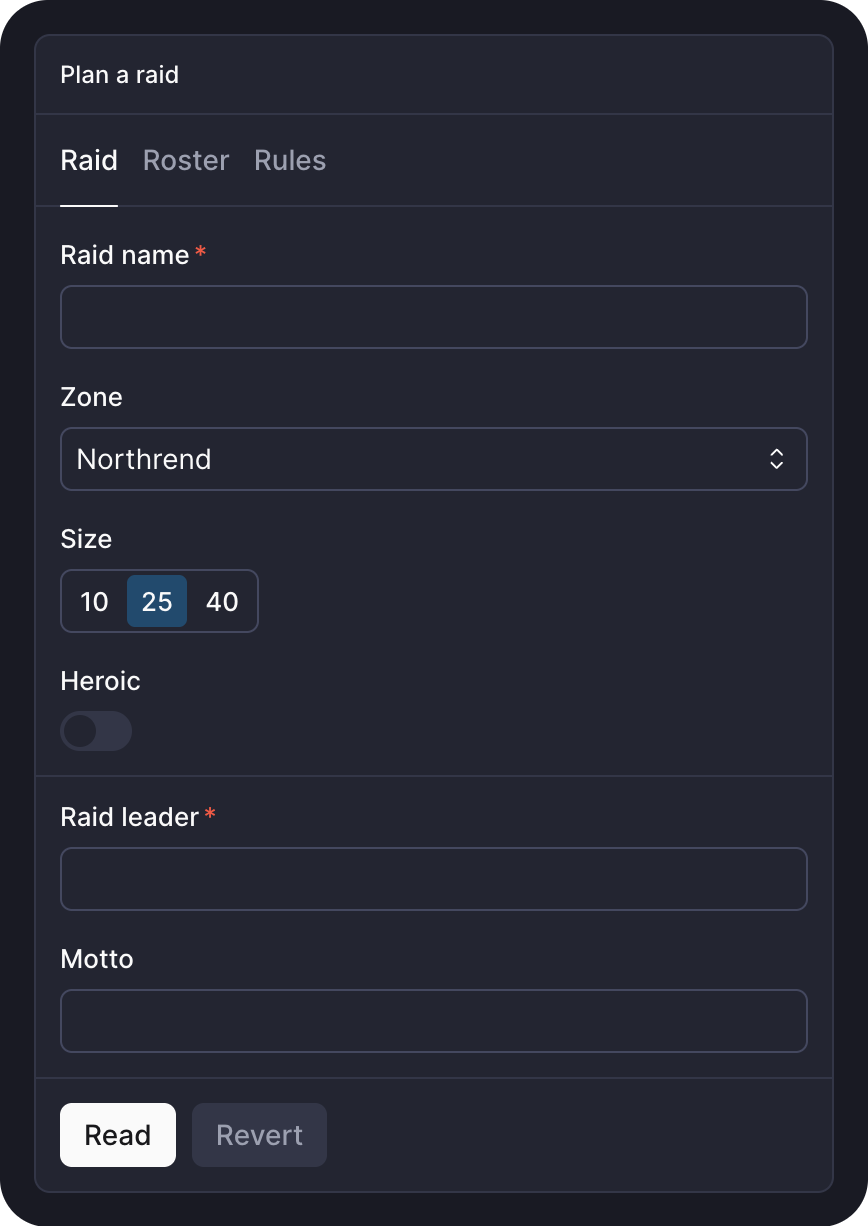
layout takes the field layout a collection takes, checked against the field names:
layout: [{ row: ['name', 'motto'] }, '---', { row: ['heroic | auto', 'hardMode'] }]- A name that is not a field fails to type-check.
- A card or tab label takes any text, a getter included, so it can stay live.
Loading values
data takes a resource or any getter:
const current = useResource<RaidSettings>('GET /raid-settings');
const settings = form({ fields, data: current });- While
datareturnsundefined, the form shows skeleton rows. - A field the data does not hold starts from its
default. - A later answer, like a reload, shows on every untouched field and keeps your edits on the rest.
Saving and server errors
Bind the form to useAction. A PATCH sends only the changed fields, every other method the whole value:
const save = useAction('PATCH /raid-settings', {
  form: settings,
  onDone: () => toast('Saved', { type: 'success' }),
});- Local errors send nothing.
- A
422puts each of itsdata.errorsunder the field its path names, likeroster[2].name. - A success re-baselines the form, so it reads clean again.
Typing a custom field type
field knows a type from KnownFieldTypes. Declare the entry beside the type's registerFieldType:
import { registerFieldType } from 'ohnejs/dashboard';

declare module 'ohnejs/dashboard' {
  interface KnownFieldTypes {
    rating: { options: { max?: number }; value: number };
  }
}

registerFieldType('rating', {
  display: ({ value }) => () => '★'.repeat(Number(value() ?? 0)),
});
Now field('rating', { max: 5 }) type-checks, field.options is typed in every context the type receives, and a layer's entry reaches every app that stacks it.
Settings you store yourself are a singleton collection and need no page at all.