Your first page
Build a page step by step: stats, a chart, a table, and a form.
This guide builds one realistic page, a guild overview, one step at a time: a heading, the numbers, a chart, a table, and a settings form. Each step adds a few lines to the same file, and the page works after every step.
The page reads three routes from your API: GET /guild/overview, GET /guild/members, and GET /guild/settings with its PATCH. Routes shows how to write them.
A page with a title
Create the file. page draws the heading and names the browser tab:
import { defineDashboardPage, page } from 'ohnejs/dashboard';

export default defineDashboardPage(() => {
  return page({ title: 'Guild', description: 'Gold, raids, and the people behind them.' });
});

Open http://localhost:9000/guild. The page sits inside the frame, with the sidebar beside it. The function has a block body, so the next steps can add lines before the return.
Stats from the API
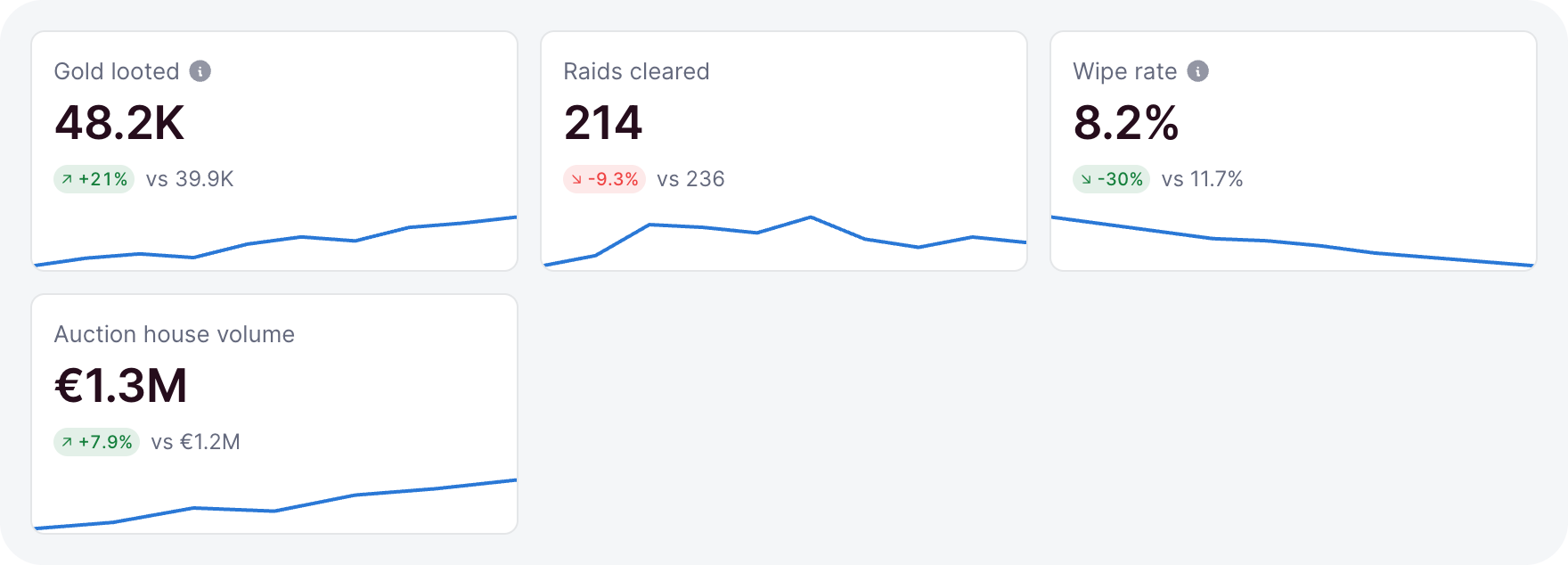
Describe what the overview route answers, and read it with useResource. Each pick takes one slice of the answer, so a single request feeds every tile:
interface Overview {
  gold: number;
  goldLastWeek: number;
  raids: number;
  members: number;
  days: { day: string; gold: number }[];
}const overview = useResource<Overview>('GET /guild/overview');
const gold = overview.pick((value) => ({ value: value.gold, previous: value.goldLastWeek }));
return page(
{ title: 'Guild', description: 'Gold, raids, and the people behind them.' },
grid(
{ min: '13rem', minColumns: 2 },
stat(gold, { label: 'Gold' }),
stat(overview.pick((value) => value.raids), { label: 'Raids cleared' }),
stat(overview.pick((value) => value.members), { label: 'Members' }),
),
);
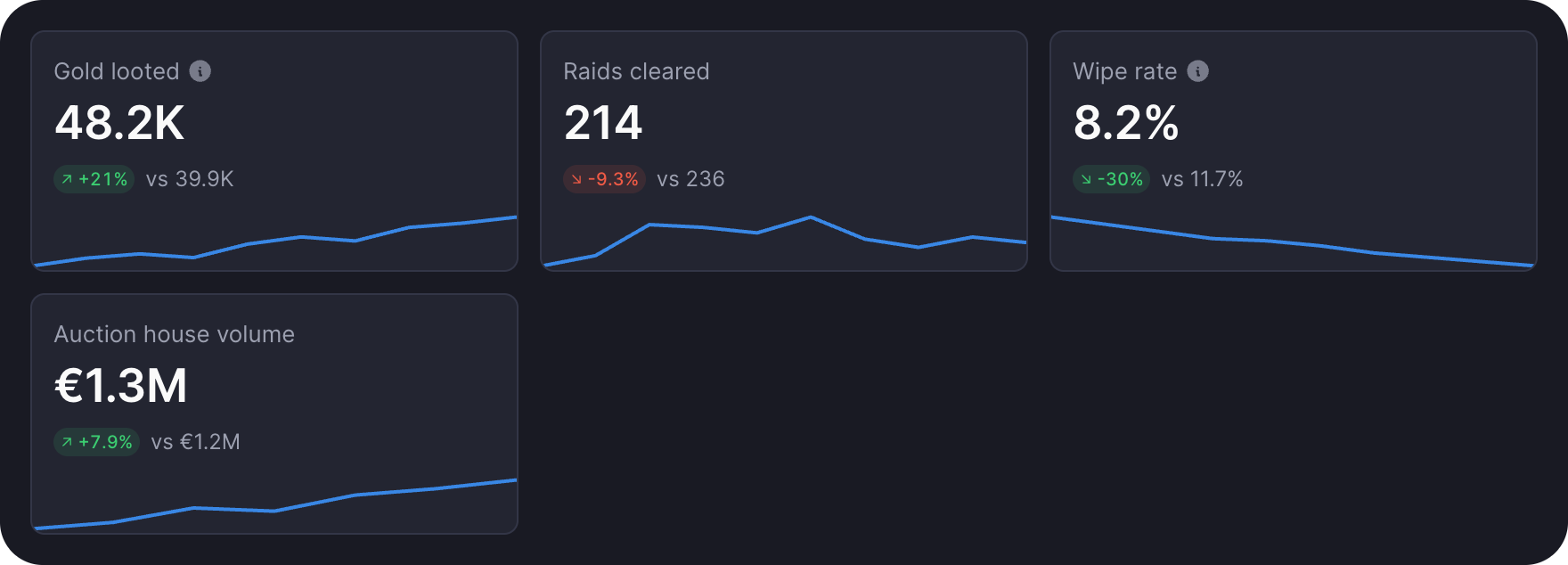
Add grid, stat, and useResource to the import. The interface goes above export default.
- Each tile shows a placeholder until the answer lands, so nothing jumps.
previousadds the change against last week. A failed read shows an error in the tile.minColumns: 2keeps the tiles in pairs on a phone. Layout covers grids.
A chart in a card
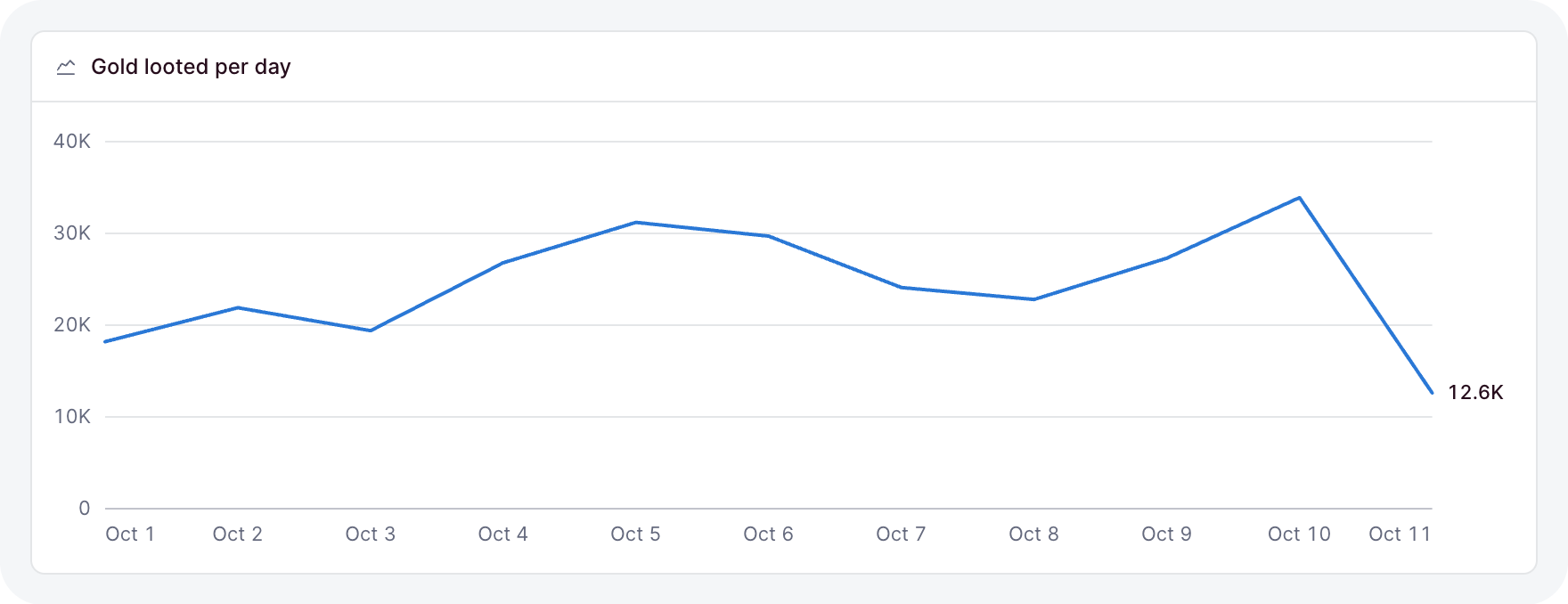
The overview already holds a row per day. Hand that slice to lineChart, inside a card that names it:
card(
  lineChart(overview.pick((value) => value.days), {
    x: (day) => day.day,
    series: [{ name: 'Gold', value: (day) => day.gold }],
  }),
  { title: 'Gold per day' },
),
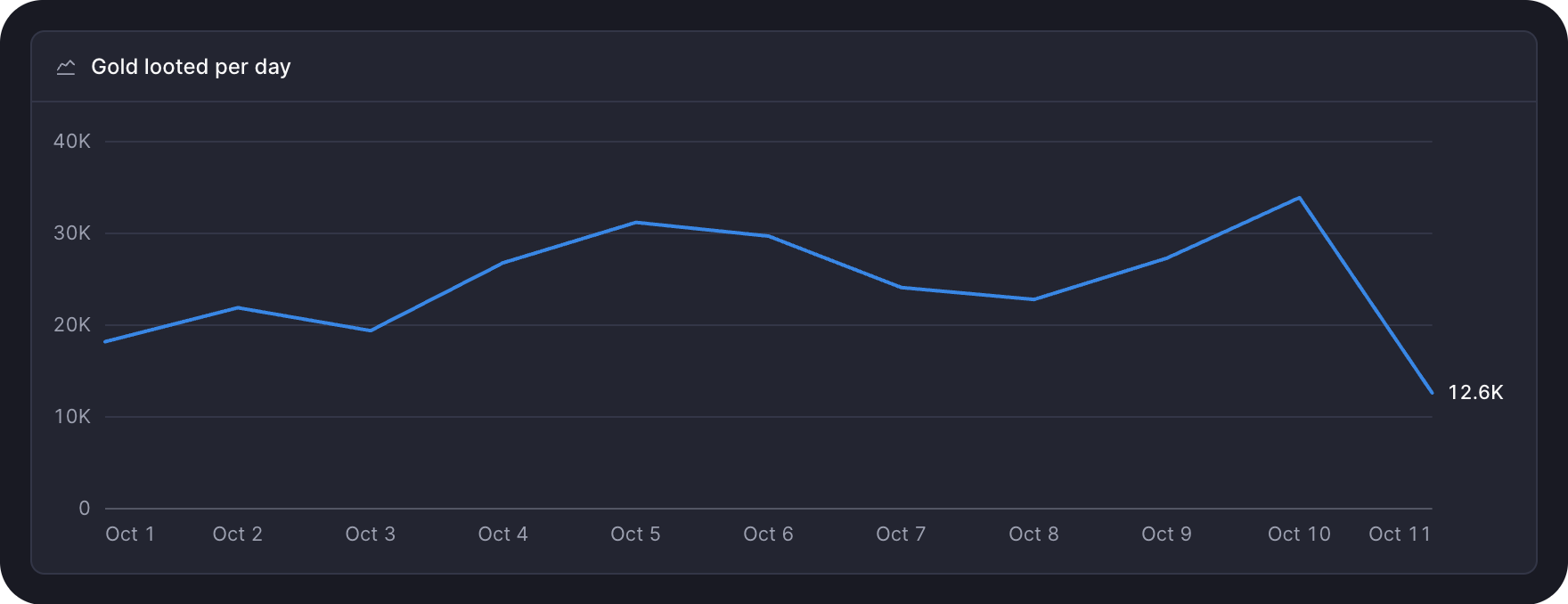
Add it after the grid, and add card and lineChart to the import.
dayis typed from the slice, so a typo in a field fails the typecheck.- One series draws without a legend. The card's title names it.
- Stats and charts has the other charts and when to reach for each.
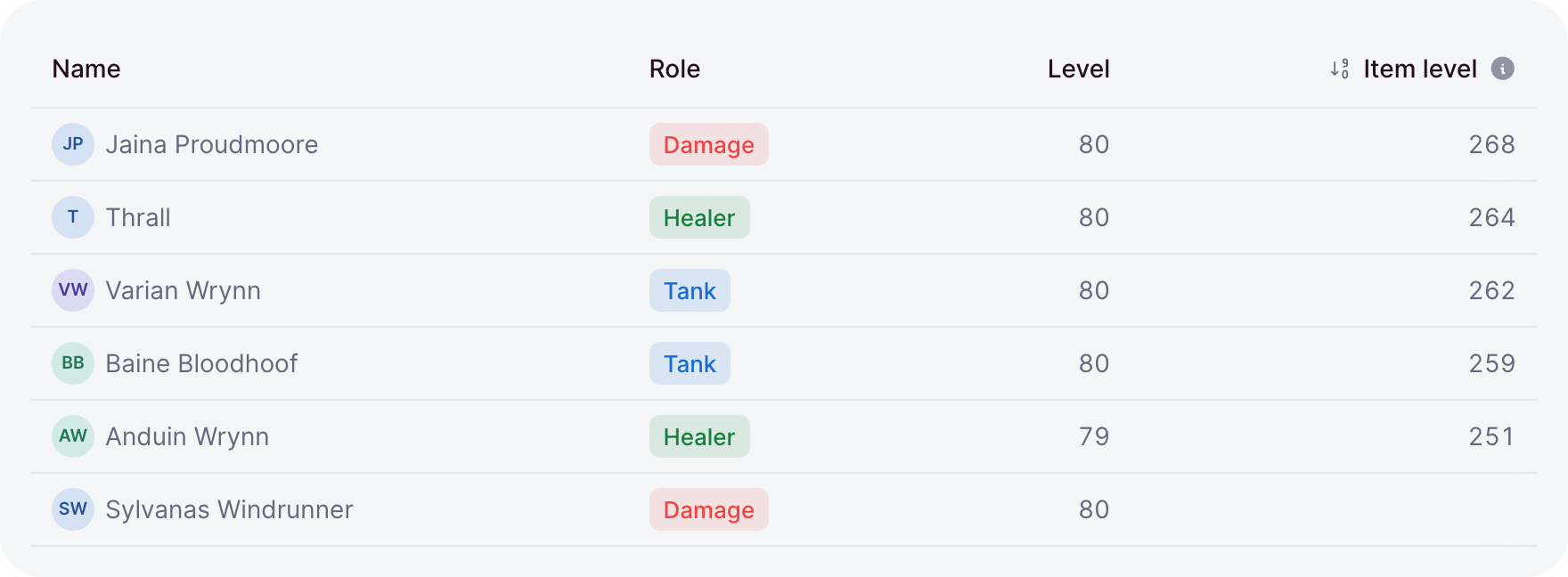
A table of members
The members come from their own route. Read them with a second resource, above the return:
interface Member {
  name: string;
  role: string;
  level: number;
}const members = useResource<Member[]>('GET /guild/members');Then add a card with the table after the chart:
card(
  table(members, {
    key: (member) => member.name,
    columns: {
      name: { label: 'Name', value: (member) => member.name, sortable: 'text' },
      role: { label: 'Role', render: (member) => badge(member.role, { variant: 'soft' }) },
      level: { label: 'Level', value: (member) => member.level, align: 'end' },
    },
  }),
  { title: 'Members', flush: true },
),
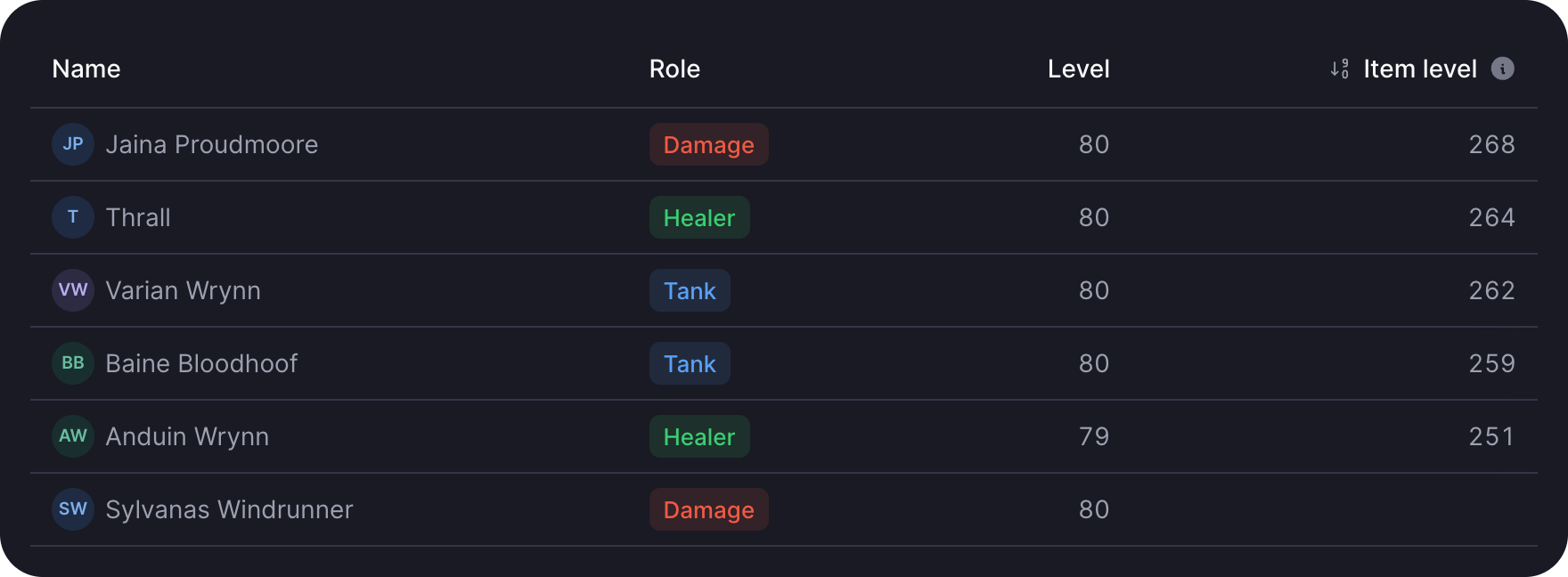
Add badge and table to the import.
flushruns the table to the card's edges.- Skeleton rows show while the members load, and an empty guild shows an empty state.
- Tables adds paging, selection, and row actions.
A settings form
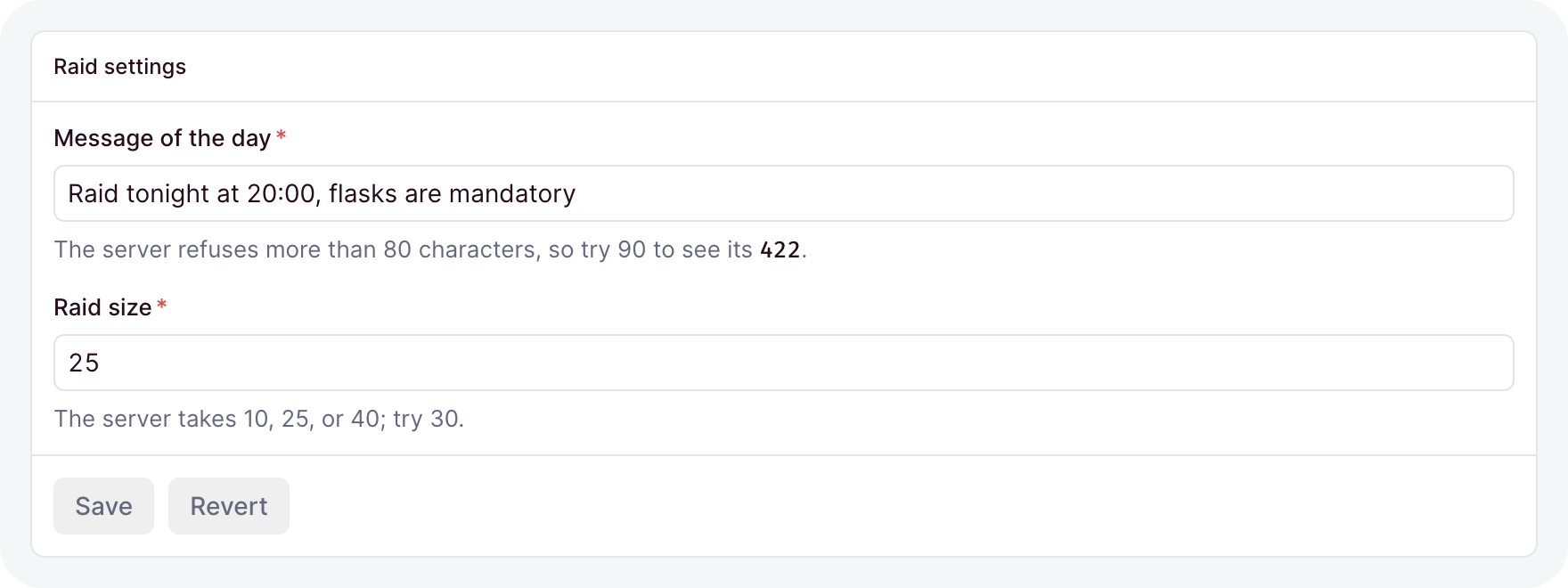
Last, a form for the guild's settings. Declare its fields above export default:
const fields = {
  motd: field('text', { label: 'Message of the day', max: 80 }),
  size: field('select', { choices: ['10', '25', '40'], display: 'buttons', default: '25' }),
};
Above the return, load the current settings into a form and bind it to the save route:
const current = useResource<FormValue<typeof fields>>('GET /guild/settings');
const settings = form({ fields, data: current });
const save = useAction('PATCH /guild/settings', {
  form: settings,
  reload: [current],
  onDone: () => toast('Saved', { type: 'success' }),
});
Then add the form's card after the table:
card(settings.element, {
  title: 'Settings',
  footer: button('Save', {
    disabled: () => !settings.dirty(),
    loading: () => save.busy(),
    onClick: () => save.run(),
  }),
}),
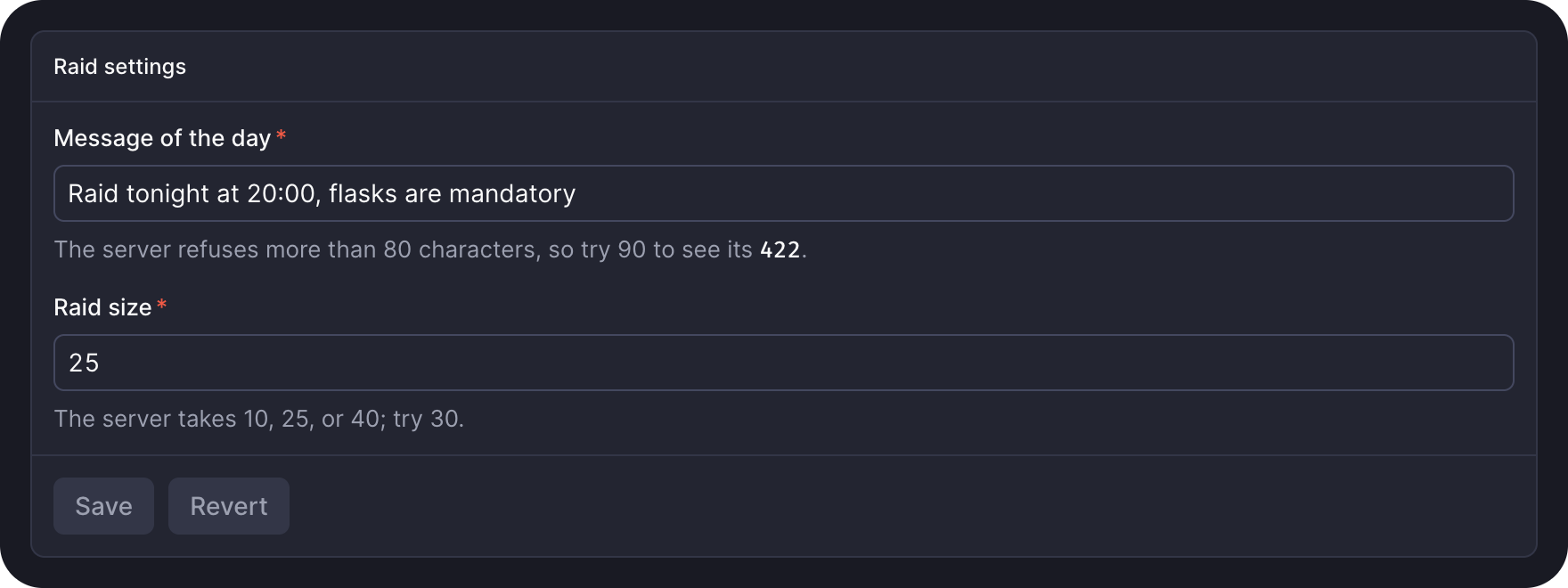
Add button, field, form, type FormValue, toast, and useAction to the import.
- The save button wakes up once a field changes, and spins while the request runs.
- A
PATCHsends only the changed fields. A422puts each message under its field. - Forms covers layouts, conditions, and custom field types.
The page now reads three routes, writes one, and shows every loading, empty, and failed state without a line of state handling. Components lists the rest of the kit.