Actions
Buttons, button groups, selects, menus, context menus, and copy buttons.
Buttons and the controls that act on a page: a group of choices, a select, a menu, a context menu, a copy button. Each one is typed by what it holds, so a choice outside the set fails the typecheck.
import { button, defineDashboardPage, page, toast } from 'ohnejs/dashboard';

export default defineDashboardPage(() =>
  page(
    { title: 'Raid', actions: button('Start raid', { onClick: () => toast('The raid begins') }) },
  ),
);
The button sits at the end of the page header and shows a toast when you click it.
Variants and sizes
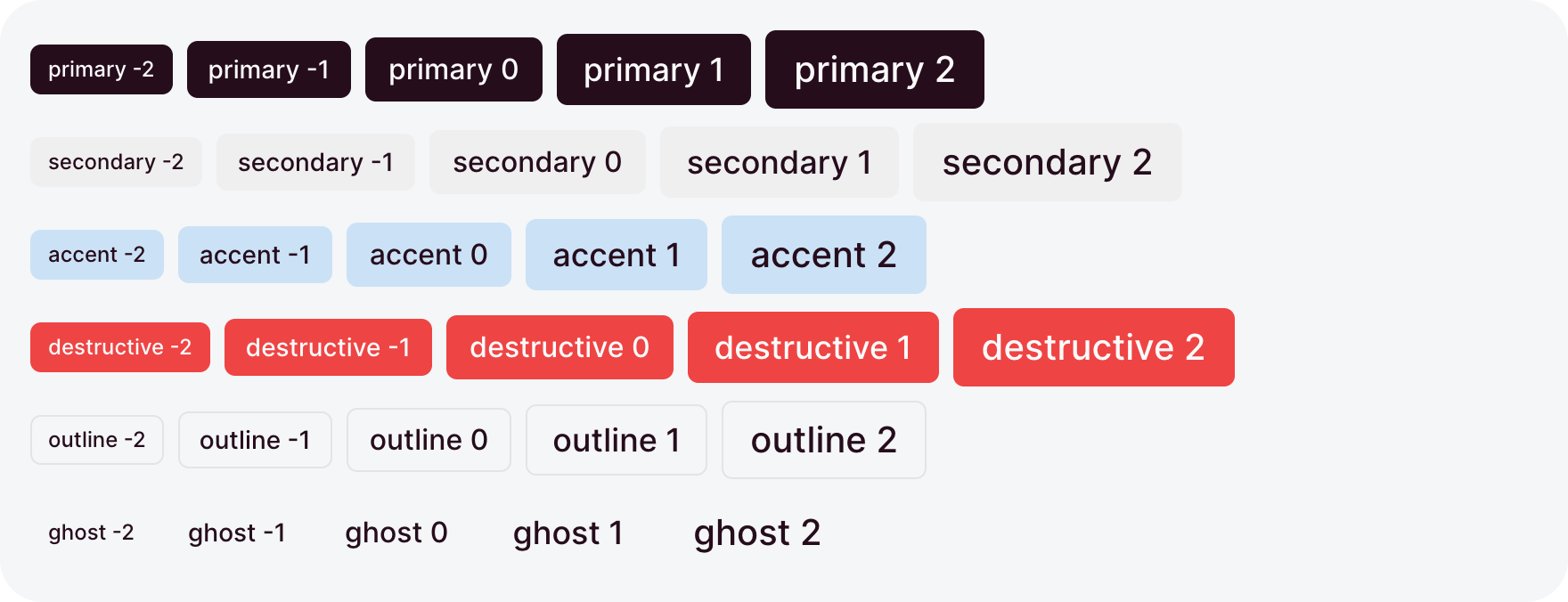
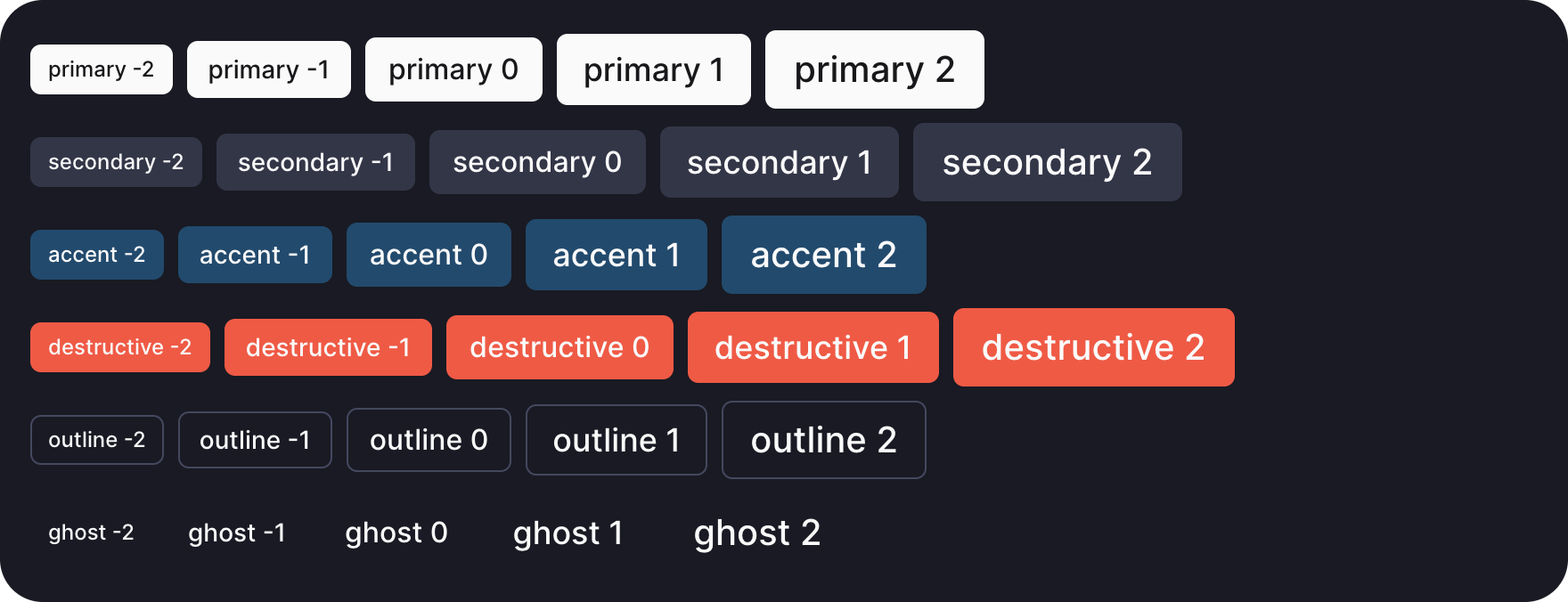
variant sets how loud a button is, and size how big:
button('Save', { variant: 'primary' })
button('Cancel', { variant: 'outline', size: -1 })primary, the default, is the one action a region leads with.secondaryandaccentare quieter fills,outlineandghostquieter still.destructiveis for an action that deletes or cannot be undone.destructiveHover: truekeeps another variant and turns destructive only on hover.sizeruns from-2to2. Omitted, the button takes the size of its surroundings.
Icons
icon leads the label with a Tabler icon:
button('Export', { icon: 'download', variant: 'outline' })The label takes a message key or plain text, so button('dashboard.cancel') reads "Cancel" in the dashboard language.
Icon only
iconOnly hides the label and leaves the icon in a square button:
button('Delete', { icon: 'trash', iconOnly: true, variant: 'ghost' })
button('Export', { icon: 'download', iconOnly: 'md', variant: 'outline' })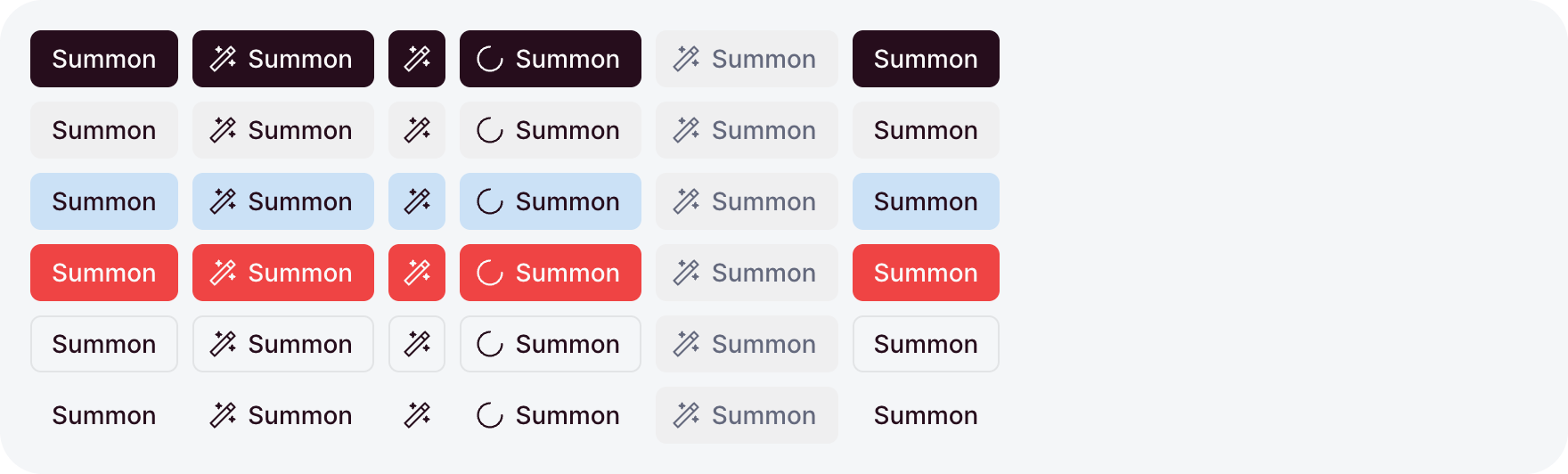
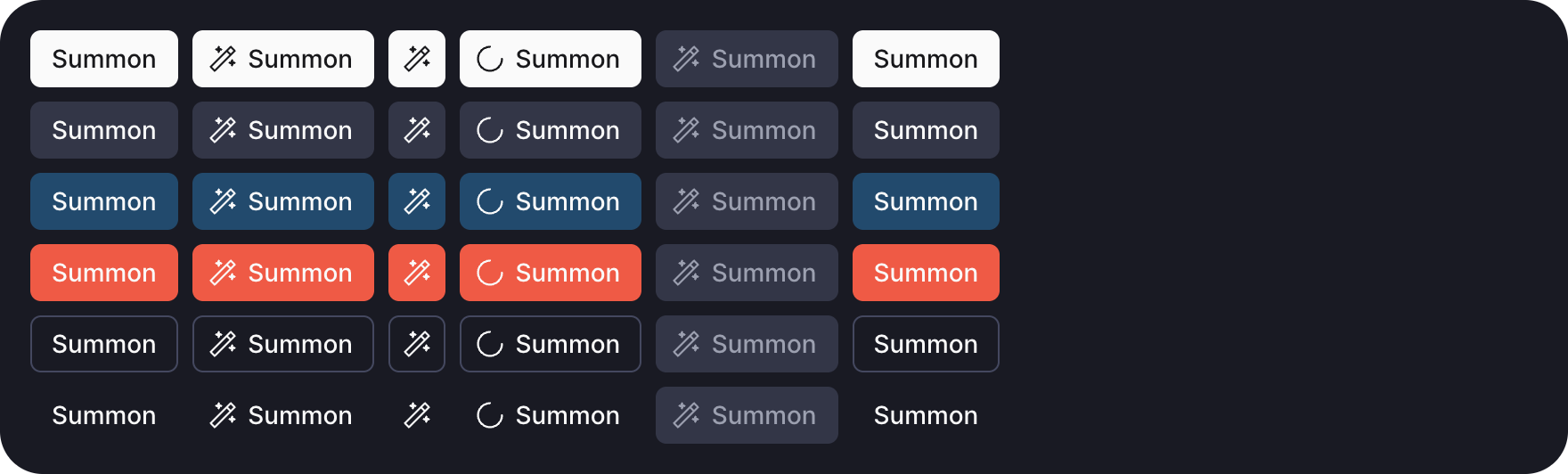
- The label stays the button's accessible name and shows as a tooltip on hover.
- A container step hides the label only while the container is narrower than that step.
truealways hides it.
Loading and disabled
loading and disabled take a getter, so the button follows your state:
const save = useAction('PATCH /raid-settings', { form: settings });

button('Save', {
  loading: () => save.busy(),
  disabled: () => !settings.dirty(),
  onClick: () => save.run(),
})- While
loadinganswerstrue, a spinner replaces the icon and clicks do nothing. The button keeps its colors. - While
disabledanswerstrue, the button dims and leaves the tab order. useAction'sbusyis the usual loading getter.
Links
href renders the button as a link. The router opens a dashboard path in place:
button('Open the roster', { href: '/roster', icon: 'users' })
button('Wowhead', { href: 'https://www.wowhead.com', target: '_blank', variant: 'outline' })
A disabled link stays a link in the markup but stops navigating.
Button group
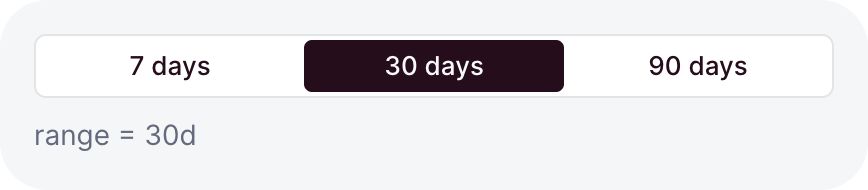
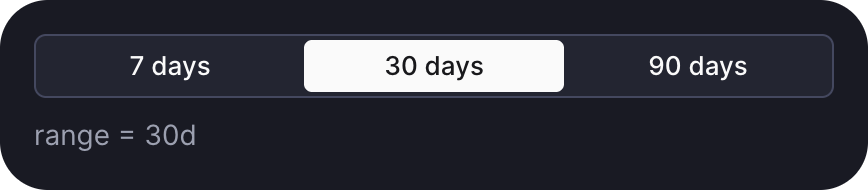
buttonGroup picks one value out of a few, like a range:
const range = ref<'7d' | '30d' | '90d'>('30d');

buttonGroup(range, {
  choices: () => [
    { value: '7d', label: '7 days' },
    { value: '30d', label: '30 days' },
    { value: '90d', label: '90 days' },
  ],
})- The ref types the choices: a
valueoutside'7d' | '30d' | '90d'fails the typecheck. - A choice can be
null, for a "none" option on a nullable ref. variant: 'accent'paints the group in the accent colors.- The arrow keys step through the choices.
Icon group
iconGroup is the same control with square icon cells:
const device = ref<'desktop' | 'mobile'>('desktop');

iconGroup(device, {
  showTooltips: true,
  choices: () => [
    { value: 'desktop', icon: 'device-desktop', title: 'Desktop' },
    { value: 'mobile', icon: 'device-mobile', title: 'Mobile' },
  ],
})
title names each choice. With showTooltips, it shows as a styled tooltip on hover.
Select
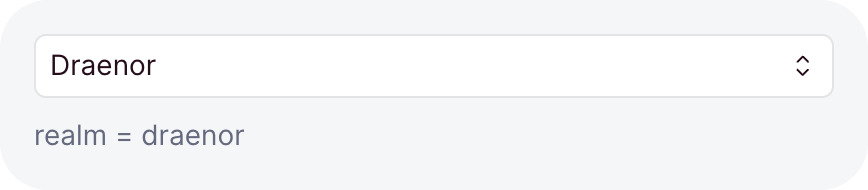
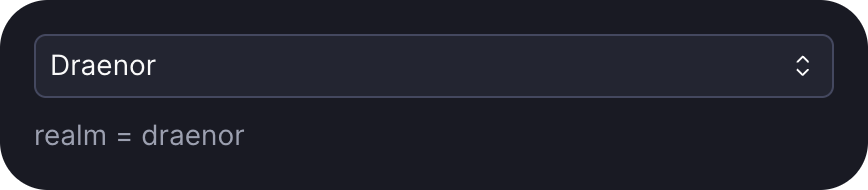
select picks one value out of many, typed by its ref the same way:
const realm = ref<'draenor' | 'stormrage' | 'tichondrius'>('draenor');

select(realm, () => [
  { value: 'draenor', label: 'Draenor' },
  { value: 'stormrage', label: 'Stormrage' },
  { group: 'Player versus player', choices: [{ value: 'tichondrius', label: 'Tichondrius' }] },
])groupheads a set of choices with a label.- A choice can be
disabled, ormutedto dim it. placeholdershows while no choice matches the ref.- While it is open, typing highlights the best matching choice.
Wrap it in formField to give it a label.
Menu
menu opens a dropdown of actions from a button you pass, and returns that button:
menu(button('More actions', { icon: 'dots', iconOnly: true, variant: 'ghost' }), [
  [
    { label: 'Open profile', icon: 'user', href: `/members/${member.name}` },
    isLeader && { label: 'Promote to officer', icon: 'shield', onSelect: () => promote(member) },
  ],
  [{ label: 'Remove from guild', icon: 'trash-x', destructive: true, onSelect: remove }],
])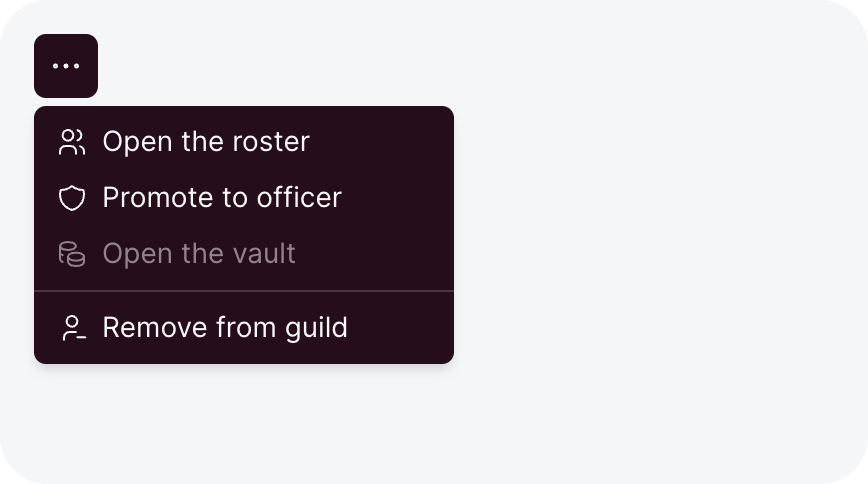
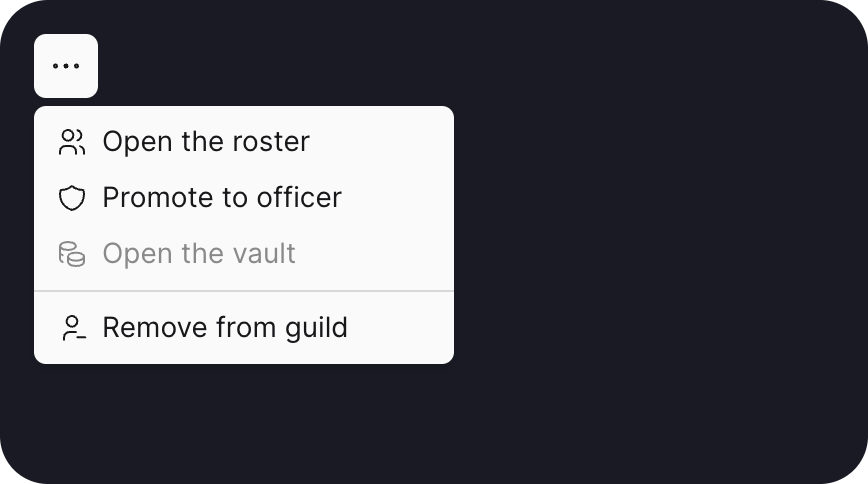
- The rows come in groups, and a divider separates two groups.
falseorundefinedin place of a row skips it, soallowed && rowhides what the user cannot do. A group left without rows draws no divider, and a menu without rows does not open.onSelectruns after the menu closes.hrefmakes the row a link instead.disabledtakes a getter. A disabled row dims and ignores clicks.hotkeynames a dashboard hotkey, like'duplicate', and shows its key at the row's end. Pressing that key while the menu is open picks the row.- Escape and a click outside close the menu, and focus returns to the button.
A table's row actions take the same groups.
Context menu
contextMenu opens a menu at the pointer when you right-click an element, and returns that element:
import { contextMenu, defineDashboardPage, h, page, toast } from 'ohnejs/dashboard';

const members = ['Thrall', 'Jaina Proudmoore', 'Anduin Wrynn'];

export default defineDashboardPage(() =>
  page(
    { title: 'Roster' },
    h(
      'ul',
      null,
      members.map((name) =>
        contextMenu(h('li', { tabindex: 0 }, name), [
          [
            { label: 'Open profile', icon: 'user', href: `/members/${name}` },
            { label: 'Promote to officer', icon: 'shield', onSelect: () => toast(`Promoted ${name}`) },
          ],
          [
            {
              label: 'Remove from guild',
              icon: 'trash-x',
              destructive: true,
              onSelect: () => toast(`${name} left the guild`),
            },
          ],
        ]),
      ),
    ),
  ),
);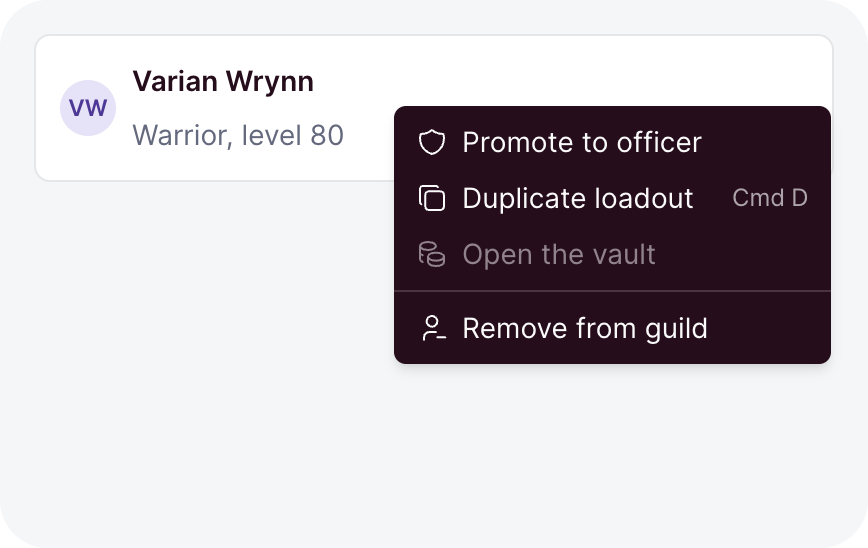
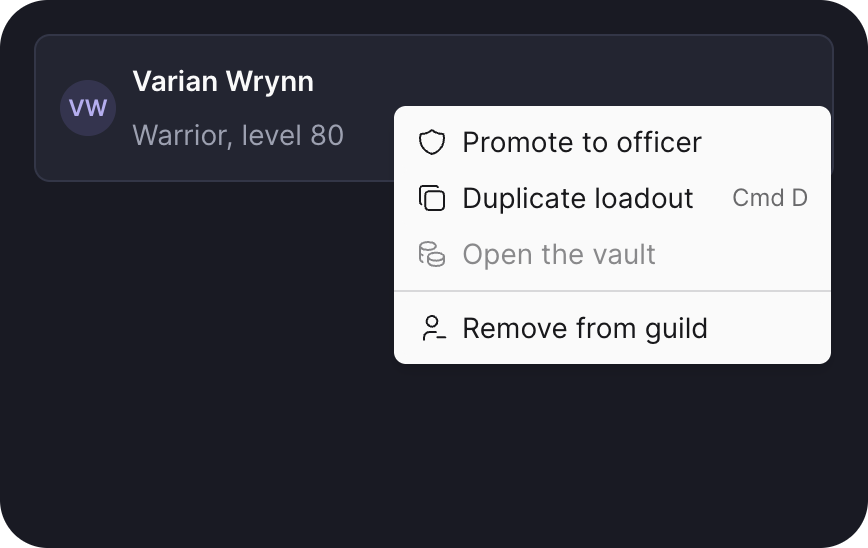
- It takes the groups
menutakes. Pass a getter to build them on each open, for example from a selection. - The context-menu key and Shift+F10 open it too. Give the element a
tabindexso the keyboard can reach it. - On a touch screen, a held finger opens it. Pass
touch: falsewhere a hold starts a drag. - Links, buttons, fields, and editable text inside the element keep the browser's own menu, and so does a Shift right-click.
ignoretakes a CSS selector to change which elements keep it.
A context menu is easy to miss, so offer its actions somewhere visible too, like a menu button.
Copy button
copyButton copies text to the clipboard:
copyButton(() => guild.value.inviteCode, { label: 'Copy invite code' })

- The text can be a string or a getter, read at the moment of the click.
- After a copy, the icon turns into a check and the tooltip says "Copied".
- Omitted,
labelreads "Copy". It is the accessible name and the tooltip.