Lesson 03
Header and footer
Move Rayleigh's logo, menu and footer links into a settings record the CMS edits, read them in Nuxt, and add a dark mode that never flashes.
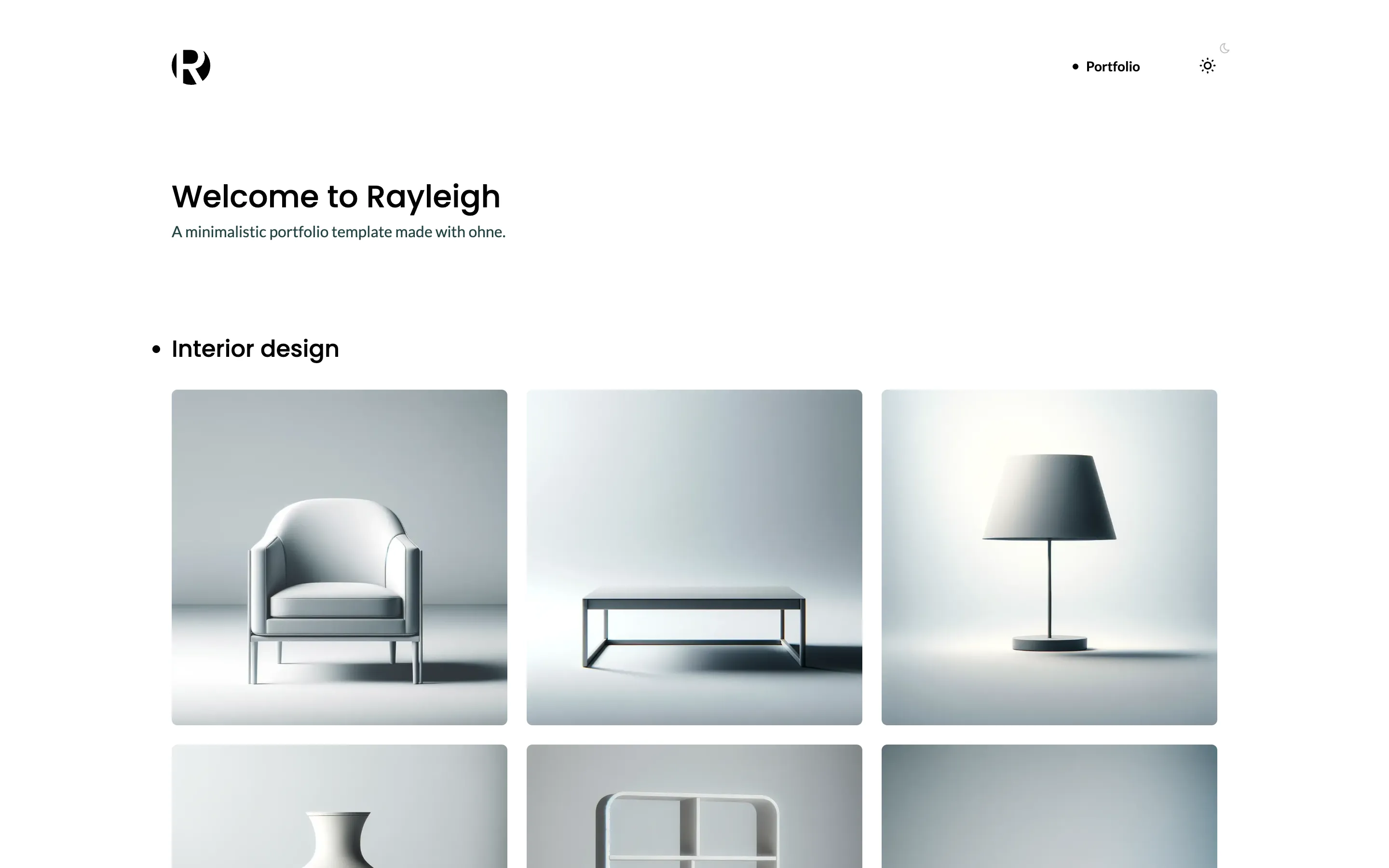
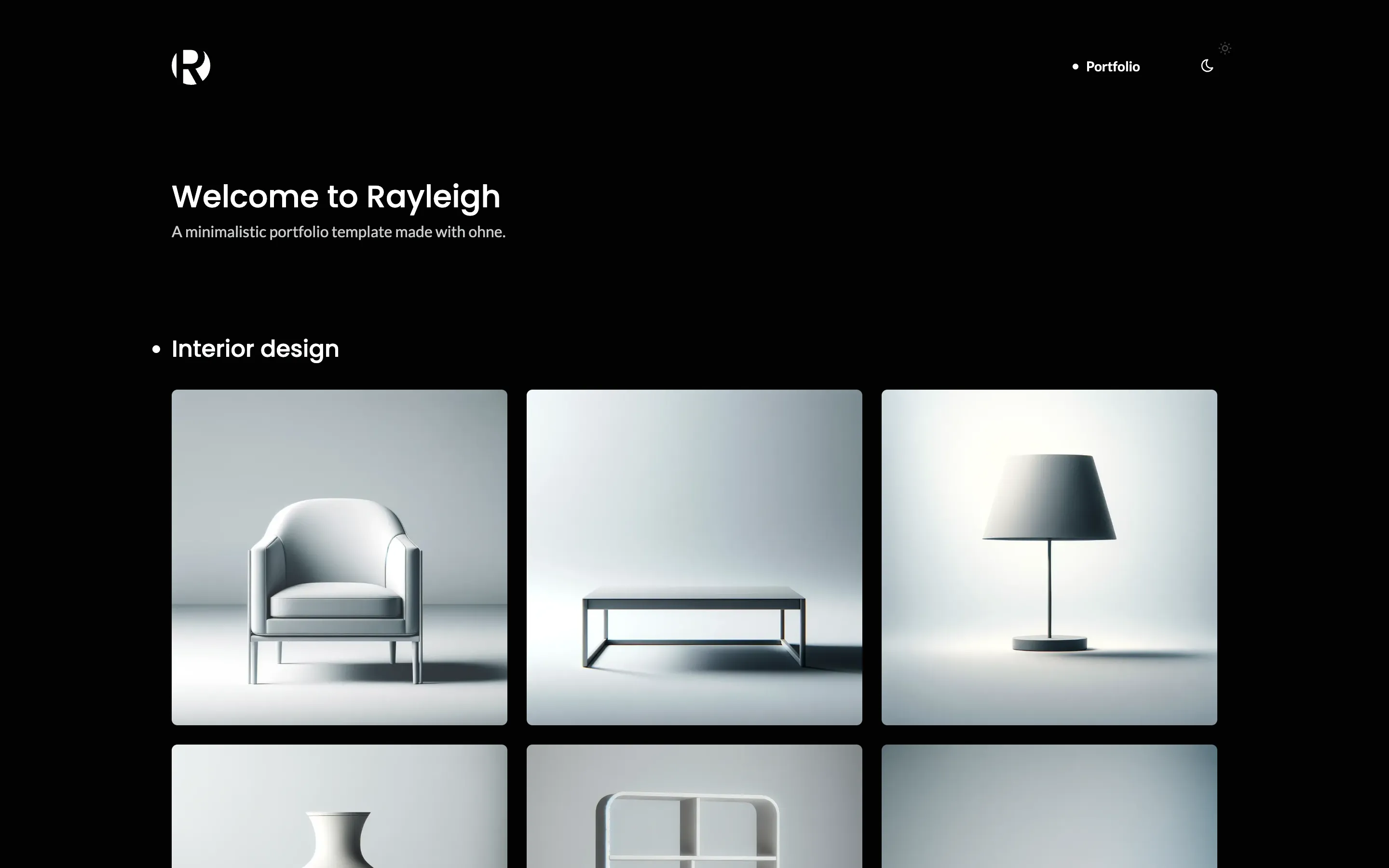
Settings
Content the whole site shares lives in a singleton, a collection with exactly one record. See Site data and Singletons.
import { defineCollection, field } from 'ohnejs';

// The site-wide settings your header and footer read: the logo, the menu and the footer links.
// A singleton holds exactly one record, so the dashboard opens it straight away.
// See https://ohne.dev/docs/cms/website#site-data
export default defineCollection({
  singleton: true,
  // Anyone may read the settings, and only an editor may change them.
  api: { read: 'public', update: true },
  fields: {
    logo: field('image', {
      description: 'Drawn in one dark color. The dark theme shows it inverted.',
    }),
    menu: field('repeater', {
      fields: {
        label: field('text'),
        // A link to a page follows it when its slug changes.
        link: field('link', { collections: ['Pages'] }),
      },
      layout: [{ row: ['label', 'link'] }],
    }),
    copyright: field('text', { nullable: true }),
    social: field('repeater', {
      fields: {
        icon: field('select', {
          choices: [
            { value: 'github', label: 'GitHub' },
            { value: 'x', label: 'X' },
            { value: 'discord', label: 'Discord' },
            { value: 'website', label: 'Website' },
          ],
        }),
        // Without `collections`, a link holds an address only.
        link: field('link'),
        title: field('text', {
          nullable: true,
          description: 'Shown when a visitor hovers the icon.',
        }),
      },
      layout: [{ row: ['icon | 10rem', 'link', 'title'] }],
    }),
  },
  dashboard: {
    icon: 'settings',
    layout: [
      {
        tabs: [
          { label: 'Header', fields: ['logo', 'menu'] },
          { label: 'Footer', fields: ['copyright', 'social'] },
        ],
      },
    ],
  },
});
The content
Copy the logo and its credits from this lesson's tag:
curl -sL https://github.com/ohnejs/rayleigh-nuxt/archive/refs/tags/lesson-03-header-and-footer.tar.gz \
  | tar -xzf - --strip-components=1 \
    rayleigh-nuxt-lesson-03-header-and-footer/apps/backend/seed/images/logo.svg \
    rayleigh-nuxt-lesson-03-header-and-footer/apps/backend/seed/CREDITS.md
The seed uploads it, and keeps the home page so the menu can link to it:
  const logo = await upload('logo.svg', 'Rayleigh');

  const portfolio = [];
  for (const { title, directory, items } of galleries) {
    const gallery = [];
    for (const [name, caption] of items) {
      gallery.push({ image: await upload(`${directory}/${name}.webp`, caption), caption });
    }
    portfolio.push({ block: 'Portfolio' as const, fields: { title, gallery } });
  }

  const home = await query('Pages').createOrThrow({
Then it fills Settings:
  // A singleton always has its one record, so the seed updates it instead of creating it.
  await query('Settings').update({
    logo,
    menu: [{ label: 'Portfolio', link: { collection: 'Pages', record: home.UUID } }],
    copyright: '© 2026 Rayleigh. Built with ohne.',
    social: [
      {
        icon: 'github',
        link: { url: 'https://github.com/ohnejs', newTab: true },
        title: 'ohne on GitHub',
      },
      {
        icon: 'website',
        link: { url: 'https://ohne.dev/examples/rayleigh', newTab: true },
        title: 'Rayleigh on ohne.dev',
      },
    ],
  });
Stop pnpm dev, delete the data and start again, then create your admin account once more:
rm -rf apps/backend/.data apps/backend/.uploads
pnpm dev
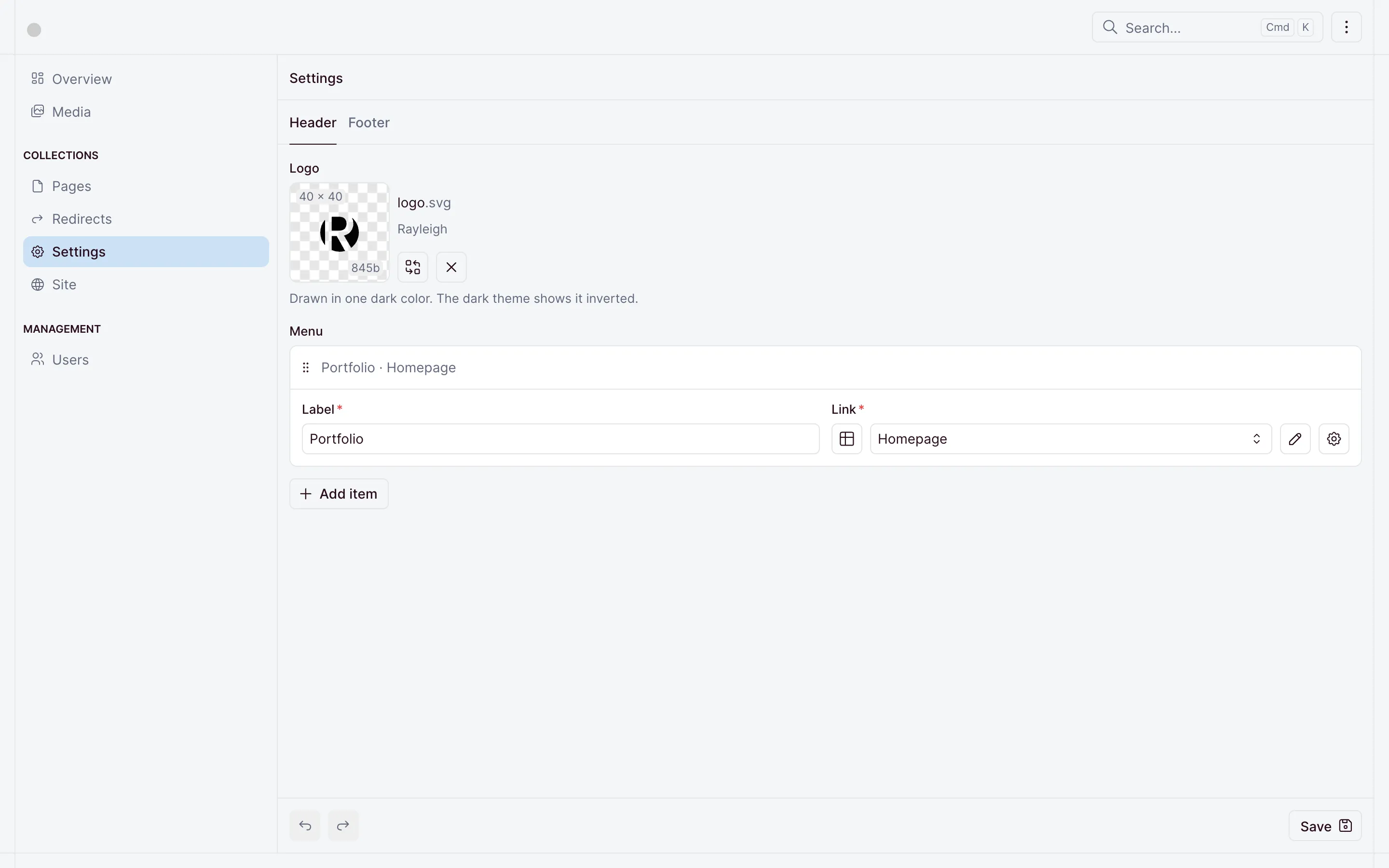
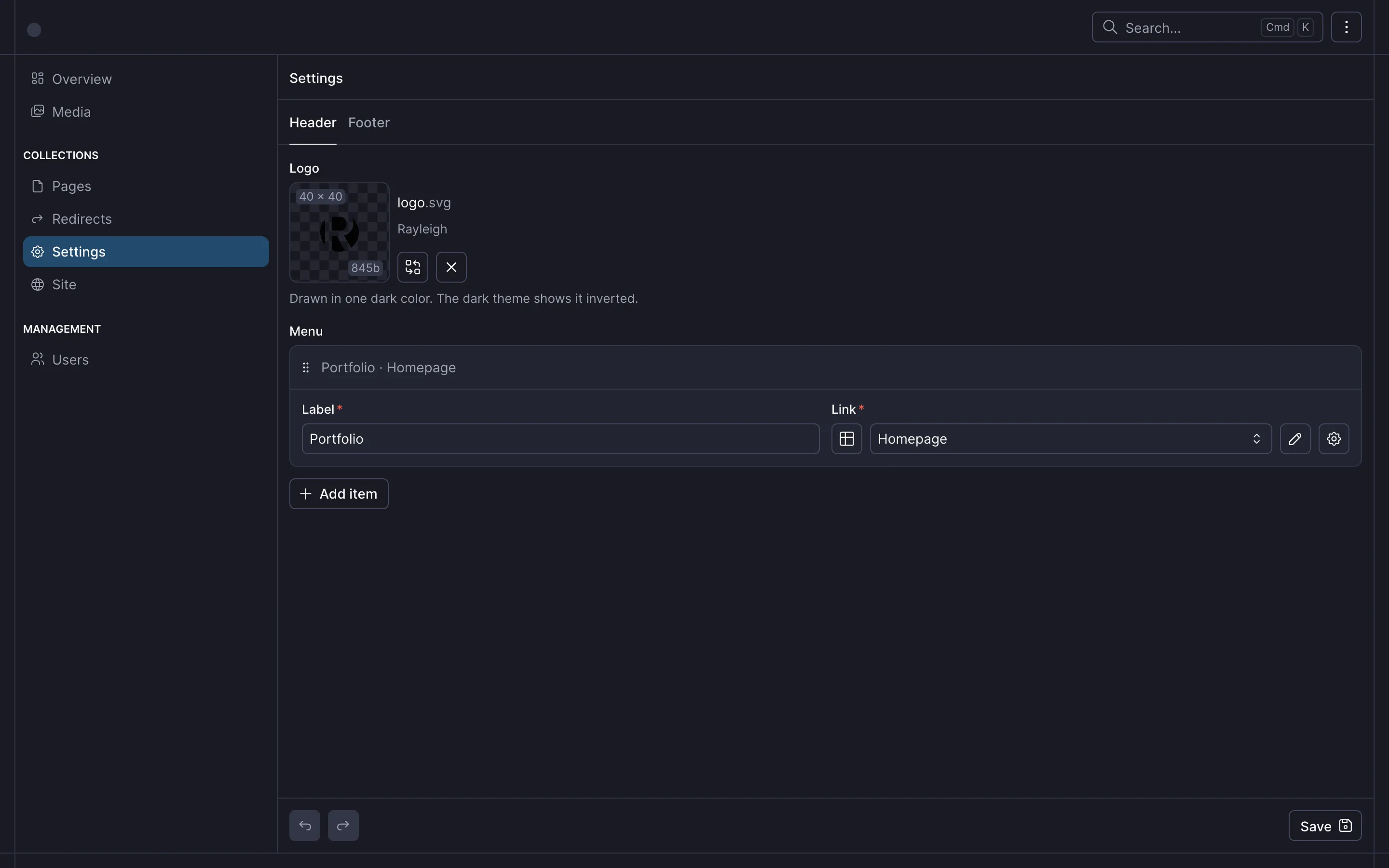
Settings in the dashboard now holds the header and the footer, each on its own tab:
Reading the settings
The header, the menu and the footer read Settings with useOhneRead, and the logo becomes the upload. See Frameworks.
<script setup lang="ts">
import type { Upload } from '~~/ohne';

// The logo is an upload in `Settings`, so an editor can replace it in the dashboard.
defineProps<{ logo: Upload | null }>();
</script>

<template>
  <img
    v-if="logo"
    class="logo"
    :src="logo.url"
    :width="logo.width ?? undefined"
    :height="logo.height ?? undefined"
    :alt="logo.description ?? 'Rayleigh'"
    decoding="async"
  />
</template><script setup lang="ts">
import { linkHref } from '@ohnejs/client';
const settings = await useOhneRead('Settings');
const open = useMobileMenu();
const route = useRoute();
const list = useTemplateRef('list');
// The dot's distance from the menu's left edge, or `null` to hide it.
const dot = ref<number | null>(null);
// `linkHref` turns a link field into its address.
// An item is active on its own page and on every page below it, so Blog stays marked on a post.
const active = computed(() =>
settings.value.menu.findIndex(({ link }) => {
const href = linkHref(link);
return href === route.path || (!!href && href !== '/' && route.path.startsWith(`${href}/`));
}),
);
// The dot sits under the active item, and follows the pointer while it is over the menu.
function moveDot(index = active.value) {
const item = active.value < 0 ? undefined : list.value?.children[index];
dot.value = item instanceof HTMLElement ? item.offsetLeft : null;
}
const onResize = () => moveDot();
watch(active, onResize);
onMounted(() => {
moveDot();
addEventListener('resize', onResize);
});
onBeforeUnmount(() => removeEventListener('resize', onResize));
</script>
<template>
<nav v-if="settings.menu.length" id="menu" class="menu" :class="{ 'menu--open': open }">
<ul ref="list" class="menu__list" @mouseleave="moveDot()">
<li v-for="(item, index) in settings.menu" :key="item.UUID" @mouseenter="moveDot(index)">
<!-- `OhneLink` renders a link field as a `NuxtLink`, so moving between pages needs no reload. -->
<OhneLink
:link="item.link"
class="menu__link"
:class="{ 'menu__link--active': index === active }"
@click="open = false"
>
{{ item.label }}
</OhneLink>
</li>
</ul>
<span v-if="dot !== null" class="menu__dot" :style="{ '--dot-x': `${dot}px` }" />
</nav>
</template><script setup lang="ts">
// The header, the menu and the footer each read `Settings`.
// `useOhneRead` keys the read by its collection, so they share one request.
const settings = await useOhneRead('Settings');
const open = useMobileMenu();
const route = useRoute();
// The open menu covers the page, so the page behind it stops scrolling.
watch(open, (value) => {
document.documentElement.classList.toggle('scroll-lock', value);
if (value) window.scrollTo({ top: 0, behavior: 'smooth' });
});
watch(
() => route.path,
() => (open.value = false),
);
function onKeydown(event: KeyboardEvent) {
if (event.key === 'Escape') open.value = false;
}
onMounted(() => addEventListener('keydown', onKeydown));
onBeforeUnmount(() => {
removeEventListener('keydown', onKeydown);
document.documentElement.classList.remove('scroll-lock');
});
</script>
<template>
<header class="container header">
<NuxtLink to="/" class="header__home" aria-label="Rayleigh">
<Logo :logo="settings.logo" />
</NuxtLink>
<Menu />
<DarkModeSwitch />
<button
type="button"
class="header__burger"
aria-controls="menu"
:aria-expanded="open"
:title="open ? 'Close menu' : 'Open menu'"
@click="open = !open"
>
<span />
<span />
</button>
</header>
</template><script setup lang="ts">
const settings = await useOhneRead('Settings');
// The names of the icons an editor picks from in `Settings`, for a link without a title.
const names = { github: 'GitHub', x: 'X', discord: 'Discord', website: 'Website' };
</script>
<template>
<footer class="container footer">
<p v-if="settings.copyright" class="footer__copyright">{{ settings.copyright }}</p>
<ul v-if="settings.social.length" class="footer__social">
<li v-for="item in settings.social" :key="item.UUID">
<OhneLink
:link="item.link"
class="footer__social-link"
:title="item.title ?? undefined"
:aria-label="item.title ?? names[item.icon]"
>
<IconBrandGithub v-if="item.icon === 'github'" />
<IconBrandX v-else-if="item.icon === 'x'" />
<IconBrandDiscord v-else-if="item.icon === 'discord'" />
<IconWorld v-else />
</OhneLink>
</li>
</ul>
</footer>
</template>The footer's website link gets a globe icon:
<template>
  <svg fill="none" height="12" viewBox="0 0 12 12" width="12" aria-hidden="true">
    <path
      d="M10.5 6C10.5 8.48528 8.48528 10.5 6 10.5C3.51472 10.5 1.5 8.48528 1.5 6C1.5 3.51472 3.51472 1.5 6 1.5C8.48528 1.5 10.5 3.51472 10.5 6Z"
      stroke="currentColor"
      stroke-width="0.75"
    />
    <path
      d="M1.75 4.5H10.25M1.75 7.5H10.25M6 1.5C4.75 2.75 4.125 4.25 4.125 6C4.125 7.75 4.75 9.25 6 10.5C7.25 9.25 7.875 7.75 7.875 6C7.875 4.25 7.25 2.75 6 1.5Z"
      stroke="currentColor"
      stroke-linecap="round"
      stroke-linejoin="round"
      stroke-width="0.75"
    />
  </svg>
</template>/**
* Whether the mobile menu is open.
* `useState` shares one value between the header's burger and the menu, and keeps it across pages.
*/
export const useMobileMenu = () => useState('mobile-menu', () => false);/**
* The two themes a visitor can pick.
*/
export type Theme = 'light' | 'dark';
const KEY = 'theme';
// Runs in the page's `<head>`, before the first paint, so the page never flashes the wrong theme.
// It follows the system setting until the visitor picks a theme, then keeps their pick.
export const themeScript = `(() => {
const media = matchMedia('(prefers-color-scheme: dark)');
const apply = () => {
let theme = null;
try { theme = localStorage.getItem('${KEY}'); } catch {}
document.documentElement.dataset.theme =
theme === 'light' || theme === 'dark' ? theme : media.matches ? 'dark' : 'light';
};
apply();
media.addEventListener('change', apply);
})();`;
/**
* The theme the page shows right now.
*/
export function currentTheme(): Theme {
return document.documentElement.dataset.theme === 'dark' ? 'dark' : 'light';
}
/**
* Shows `theme` and remembers it for the next visit.
* A browser that blocks storage still switches, and forgets the pick on reload.
*/
export function setTheme(theme: Theme): void {
document.documentElement.dataset.theme = theme;
try {
localStorage.setItem(KEY, theme);
} catch {}
}<script setup lang="ts">
// The server cannot know a visitor's theme, so it renders the same button for both.
// CSS picks the icon from the `data-theme` the theme script set, so the page never flashes.
// Each click turns the sun and the moon half a circle further, starting from the current theme.
const turns = ref<number>();
function toggle() {
const dark = currentTheme() === 'dark';
turns.value = (turns.value ?? (dark ? 1 : 0)) + 1;
setTheme(dark ? 'light' : 'dark');
}
</script>
<template>
<button
type="button"
class="theme-switch"
aria-label="Toggle dark mode"
title="Toggle dark mode"
:style="turns === undefined ? undefined : { '--turns': turns }"
@click="toggle"
>
<span class="theme-switch__orbit">
<IconSun class="theme-switch__sun" />
<IconMoon class="theme-switch__moon" />
</span>
</button>
</template>Run the theme script in the page's <head>, before anything shows:
import { themeScript } from './app/utils/theme';

export default defineNuxtConfig({ ],
// Picks the light or dark theme while the page loads, before anything shows.
script: [{ innerHTML: themeScript }],
},Styles
The dark theme, the burger and the switch are plain CSS. Copy the stylesheets:
curl -sL https://github.com/ohnejs/rayleigh-nuxt/archive/refs/tags/lesson-03-header-and-footer.tar.gz \
| tar -xzf - --strip-components=1 rayleigh-nuxt-lesson-03-header-and-footer/apps/web/app/assets/styles/* Every color, font and size the other stylesheets use. The dark theme swaps the colors only. */
/* Breakpoints, widest first: 1199px (small laptop), 1023px (tablet), 767px (phone). */
:root {
--scheme: light;
--heading: #010203;
--copy: #234345;
--accent: #268baa;
--border: #e2e4e8;
--dim: #59797b;
--page: #fff;
--ink: #010203;
--overlay: rgb(1 2 3 / 0.7);
--backdrop: rgb(1 2 3 / 0.8);
--menu-backdrop: rgb(255 255 255 / 0.75);
--badge: #234345;
--badge-icon: #fff;
--font-copy: Lato, ui-sans-serif, system-ui, sans-serif;
--font-heading: Poppins, ui-sans-serif, system-ui, sans-serif;
--container: 73.75rem;
--content: 48.75rem;
--gutter: 3rem;
--section: 5.75rem;
--radius: 0.375rem;
--ease: cubic-bezier(0.4, 0, 0.2, 1);
--fast: 150ms;
--slow: 300ms;
}
/* A visitor who asks for less motion gets every change at once, a theme switch included. */
@media (prefers-reduced-motion: reduce) {
:root {
--fast: 0ms;
--slow: 0ms;
}
}
/* The theme script in the page's `<head>` sets `data-theme` before the first paint. */
:root[data-theme='dark'] {
--scheme: dark;
--heading: #fff;
--copy: rgb(255 255 255 / 0.8);
--border: rgb(255 255 255 / 0.1);
--page: #010203;
--menu-backdrop: rgb(1 2 3 / 0.8);
--badge: #fff;
--badge-icon: #010203;
}
@media (max-width: 1199px) {
:root {
--gutter: 2rem;
}
}
@media (max-width: 767px) {
:root {
--gutter: 1.5rem;
}
}Narrow the window below 1024 pixels and the menu folds into the burger:
Rename the menu item in Settings and the header follows. The next lesson, About page, adds a second page to the menu.
Checkpoint
The code at this lesson
Every lesson ends at a tag. Clone it to start from here, or compare it with yours.
git clone --branch lesson-03-header-and-footer https://github.com/ohnejs/rayleigh-nuxt rayleigh