Rayleigh with Nuxt
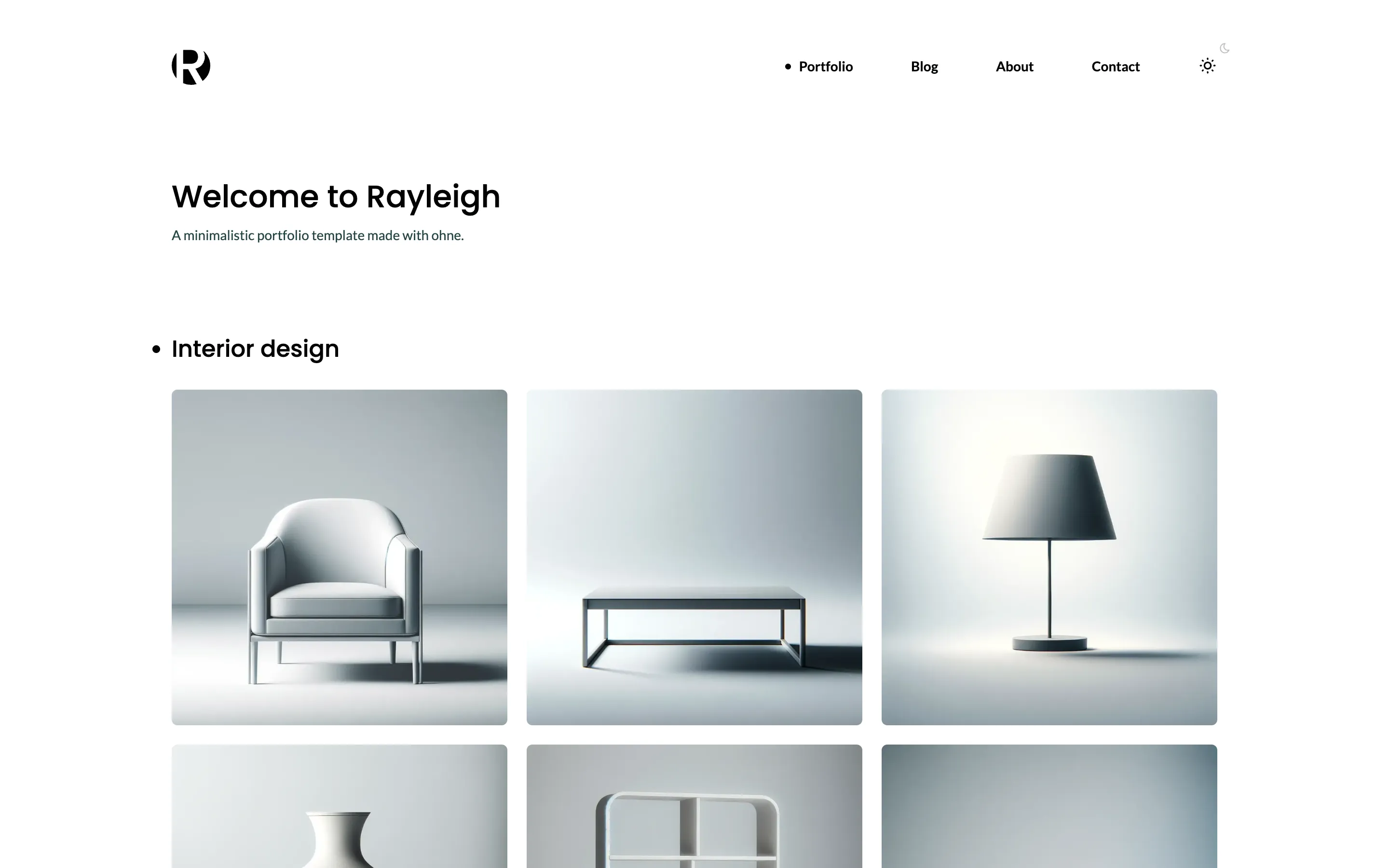
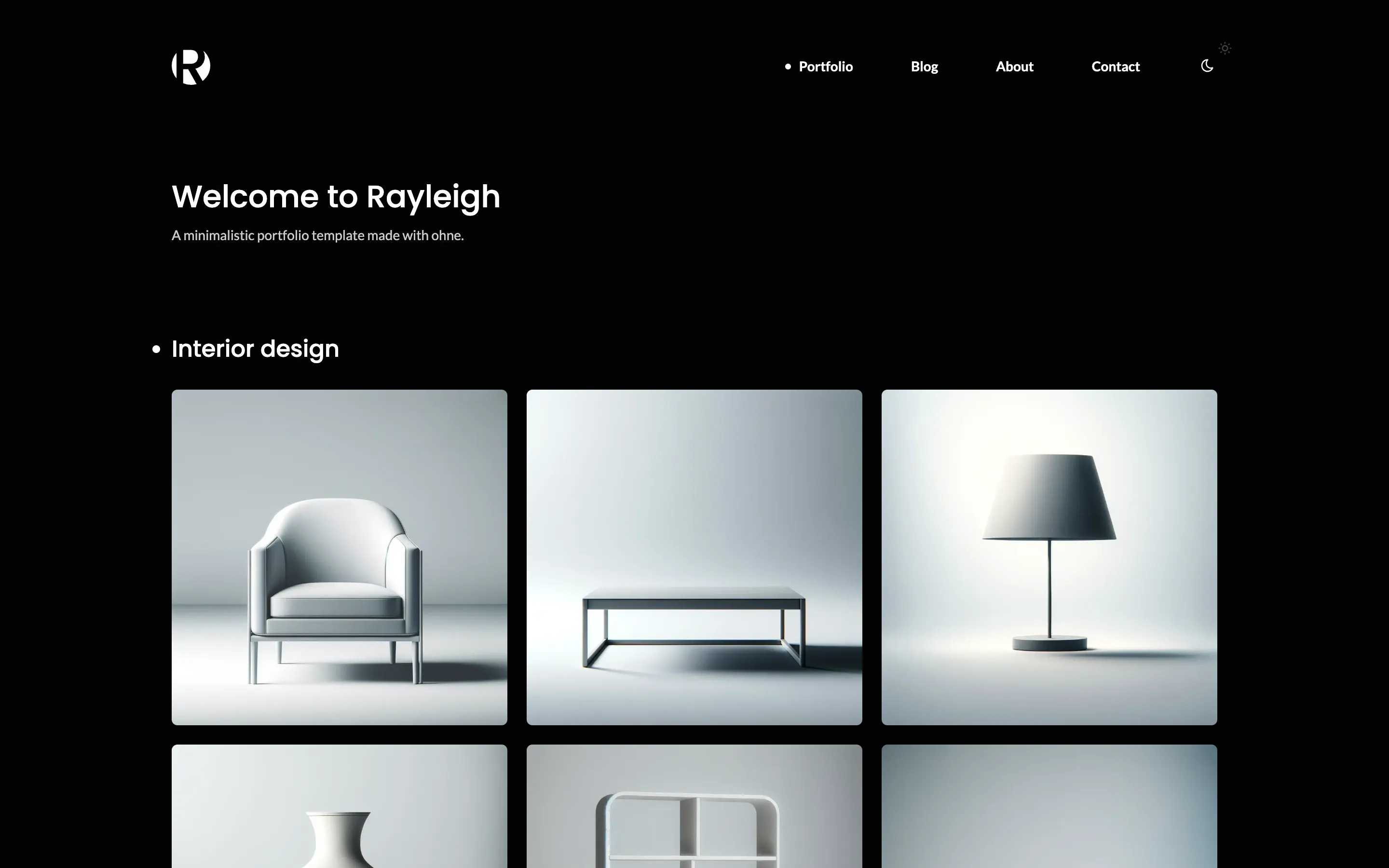
Build Rayleigh, a minimalistic portfolio with a gallery, an About page, a blog and a contact form, as a Nuxt website whose content you edit in an ohne CMS.
What you will build
- A home page of galleries that open full screen.
- A header and a footer that an editor changes in the dashboard, with a dark mode.
- An About page, and a blog that lists its posts page by page.
- A contact form that stores each message in the CMS, with an optional spam check.
- A live preview of each page and post beside its form in the dashboard.
Before you start
- You need Node 26 and pnpm. See Installation.
- You know the basics of Vue and Nuxt: components, pages and composables.
- New to ohne itself? Your first app builds a smaller app first.
How the lessons work
Each lesson ends at a tag in ohnejs/rayleigh-nuxt. Clone a lesson's tag to start from there, or compare it with your code.
You write every file that uses ohne. Fonts, images and stylesheets are plain files, so you copy them from the lesson's tag.
The seed fills an empty site only. When a lesson changes it, stop pnpm dev, delete the data and start again:
rm -rf apps/backend/.data apps/backend/.uploads
pnpm dev