Tutorial
Build this site yourself, lesson by lesson, at ohne.dev/tutorials/rayleigh/nuxt.
The same site in Next lives at ohnejs/rayleigh-next. Its apps/backend is identical to this one.
What it shows
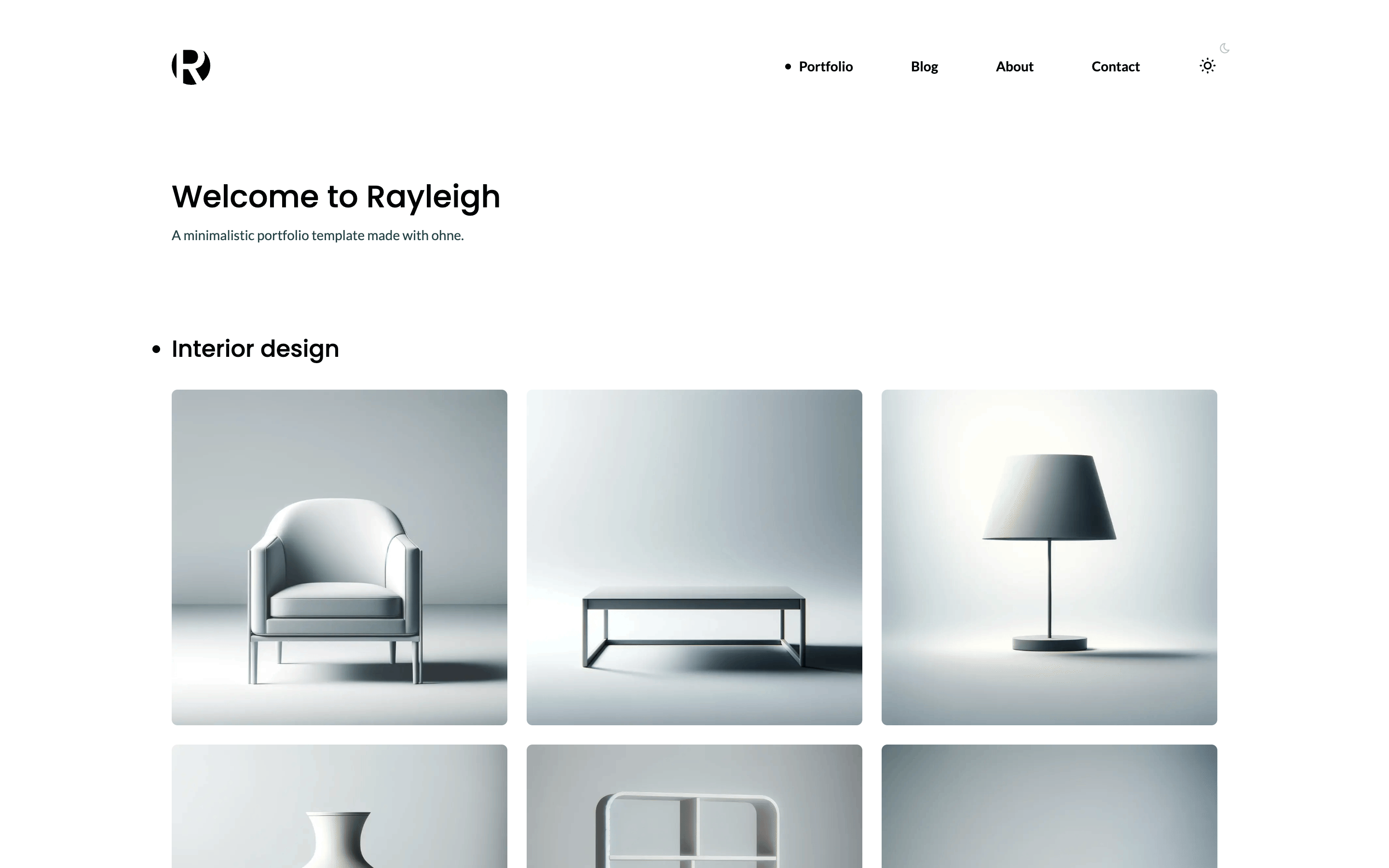
- Pages built from blocks.
apps/backend/blocks/holdsPageIntro,Portfolio,Image,Prose,PostsandContactForm, andapps/web/app/components/blocks/one component for each. See blocks. - A blog with its own route.
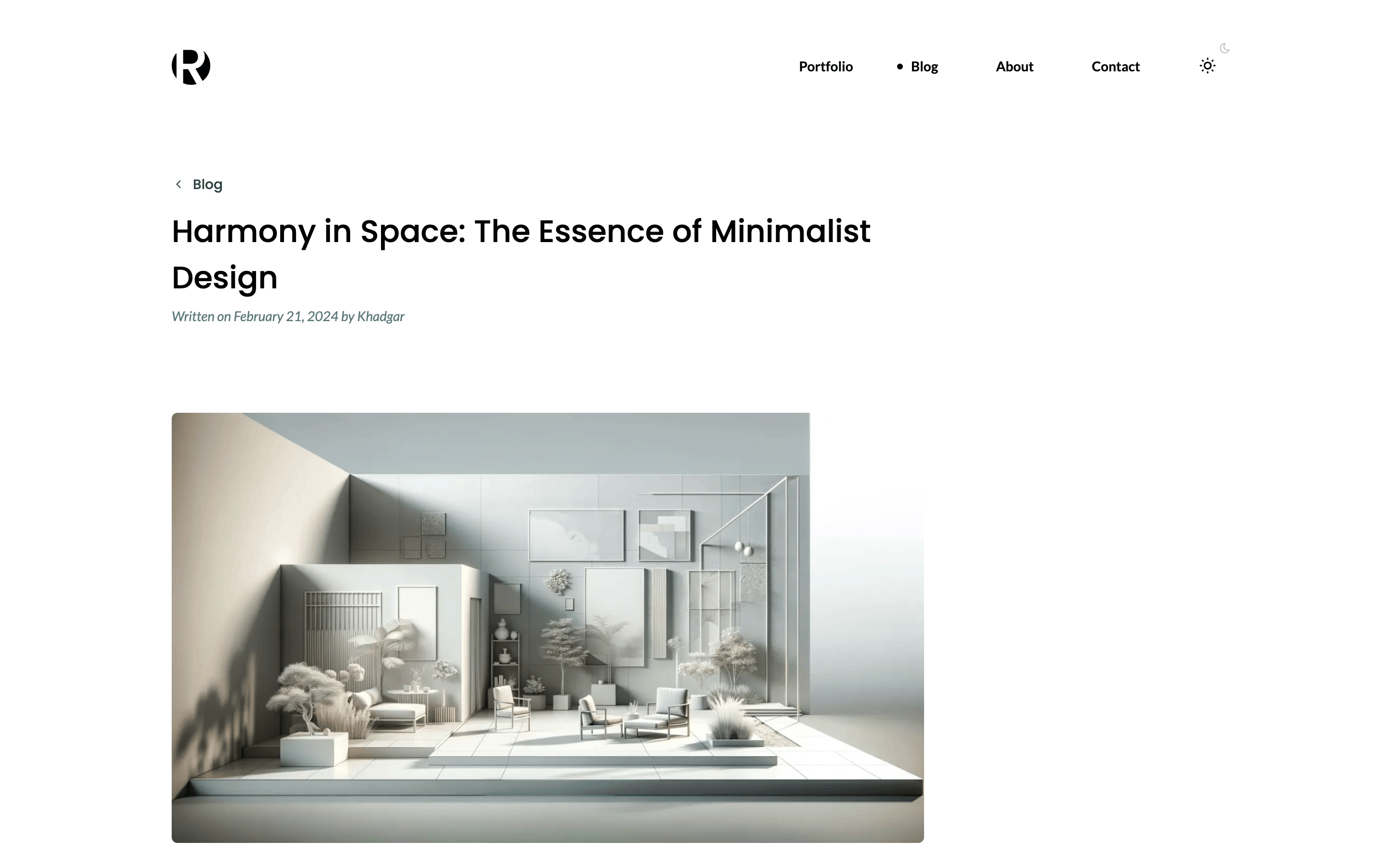
cms.routesinapps/backend/ohne.config.tsshows a post at/blog/<slug>and every other path as a page. One catch-all page,apps/web/app/pages/[...slug].vue, renders both. See routes. - A public relation. Each post names its author from
Authors, a collection anyone may read, so the website receives the whole author. See one reference. - Site settings.
Settingsis a singleton with the logo, the menu and the footer links, which the header and the footer read withuseOhneRead. See site data and singletons. - A paginated list. The
Postsblock lists three posts to a page withuseOhneList, and answers404past the last page. See Nuxt. - A contact form.
Messageslets any visitor create a message and nobody but an editor read one. The form sends it withuseOhne().create, inapps/web/app/components/blocks/ContactForm.vue, and shows the CMS's own message under each invalid field. See forms. - An optional spam check. Turn on reCAPTCHA v3 in
Settings, andapps/backend/middleware/recaptcha.tsasks Google about each message before it is stored. The secret key isreadable: false, so no read returns it. See middleware and write-only fields. - Rich text. The
Proseblock's editor offers only what the design has styles for. See rich text. - Uploads in a seed.
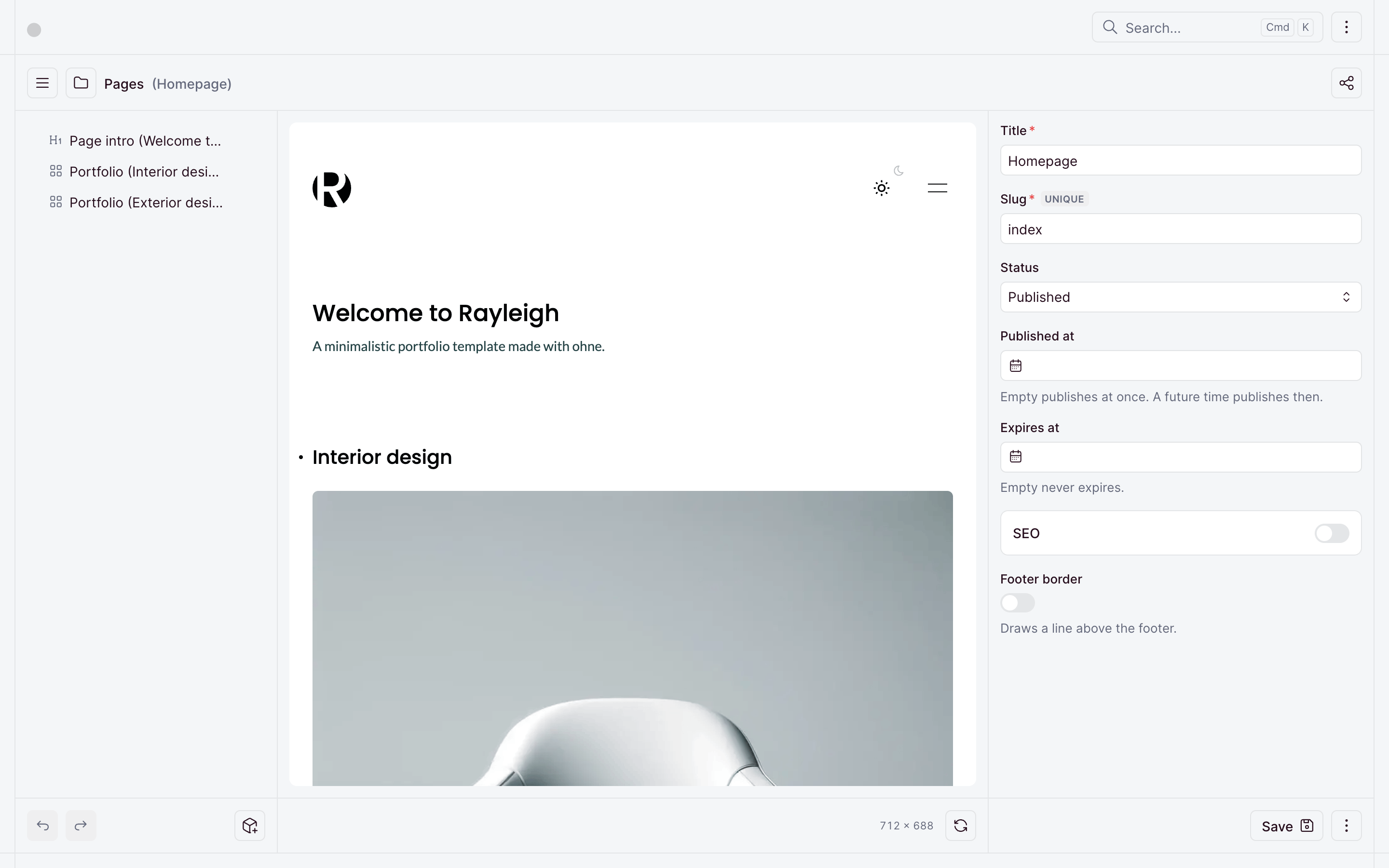
apps/backend/boot/seed.tsuploads every image withputUpload, as an editor would. See uploads in server code and boot files. - The live editor. The dashboard shows the website beside the form, and updates it as you type. See the live editor.
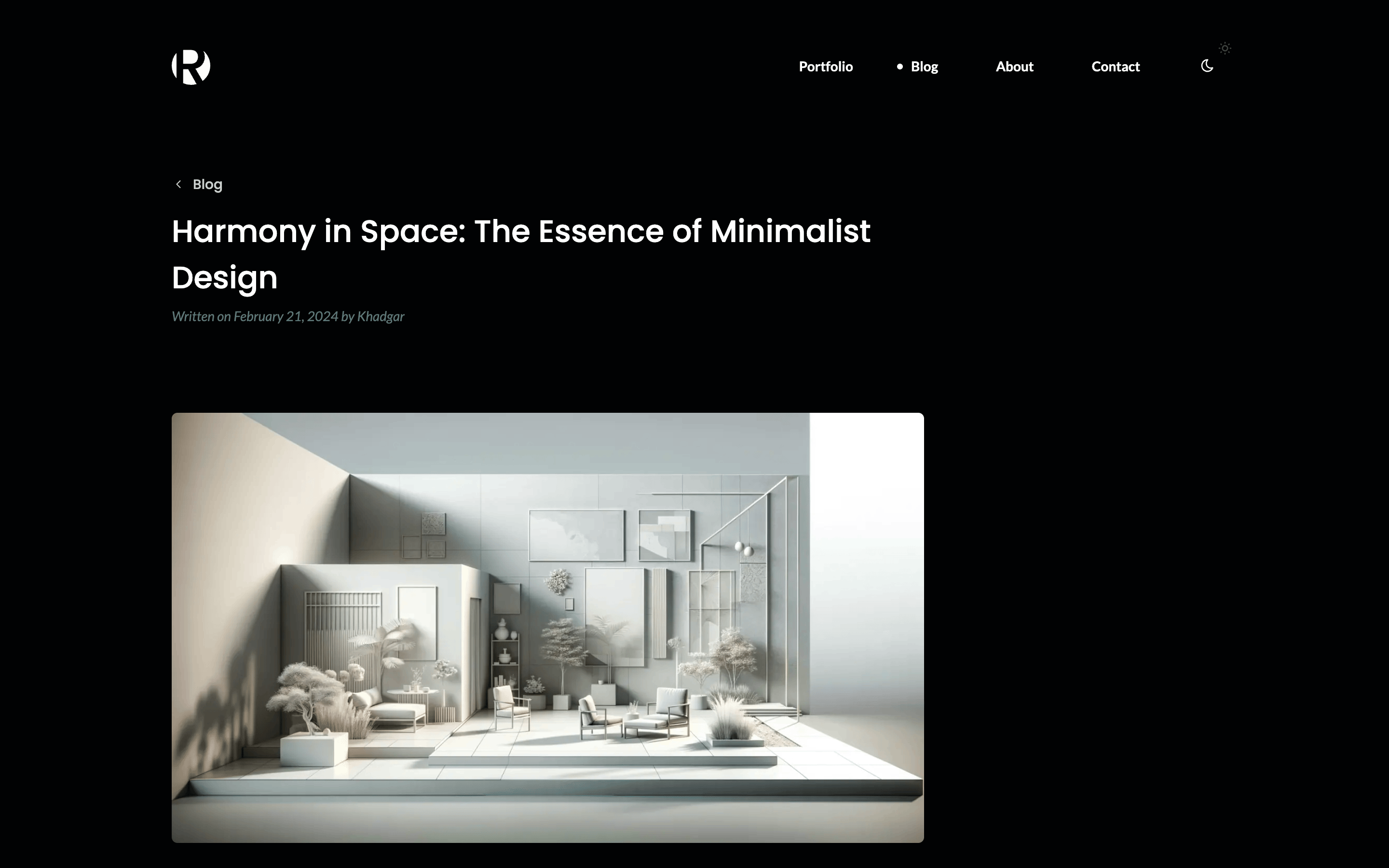
- No UI library. Dark mode follows the system until you pick a theme, with no flash on load (
apps/web/app/utils/theme.ts). The full-screen gallery is a native<dialog>(apps/web/app/components/Slider.vue), and the mobile menu a little state inapps/web/app/composables/mobile-menu.ts. - Plain CSS.
apps/web/app/assets/styles/holds Rayleigh's colors, fonts and sizes as custom properties, then one stylesheet per part of the page. The fonts are self-hosted inapps/web/public/fonts/. - One monorepo.
apps/backendandapps/webshare one pnpm workspace. See monorepo. - Tests.
apps/backend/tests/boots the API in the test process and checks what the seed serves, who may send and read a message, and that the secret key stays secret.
Getting started
In a copy of this repository:
pnpm install
pnpm dev| App | Address |
|---|---|
| Website | http://localhost:3000 |
| Dashboard | http://localhost:9000 |
| API | http://localhost:9001 |
The first pnpm dev fills the CMS with the demo and prints the admin's password. Sign in to the dashboard as admin@example.com with it.
The seed fills an empty site only, and never under NODE_ENV=production. Delete apps/backend/.data/ and apps/backend/.uploads/ to start over.
The checks:
pnpm typecheck
pnpm test
pnpm lint
pnpm format --check
Upgrading
Bump the versions in the catalog of pnpm-workspace.yaml and follow the framework's release notes. To pick up later changes to this example, compare your copy with this repository.
Deploy
Each app deploys on its own. See deploying.
- The backend deploys like any ohne app. Set
SITE_URLto the website's public address. - The website builds with
pnpm buildand runs asnode apps/web/.output/server/index.mjs, withNUXT_OHNE_APIset to your API.
The seed stays out of production, so a new install starts empty. The first visit to the dashboard opens the install page, where you create the admin.
Licence and credits
- MIT, see
LICENSE. - The images come from the Rayleigh template by Muris Ceman, recompressed. See
apps/backend/seed/CREDITS.md. - Lato and Poppins are under the SIL Open Font License. See
apps/web/public/fonts/.