Search pages, headings and code across the docs, examples and tutorials.

to navigateto open

Todo

Lists and tasks for every account, with a Today page and an AI assistant.

  • ohne
  • ai
  • auth
  • i18n

The assistant in this demo runs on your own AI key. Your provider bills you, ohne.dev pays for no model use, and the demo never sees the key.

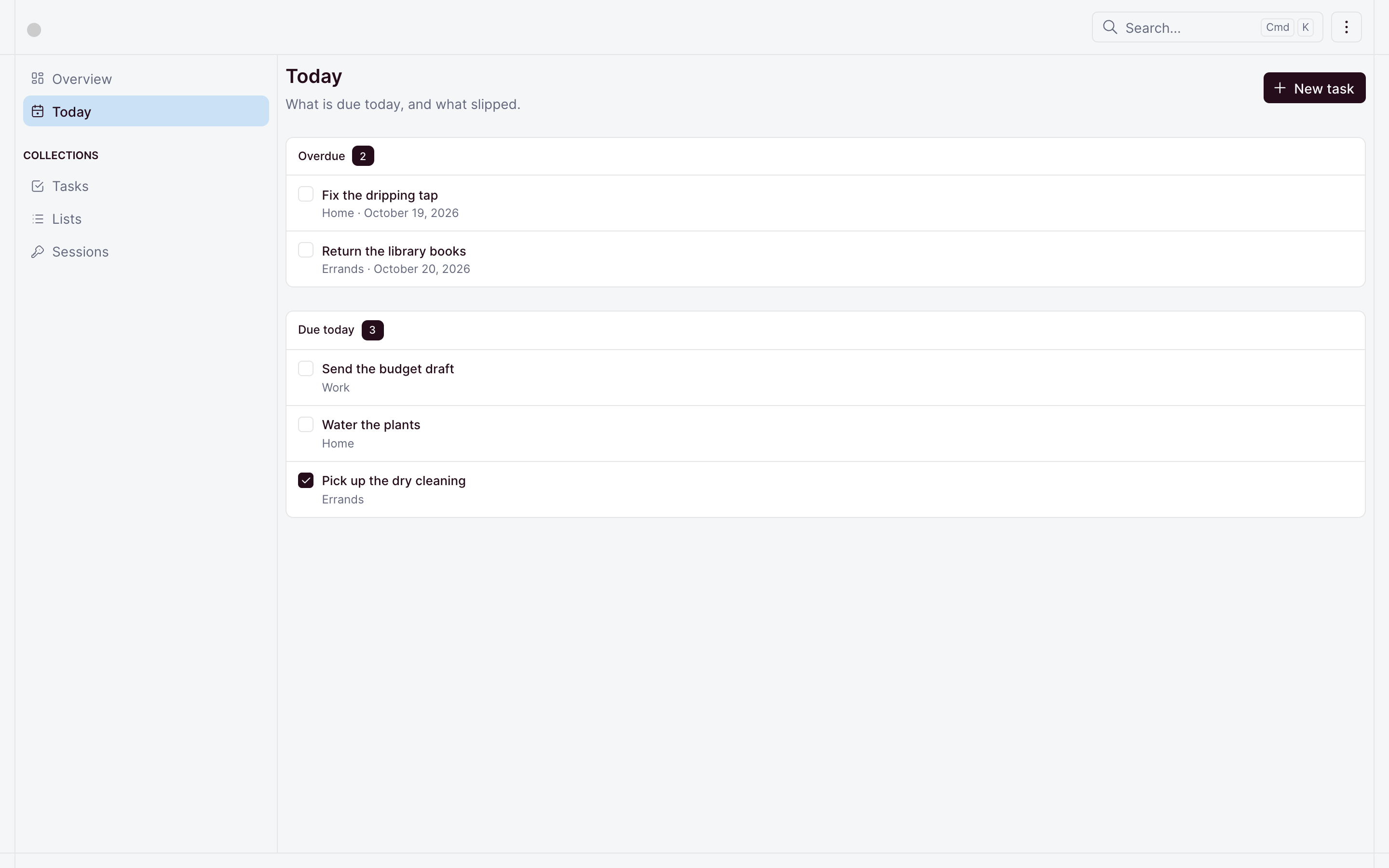
The Today page with two overdue tasks and three due todayThe Today page with two overdue tasks and three due today

What it shows

The parts of ohne it puts to work.

Each card opens the guide that explains it.

  • Database

    Collections and fields

    Your data model, and the built-in field types it is made of.

  • HTTP API

    The collections API

    REST endpoints a collection opts into.

  • Auth

    Authentication

    The Users collection, the /auth endpoints, and useUser.

  • Auth

    Roles and capabilities

    Code-defined roles, capability guards, and the collections API's default protection.

  • Dashboard

    Dashboard pages

    The pages convention, navigation, the sidebar, and how pages are served.

  • Dashboard

    Data in the dashboard

    The typed api() fetch helper and translations.

  • Internationalization

    Messages

    Catalogs, useT, and language negotiation.

  • Project

    Boot files

    Code that runs before the server opens.

  • Assistant

    The assistant

    Install the layer, pick models, choose what it may see.

  • Assistant

    Skills

    Teach the assistant one kind of work.

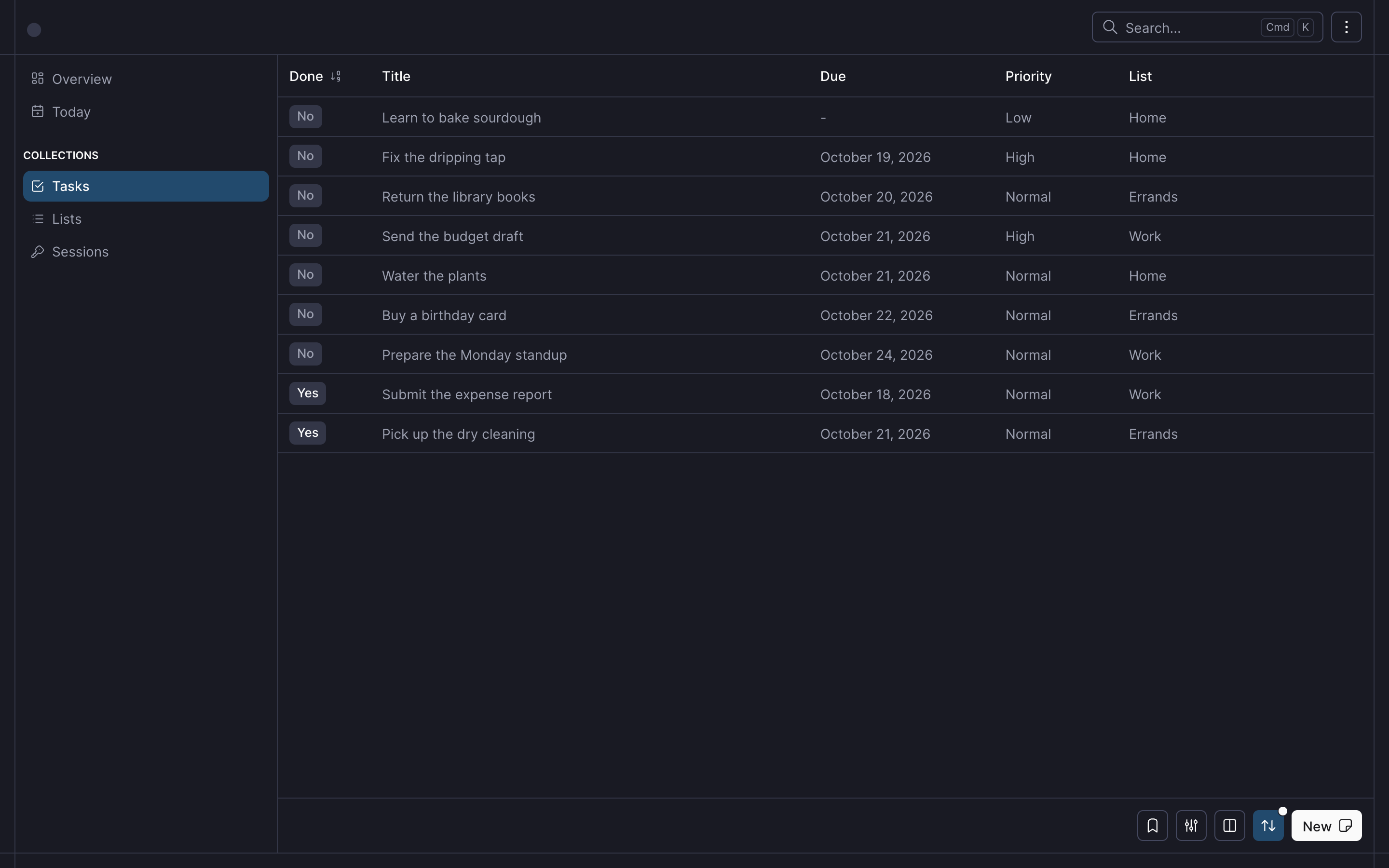
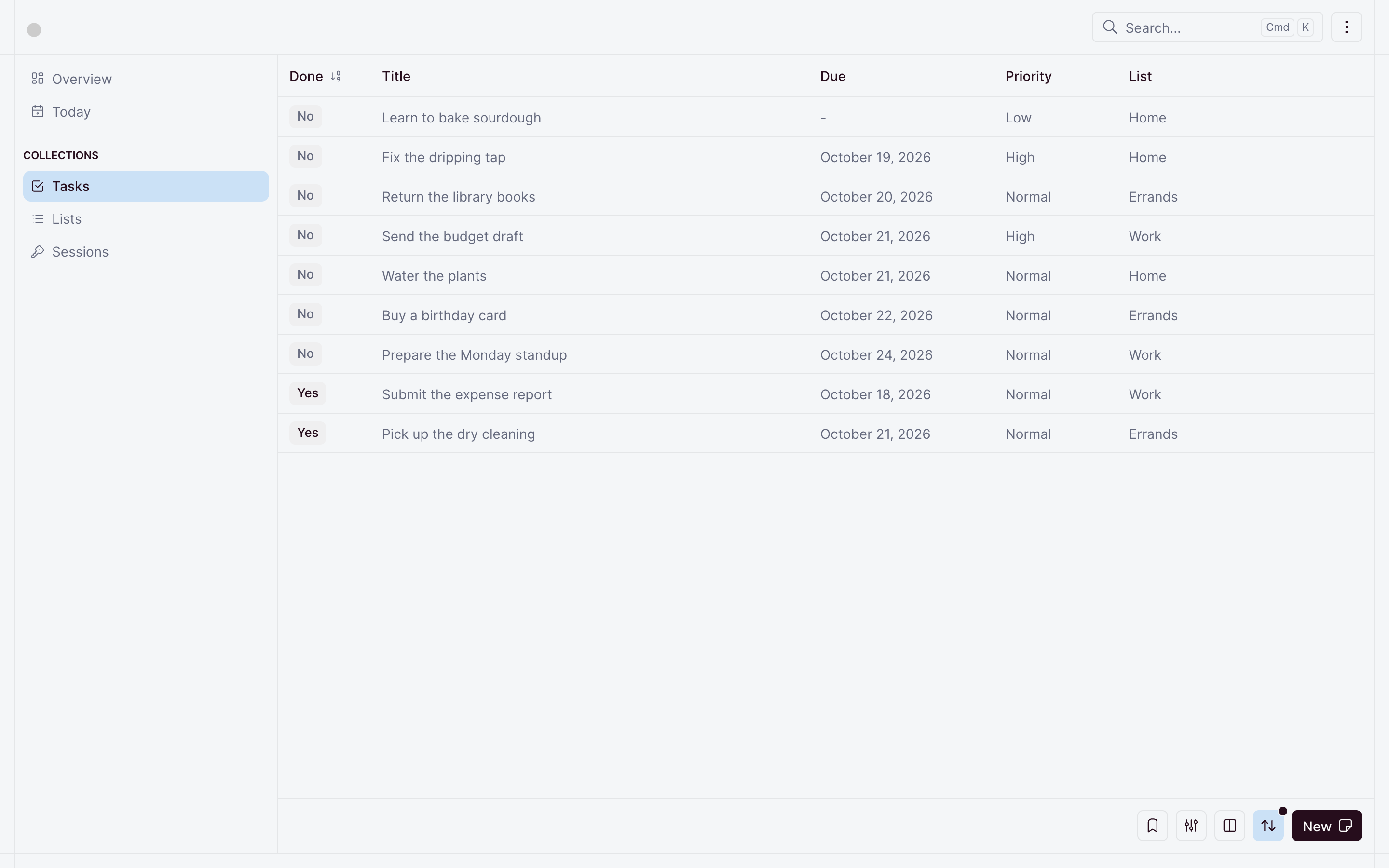
The tasks table with due days, priorities and listsThe tasks table with due days, priorities and lists

Get it

Clone it and run it.

You need Node 26 and pnpm. The dashboard opens on 9000.

Terminal
git clone https://github.com/ohnejs/todo todo
cd todo
pnpm install
pnpm dev

Inside

The files that do the work.

Exactly as the repository holds them.

ohne.config.ts
import { defineConfig } from 'ohnejs';

export default defineConfig({
  // `ohnejs/base` brings sign-in, users and the dashboard. `ohnejs/ai` adds the assistant behind Cmd+K.
  layers: ['ohnejs/base', 'ohnejs/ai'],
  ai: {
    // `key` names the environment variable that holds the API key, so the key itself stays in `.env`.
    model: 'claude',
    models: {
      claude: { provider: 'anthropic', model: 'claude-opus-5-5', key: 'ANTHROPIC_API_KEY' },
    },
    // The model sees no field values unless you list them here, so it reads these and nothing else.
    // See https://ohne.dev/docs/ai/assistant#what-reaches-the-model
    data: {
      Lists: ['name', 'color'],
      Tasks: ['title', 'notes', 'done', 'due', 'priority', 'list'],
    },
    // The rules of this app, which the model reads on every question.
    instructions: [
      'This is a to-do app: `Lists` group `Tasks`, and every record belongs to the person asking.',
      'Never send `owner`: the server stamps it with the person.',
      '`due` is a calendar day as `YYYY-MM-DD`, read in the time zone of the turn context.',
      'Resolve words like today, tomorrow, Friday or next week from the date in the turn context.',
      "A task's `list` is the `UUID` of one of the person's lists: find it by name before you write.",
      'Create a list only when the person asks for one, or when none of theirs fits and they agree.',
      '`priority` is `low`, `normal` or `high`; keep `normal` unless the words signal urgency.',
      'Finish a task by setting `done` to true, and delete only when the person asks to delete.',
      'Turn a vague goal into small, concrete tasks, each one a person can finish in one sitting.',
      "Answer in the person's language, briefly, and name tasks by their titles.",
    ],
    // Edits that touch only these fields may skip the approval table, once a person allows it.
    // Each person turns that on for themselves, with a switch on their account page.
    // See https://ohne.dev/docs/ai/assistant#auto-accept
    autoAccept: { max: 20, fields: { Tasks: ['done', 'due', 'priority'] } },
  },
  dashboard: {
    // Links the Today page in the sidebar, for everyone who may read tasks.
    // See https://ohne.dev/docs/dashboard/pages#the-sidebar
    menu: {
      today: {
        parent: 'general',
        order: 2,
        to: '/today',
        label: 'todo.today.title',
        icon: 'calendar-due',
        can: 'collection.Tasks.read',
      },
      // A collection is a menu node too, keyed by its name, so this puts Tasks above Lists.
      Tasks: { order: 1 },
      Lists: { order: 2 },
    },
  },
});

README

From the repository.

README.md

What it shows

  • Collections. Lists and Tasks in collections/, with color, date, select and record fields. See collections.
  • Access scopes. collections/_own.ts keeps every account to its own lists and tasks, and lets a todo.manage capability past. See who is asking and custom capabilities.
  • Sign-up. api/signup.post.ts creates a member and signs them in. See creating accounts.
  • A role. roles/member.ts, the role sign-up grants. See roles.
  • A dashboard page. dashboard/pages/today.ts, linked in the sidebar by ohne.config.ts. See pages and data.
  • Tables and editors for free. The dashboard key of each collection sets the columns and the form. See the collection in the dashboard.
  • An assistant. ohne.config.ts stacks ohnejs/ai, lets it read lists and tasks, and gives it the rules of the app. skills/ teaches it Plan my day, Capture, Reschedule overdue and Weekly review. Every write it proposes runs with your own session and waits for your approval, unless you turn on auto-accept on your account page for small edits like ticking off a task. See the assistant and skills.
  • Messages. English and German in messages/todo/. See messages.
  • A seed. boot/_seed.ts, run by boot/seed.ts. See boot files.
  • Tests. tests/ boots the API in the test process and checks each rule above over HTTP.

Getting started

In a copy of this repository:

Terminal
pnpm install
pnpm dev

Open http://localhost:9000 and sign in:

AccountEmailPasswordSees
Memberdemo@example.comohne-demotheir own lists and tasks
Adminadmin@example.comprinted by the first pnpm devevery account's lists and tasks

The assistant runs on Claude. Put your key in .env as ANTHROPIC_API_KEY=... and press Cmd+K in the dashboard. Without a key, Cmd+K stays a search.

Once an account exists, anyone can sign up as a member:

Terminal
curl http://localhost:9001/signup -H 'content-type: application/json' \
  -d '{ "email": "you@example.org", "password": "correct horse" }'

The seed fills an empty database only, and never under NODE_ENV=production. Delete .data/ to start over.

The checks:

Terminal
pnpm typecheck
pnpm test
pnpm lint
pnpm format --check

Upgrading

Bump ohnejs in package.json and follow the framework's release notes. To pick up later changes to this example, compare your copy with this repository.

Deploy

Todo is a plain ohne app. Run ohne serve api and ohne serve dashboard as the deployment guide describes.

Set NODE_ENV=production. The seed then stays out, and sign-up stays closed until an admin exists. The first visit to the dashboard opens the install page, where you create that admin.

The app keeps its data in SQLite. For a bigger install, move to Postgres.

Licence and credits

MIT, see LICENSE. The seed holds no third-party assets.

One owner per install

One install serves one group of accounts. A member sees only their own lists and tasks, and an admin sees everyone's.